
Sign In Start Free Trial
Account

Add to playlist

Create a Playlist

Modal Close icon
You need to login to use this feature.
  • Book Overview & Buying Drupal 8 Module Development
  • Table Of Contents Toc
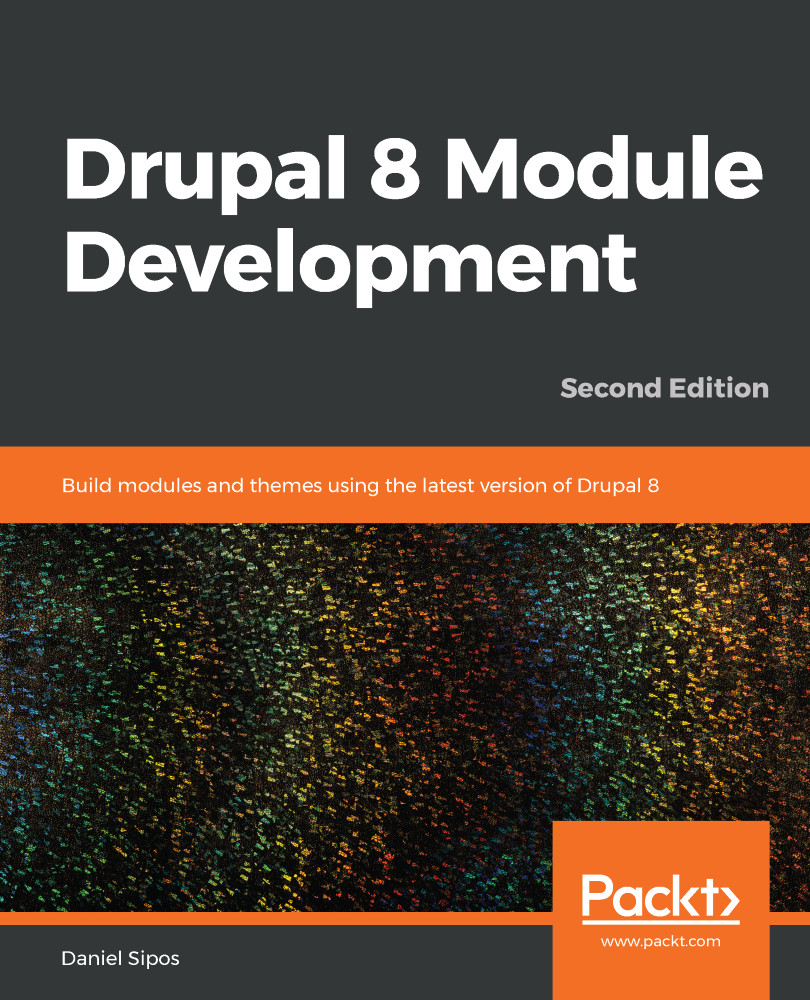
Drupal 8 Module Development

Drupal 8 Module Development - Second Edition

By : Daniel Sipos
4.3 (8)
close
close
Drupal 8 Module Development

Drupal 8 Module Development

4.3 (8)
By: Daniel Sipos

Overview of this book

Drupal 8 comes with a release cycle that allows for new functionality to be added at a much faster pace. However, this also means code deprecations and changing architecture that you need to stay on top of. This book updates the first edition and includes the new functionality introduced in versions up to, and including 8.7. The book will first introduce you to the Drupal 8 architecture and its subsystems before diving into creating your first module with basic functionality. You will work with the Drupal logging and mailing systems, learn how to output data using the theme layer and work with menus and links programmatically. Then, you will learn how to work with different kinds of data storages, create custom entities, field types and leverage the Database API for lower level database queries. You will further see how to introduce JavaScript into your module, work with the various file systems and ensure the code you write works on multilingual sites. Finally, you will learn how to programmatically work with Views, write automated tests for your functionality and also write secure code in general. By the end, you will have learned how to develop your own custom module that can provide complex business solutions. And who knows, maybe you’ll even contribute it back to the Drupal community. Foreword by Dries Buytaert, founder of Drupal.
Table of Contents (20 chapters)
close
close

Block access

Another major area where you will deal with access is when trying to control access to a custom block. If you remember in Chapter 2, Creating Your First Module, we created the HelloWorldSalutationBlock plugin so that our salutation can also be rendered using a block. Now that block can be placed in a region and even configured to show up only on certain pages, for certain user roles, or even on node pages restricted by bundle. This is all done in the UI:

However, this is oftentimes not enough, and you will want to have a block placed in a region and control yourself under what circumstances it should show up. Enter block access.

Inside the BlockBase plugin base class, there is the blockAccess() method which always returns positively. This is because, by default, all blocks will be rendered once they are placed in a region. Unless, of course, they are configured to...

CONTINUE READING
83
Tech Concepts
36
Programming languages
73
Tech Tools
Icon Unlimited access to the largest independent learning library in tech of over 8,000 expert-authored tech books and videos.
Icon Innovative learning tools, including AI book assistants, code context explainers, and text-to-speech.
Icon 50+ new titles added per month and exclusive early access to books as they are being written.
Drupal 8 Module Development
notes
bookmark Notes and Bookmarks search Search in title playlist Add to playlist download Download options font-size Font size

Change the font size

margin-width Margin width

Change margin width

day-mode Day/Sepia/Night Modes

Change background colour

Close icon Search
Country selected

Close icon Your notes and bookmarks

Confirmation

Modal Close icon
claim successful

Buy this book with your credits?

Modal Close icon
Are you sure you want to buy this book with one of your credits?
Close
YES, BUY

Submit Your Feedback

Modal Close icon
Modal Close icon
Modal Close icon