


-
Book Overview & Buying
-
Table Of Contents

ASP.NET Core 5 and React - Second Edition
By :


ASP.NET Core 5 and React
By:
Overview of this book
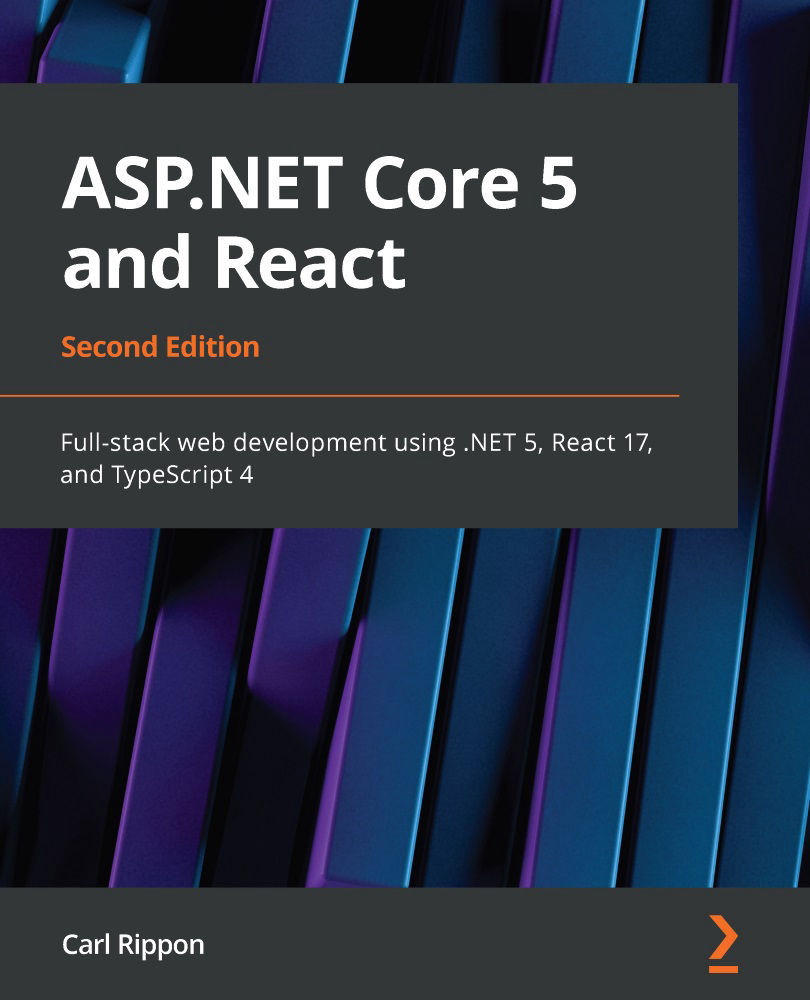
Microsoft’s .NET framework is a robust server-side framework, now even more powerful thanks to the recent unification of the Microsoft ecosystem with the .NET 5 framework. This updated second edition addresses these changes in the .NET framework and the latest release of React.
The book starts by taking you through React and TypeScript components for building an intuitive single-page application and then shows you how to design scalable REST APIs that can integrate with a React-based frontend. Next, you’ll get to grips with the latest features, popular patterns, and tools available in the React ecosystem, including function-based components, React Router, and Redux. As you progress through the chapters, you'll learn how to use React with TypeScript to make the frontend robust and maintainable and cover key ASP.NET 5 features such as API controllers, attribute routing, and model binding to build a sturdy backend. In addition to this, you’ll explore API security with ASP.NET 5 identity and authorization policies and write reliable unit tests using both .NET and React, before deploying your app on Azure.
By the end of this book, you’ll have gained the knowledge you need to enhance your C# and JavaScript skills and build full-stack, production-ready applications with ASP.NET 5 and React.
Table of Contents (21 chapters)
Preface


Section 1: Getting Started
 Free Chapter
Chapter 1: Understanding the ASP.NET 5 React Template
Chapter 2: Creating Decoupled React and ASP.NET 5 Apps

Section 2: Building a Frontend with React and TypeScript
Chapter 3: Getting Started with React and TypeScript
Chapter 4: Styling React Components with Emotion
Chapter 5: Routing with React Router
Chapter 6: Working with Forms
Chapter 7: Managing State with Redux
Section 3: Building an ASP.NET Backend
Chapter 8: Interacting with the Database with Dapper
Chapter 9: Creating REST API Endpoints
Chapter 10: Improving Performance and Scalability
Chapter 11: Securing the Backend
Chapter 12: Interacting with RESTful APIs
Section 4: Moving into Production
Chapter 13: Adding Automated Tests
Chapter 14: Configuring and Deploying to Azure
Chapter 15: Implementing CI and CD with Azure DevOps
Other Books You May Enjoy


