


-
Book Overview & Buying
-
Table Of Contents

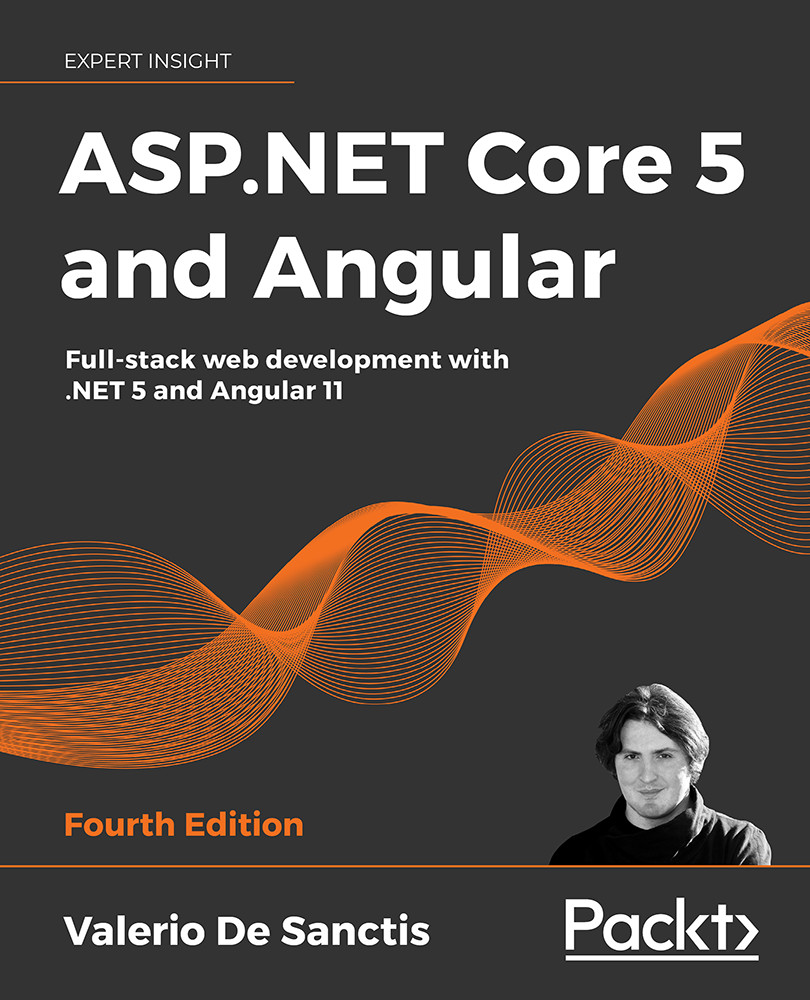
ASP.NET Core 5 and Angular - Fourth Edition
By :


ASP.NET Core 5 and Angular
By:
Overview of this book
Learning full-stack development calls for knowledge of both front-end and back-end web development. ASP.NET Core 5 and Angular, Fourth Edition will enhance your ability to create, debug, and deploy efficient web applications using ASP.NET Core and Angular. This revised edition includes coverage of the Angular routing module, expanded discussion on the Angular CLI, and detailed instructions for deploying apps on Azure, as well as both Windows and Linux.
Taking care to explain and challenge design choices made throughout the text, Valerio teaches you how to build a data model with Entity Framework Core, alongside utilizing the Entity Core Fluent API and EntityTypeConfiguration class. You’ll learn how to fetch and display data and handle user input with Angular reactive forms and front-end and back-end validators for maximum effect.
Later, you will perform advanced debugging and explore the unit testing features provided by xUnit.net (.NET 5) and Jasmine, as well as Karma for Angular. After adding authentication and authorization to your apps, you will explore progressive web applications (PWAs), learning about their technical requirements, testing, and converting SWAs to PWAs.
By the end of this book, you will understand how to tie together the front end and back end to build and deploy secure and robust web applications.
Table of Contents (15 chapters)
Preface


Getting Ready
 Free Chapter
Looking Around
Front-End and Back-End Interactions
Data Model with Entity Framework Core

Fetching and Displaying Data
Forms and Data Validation
Code Tweaks and Data Services
Back-End and Front-End Debugging
ASP.NET Core and Angular Unit Testing
Authentication and Authorization
Progressive Web Apps
Windows, Linux, and Azure Deployment
Other Books You May Enjoy
Index


