


-
Book Overview & Buying
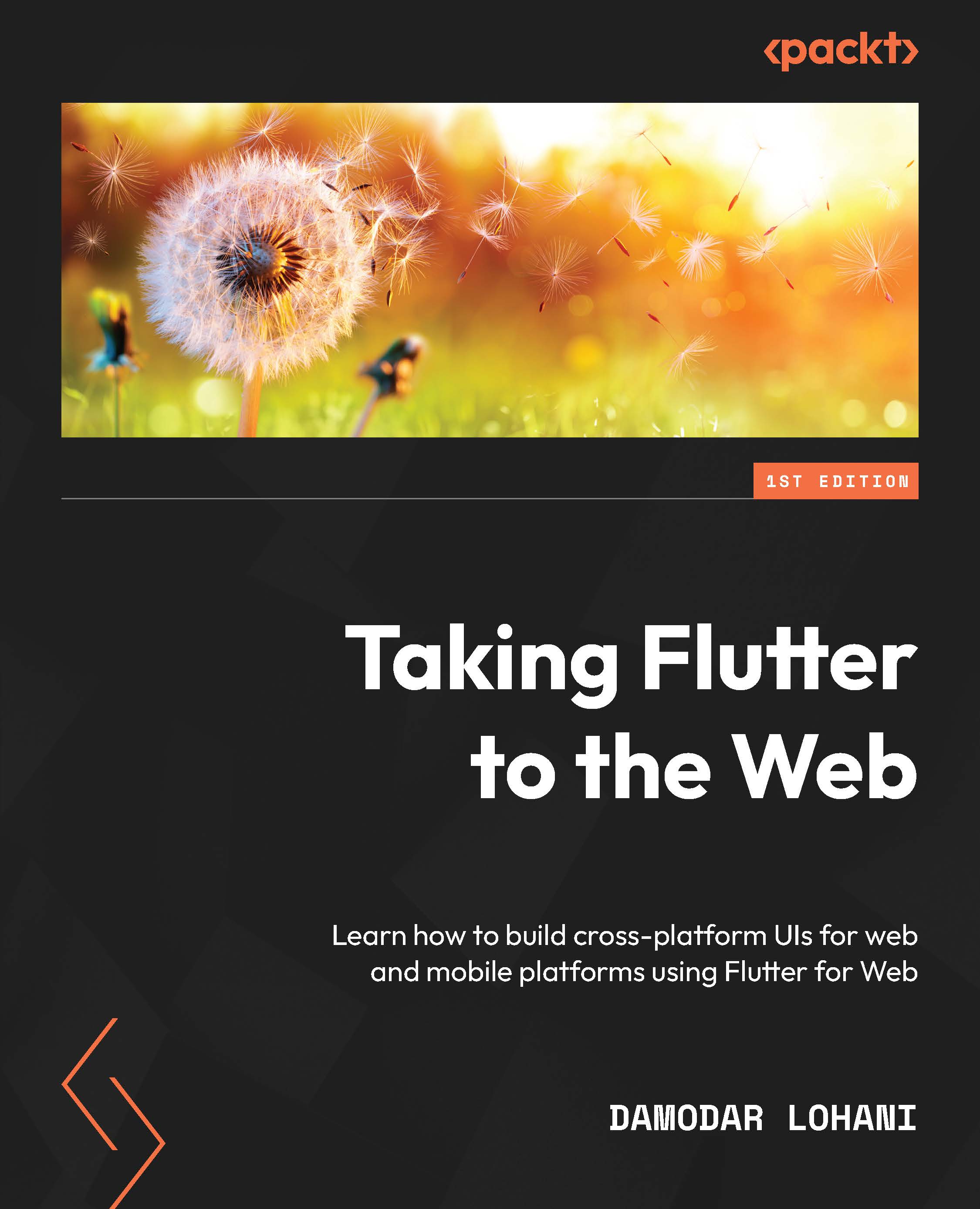
-
Table Of Contents

-
Feedback & Rating

Taking Flutter to the Web
By :


Taking Flutter to the Web
By:
Overview of this book
Using a shared codebase in addition to an extensive range of tools in the Flutter ecosystem optimized for browsers, the Flutter framework has expanded to enable you to bring your mobile apps to the web. You’ll find out how web developers can leverage the Flutter framework for web apps with this hands-on guide.
Taking Flutter to the Web will help you learn all about the Flutter ecosystem by covering the tools and project structure that allows you to easily integrate Flutter into your web stack. You’ll understand the concepts of cross-platform UI development and how they can be applied to web platforms. As you explore Flutter on the web, you'll become well-versed with using Flutter as an alternative UI platform for building adaptive and responsive designs for web apps.
By the end of this Flutter book, you'll have built and deployed a complete Flutter app for the web and have a roadmap ready to target the web for your existing Flutter mobile apps.
Table of Contents (17 chapters)
Preface


Part 1: Basics of Flutter Web
 Free Chapter
Chapter 1: Getting Started with Flutter on the Web
Chapter 2: Creating Your First Web App
Chapter 3: Building Responsive and Adaptive Designs
Part 2: Flutter Web under the Hood
Chapter 4: Flutter Web under the Hood
Chapter 5: Understanding Routes and Navigation
Chapter 6: Architecting and Organizing
Part 3: Advanced Concepts
Chapter 7: Implementing Persistence
Chapter 8: State Management in Flutter
Chapter 9: Integrating Appwrite

Chapter 10: Firebase Integration
Chapter 11: Building and Deploying a Flutter Web Application
Index
Other Books You May Enjoy
Customer Reviews



