Sign In Start Free Trial
Account

Add to playlist

Create a Playlist

Modal Close icon
You need to login to use this feature.
  • Book Overview & Buying Full-Stack React, TypeScript, and Node
  • Table Of Contents Toc
Full-Stack React, TypeScript, and Node

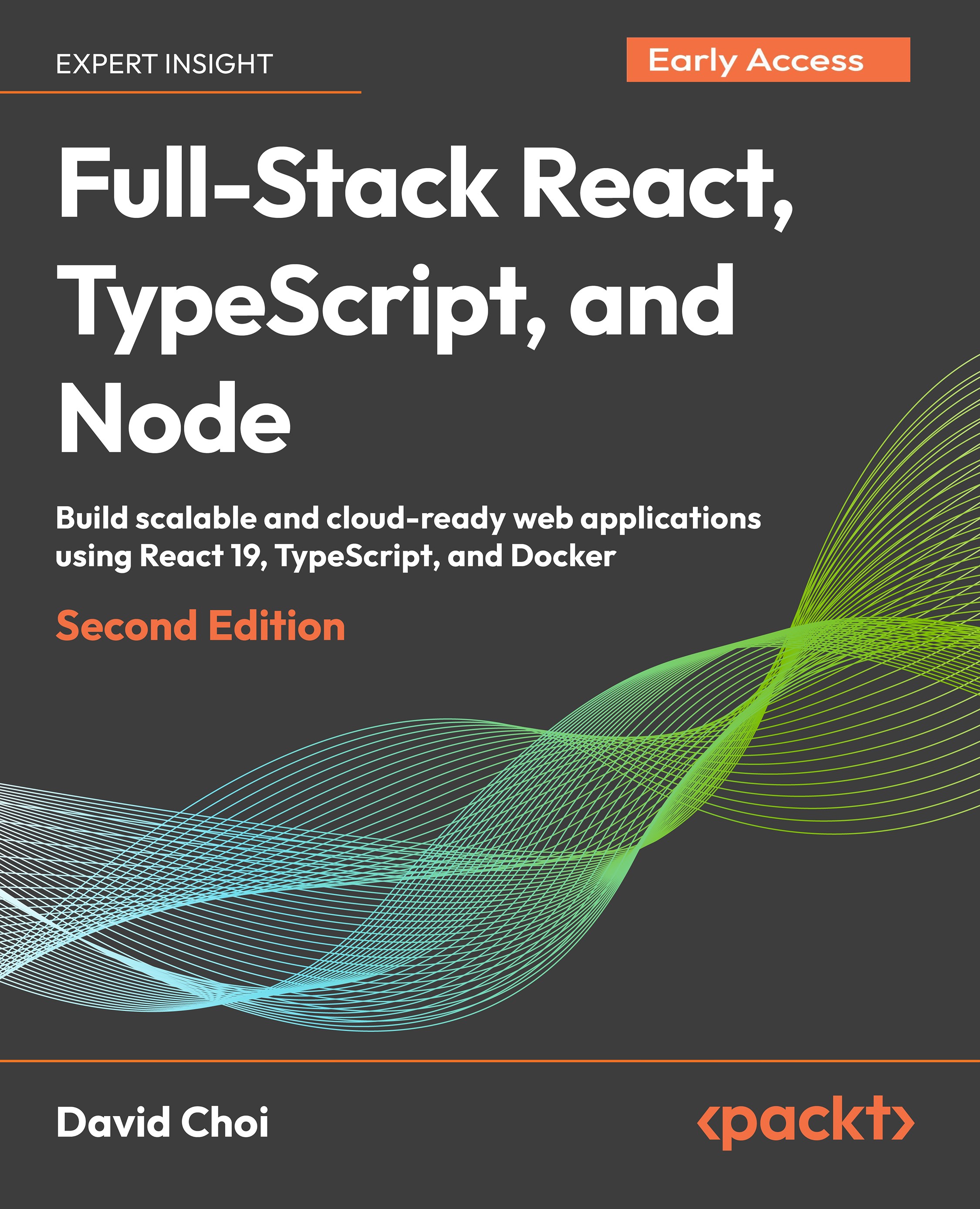
Full-Stack React, TypeScript, and Node - Second Edition

By : David Choi
close
close
Full-Stack React, TypeScript, and Node

Full-Stack React, TypeScript, and Node

By: David Choi

Overview of this book

In the fast-paced world of web development, React sets the benchmark for high-performance client-side applications, while Node.js and Express enable scalable server-side solutions and web services. TypeScript enhances JavaScript projects with robustness and maintainability, making it essential for large-scale applications. This second edition provides a hands-on guide to mastering these technologies with new chapters and updated content reflecting the latest industry practices. Start with a solid foundation in TypeScript, building high-quality web applications. Explore React 19, leveraging the latest Hooks API and Redux Toolkit for state management. Transition to server-side development with Express, incorporating modern practices like JWT-based authentication and Prisma ORM for database management. A key addition is Docker, streamlining deployment with containerized applications. Learn to configure Express projects with Docker and deploy to AWS for scalable solutions. Updates include Vitest for testing, new React features like Suspense, and expanded content on Postgres and Prisma ORM. By the end of this book, you will have built and deployed a comprehensive full-stack application, ready for production.
Table of Contents (5 chapters)
close
close

Technical requirements

To take full advantage of this chapter, you should be an intermediate developer experienced in coding with another type-safe language and platform. You’ll also need to install Node and a JavaScript code editor, such as Visual Studio Code (VSCode).You can find the GitHub repository for this chapter at https://github.com/PacktPublishing/Full-Stack-React-TypeScript-and-Node-2nd-Edition. Use the code in the Chap2 folder.Before continuing, we will set our base project similarly to how we did in Chapter 1, Understanding TypeScript:

  1. Go to your FullStackTypeScript folder and create a new folder called Chap2.
  2. Open VSCode and go to File | Open Folder, and then open the Chap2 folder you just created. Then, select View | Terminal and enable the terminal window within your VSCode window.
  3. Type the npm init command to initialize the project for npm, and accept all the defaults.
  4. This time around, let’s install TypeScript into our project instead of globally. Type...
CONTINUE READING
83
Tech Concepts
36
Programming languages
73
Tech Tools
Icon Unlimited access to the largest independent learning library in tech of over 8,000 expert-authored tech books and videos.
Icon Innovative learning tools, including AI book assistants, code context explainers, and text-to-speech.
Icon 50+ new titles added per month and exclusive early access to books as they are being written.
Full-Stack React, TypeScript, and Node
notes
bookmark Notes and Bookmarks search Search in title playlist Add to playlist font-size Font size

Change the font size

margin-width Margin width

Change margin width

day-mode Day/Sepia/Night Modes

Change background colour

Close icon Search
Country selected

Close icon Your notes and bookmarks

Confirmation

Modal Close icon
claim successful

Buy this book with your credits?

Modal Close icon
Are you sure you want to buy this book with one of your credits?
Close
YES, BUY

Submit Your Feedback

Modal Close icon
Modal Close icon
Modal Close icon