Sign In Start Free Trial
Account

Add to playlist

Create a Playlist

Modal Close icon
You need to login to use this feature.
  • Book Overview & Buying Flask Framework Cookbook
  • Table Of Contents Toc
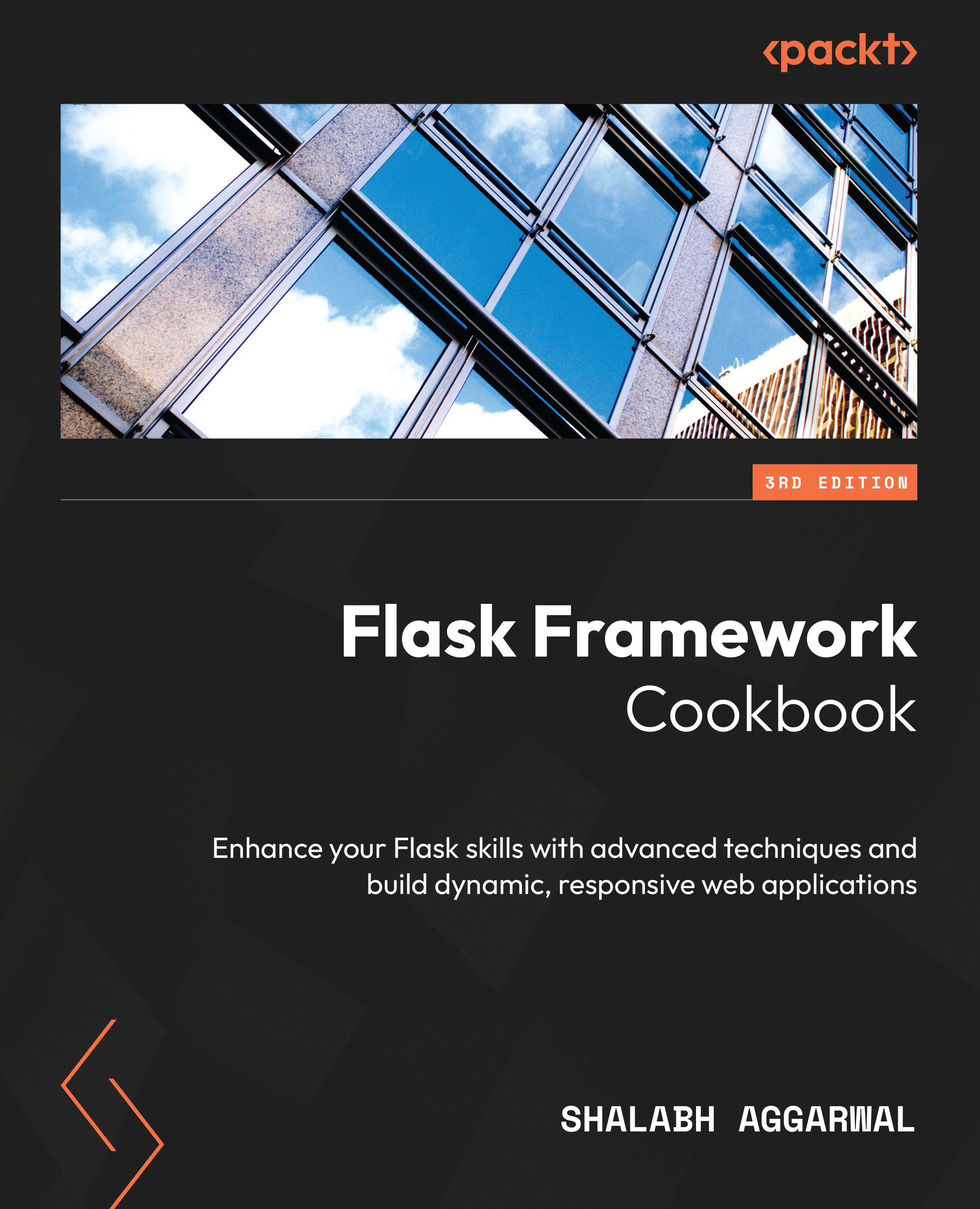
Flask Framework Cookbook

Flask Framework Cookbook - Third Edition

By : Shalabh Aggarwal
5 (10)
close
close
Flask Framework Cookbook

Flask Framework Cookbook

5 (10)
By: Shalabh Aggarwal

Overview of this book

Discover what makes Flask, the lightweight Python web framework, popular, as you delve into its modular design that enables the development of scalable web apps. With this practical guide, you'll explore modern solutions, recommended design patterns, and best practices for Flask web development. Updated to the latest version of Flask and Python, this third edition of the Flask Framework Cookbook moves away from the outdated libraries, updates content to incorporate new coding patterns, and introduces recipes for the latest tools. You'll explore different ways to integrate with GPT to build AI-ready Flask applications. The book starts with an exploration of Flask application configurations and then guides you through working with templates and understanding the ORM and view layers. You’ll also be able to write an admin interface and get to grips with testing using the factory pattern, debugging, and logging errors. Then you’ll discover different ways of using Flask to create, deploy, and manage microservices using AWS, GCP, and Kubernetes. Finally, you’ll gain insights into various deployment and post-deployment techniques for platforms such as Apache, Tornado, and Datadog. By the end of this book, you'll have acquired the knowledge necessary to write Flask applications that cater to a wide range of use cases in the best possible way and scale them using standard industry practices.
Table of Contents (20 chapters)
close
close
1
Part 1: Flask Fundamentals
6
Part 2: Flask Deep Dive
12
Part 3: Advanced Flask

Making a Flask app installable using setuptools

We now have a Flask app, but how do we install it like any Python package? It is possible that another application might depend on our application, or that our application is an extension of Flask and would need to be installed in a Python environment so it can be used by other applications. In this recipe, we will see how setuptools can be used to create an installable Python package.

What is a Python package?

A Python package can simply be thought of as a program that can be imported using Python’s import statement in a virtual environment or globally based on its installation scope.

How to do it...

Installing a Flask app can be easily achieved using the setuptools Python library. To achieve this, create a file called setup.py in your application’s folder and configure it to run a setup script for the application. This will take care of any dependencies, descriptions, loading test packages, and so on.

The following is an example of a simple setup.py script for the Hello World application from the previous recipe:

#!/usr/bin/env python
# -*- coding: UTF-8 -*-
import os
from setuptools import setup
setup(
    name = 'my_app',
    version='1.0',
    license='GNU General Public License v3',
    author='Shalabh Aggarwal',
    author_email='[email protected]',
    description='Hello world application for Flask',
    packages=['my_app'],
    platforms='any',
    install_requires=[
        'Flask',
    ],
    classifiers=[
        'Development Status :: 4 - Beta',
        'Environment :: Web Environment',
        'Intended Audience :: Developers',
        'License :: OSI Approved :: GNU General Public
          License v3',
        'Operating System :: OS Independent',
        'Programming Language :: Python',
        'Topic :: Internet :: WWW/HTTP :: Dynamic Content',
        'Topic :: Software Development :: Libraries ::
          Python Modules'
],
)

How it works...

In the preceding script, most of the configuration is self-explanatory. The classifiers are used when the application is made available on PyPI. These will help other users search the application using the relevant classifiers.

Now, we can run this file with the install keyword, as follows:

$ python setup.py install

The preceding command will install the application along with all the dependencies mentioned in install_requires – that is, Flask and all of Flask’s dependencies. Now, the app can be used just like any Python package in a Python environment.

To verify the successful installation of your package, import it inside a Python environment:

$ python
Python 3.8.13 (default, May  8 2022, 17:52:27)
>>> import my_app
>>>

See also

The list of valid trove classifiers can be found at https://pypi.python.org/pypi?%3Aaction=list_classifiers.

CONTINUE READING
83
Tech Concepts
36
Programming languages
73
Tech Tools
Icon Unlimited access to the largest independent learning library in tech of over 8,000 expert-authored tech books and videos.
Icon Innovative learning tools, including AI book assistants, code context explainers, and text-to-speech.
Icon 50+ new titles added per month and exclusive early access to books as they are being written.
Flask Framework Cookbook
notes
bookmark Notes and Bookmarks search Search in title playlist Add to playlist download Download options font-size Font size

Change the font size

margin-width Margin width

Change margin width

day-mode Day/Sepia/Night Modes

Change background colour

Close icon Search
Country selected

Close icon Your notes and bookmarks

Confirmation

Modal Close icon
claim successful

Buy this book with your credits?

Modal Close icon
Are you sure you want to buy this book with one of your credits?
Close
YES, BUY

Submit Your Feedback

Modal Close icon
Modal Close icon
Modal Close icon