Sign In Start Free Trial
Account

Add to playlist

Create a Playlist

Modal Close icon
You need to login to use this feature.
  • Book Overview & Buying Full Stack Development with Spring Boot 3 and React
  • Table Of Contents Toc
  • Feedback & Rating feedback
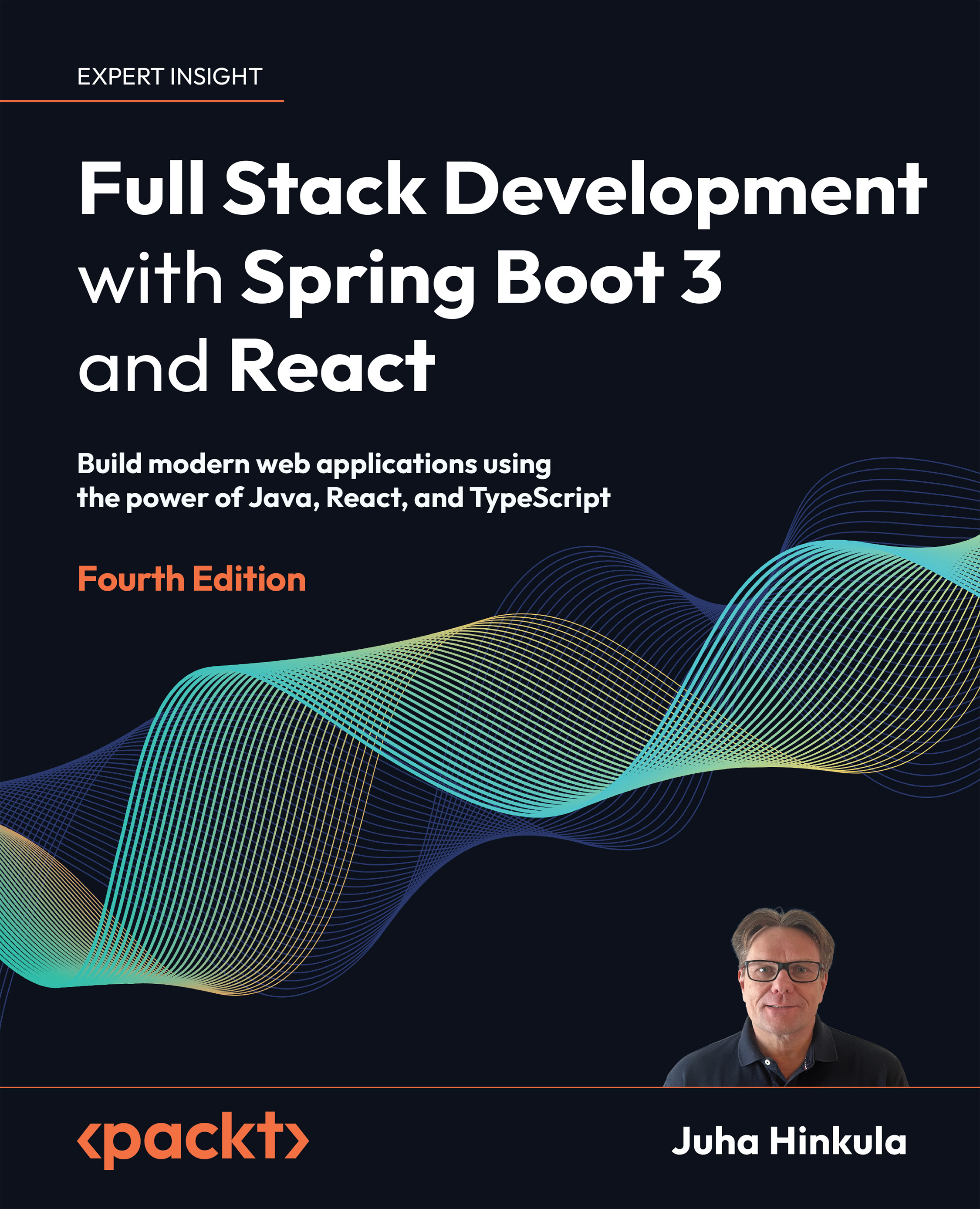
Full Stack Development with Spring Boot 3 and React

Full Stack Development with Spring Boot 3 and React - Fourth Edition

By : Juha Hinkula
4.4 (18)
close
close
Full Stack Development with Spring Boot 3 and React

Full Stack Development with Spring Boot 3 and React

4.4 (18)
By: Juha Hinkula

Overview of this book

If you’re an existing Java developer who wants to go full stack or pick up another frontend framework, this book is your concise introduction to React. In this three-part build-along, you’ll create a robust Spring Boot backend, a React frontend, and then deploy them together. This new edition is updated to Spring Boot 3 and includes expanded content on security and testing. For the first time ever, it also covers React development with the in-demand TypeScript. You’ll explore the elements that go into creating a REST API and testing, securing, and deploying your applications. You’ll learn about custom Hooks, third-party components, and MUI. By the end of this book, you'll be able to build a full stack application using the latest tools and modern best practices.
Table of Contents (23 chapters)
close
close
1
Part I: Backend Programming with Spring Boot
8
Part II: Frontend Programming with React
14
Part III: Full Stack Development
21
Other Books You May Enjoy
22
Index

Creating a React app with TypeScript

Now, we will create a React app using Vite, and we will use TypeScript instead of JavaScript. We will use TypeScript later when we develop the frontend for our car backend. As we mentioned earlier, Vite comes with built-in TypeScript support:

  1. Create a new React app using the following command:
    npm create vite@latest
    
  2. Next, name your project tsapp, and select the React framework and the TypeScript variant:

Figure 9.7: React TypeScript app

  1. Then, move to your app folder, install dependencies, and run your app using the following commands:
    cd tsapp
    npm install
    npm run dev
    
  2. Open your app folder in VS Code, and you will see that the filename of our App component is App.tsx:

    Figure 9.8: App.tsx

    The file extension of TypeScript React files is .tsx (combining JSX with TypeScript). The regular file extension of TypeScript files is .ts.

  1. Locate the tsconfig...
Visually different images
CONTINUE READING
83
Tech Concepts
36
Programming languages
73
Tech Tools
Icon Unlimited access to the largest independent learning library in tech of over 8,000 expert-authored tech books and videos.
Icon Innovative learning tools, including AI book assistants, code context explainers, and text-to-speech.
Icon 50+ new titles added per month and exclusive early access to books as they are being written.
Full Stack Development with Spring Boot 3 and React
notes
bookmark Notes and Bookmarks search Search in title playlist Add to playlist download Download options font-size Font size

Change the font size

margin-width Margin width

Change margin width

day-mode Day/Sepia/Night Modes

Change background colour

Close icon Search
Country selected

Close icon Your notes and bookmarks

Confirmation

Modal Close icon
claim successful

Buy this book with your credits?

Modal Close icon
Are you sure you want to buy this book with one of your credits?
Close
YES, BUY

Submit Your Feedback

Modal Close icon
Modal Close icon
Modal Close icon