-
Book Overview & Buying
-
Table Of Contents
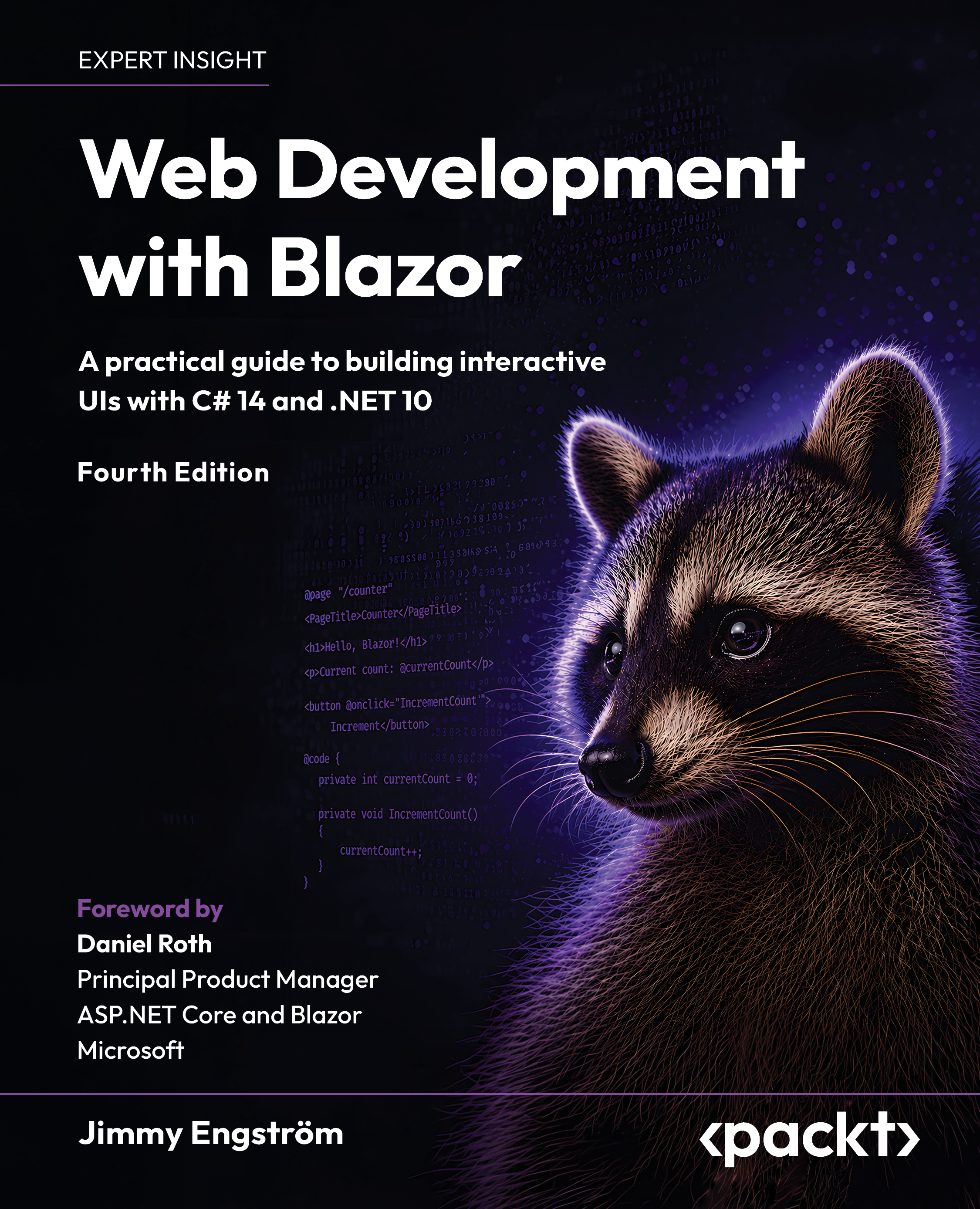
Web Development with Blazor - Fourth Edition
By :
Building modern web applications has traditionally required developers to combine multiple technologies and frameworks. With Blazor and ASP.NET Core, developers can now build interactive, modern web applications using C# and .NET across both the server and the browser.
This book will guide you through the most common scenarios you will encounter when building applications with Blazor. You will learn how Blazor fits into the modern ASP.NET Core ecosystem and how to use features such as server-side rendering (SSR), streaming rendering, enhanced navigation, interactive server rendering, WebAssembly, and hybrid applications.
As you progress through the book, you will learn how to create Blazor applications, work with Razor components, build reusable UI components, validate forms, manage state, integrate APIs, and structure production-ready applications. The focus throughout the book is practical development, helping you understand not only how the features work individually, but also how they work together in real-world applications.
By the end of this book, you will have the knowledge and confidence needed to build, deploy, and maintain modern, production-ready Blazor applications.
The book is for web developers and software developers who want to explore Blazor to learn how to build dynamic web UIs. This book assumes familiarity with C# programming and web development concepts.
Chapter 1, Hello Blazor, will teach you where Blazor comes from and how the different hosting models fit together. You will learn the difference between Blazor Server, Blazor WebAssembly, Blazor Hybrid, and server-side rendering.
Chapter 2, Creating Your First Blazor App, will help you set up your development environment and create your first Blazor app. You will also learn the project structure so we have a solid starting point for the rest of the book.
Chapter 3, Exploring Render Modes, will teach you how Blazor renders components using static SSR, streaming SSR, Interactive Server, Interactive WebAssembly, and Auto mode. You will learn when each render mode makes sense.
Chapter 4, Uncovering Aspire, will teach you how Aspire helps us run and connect the different parts of our application. You will also see how the dashboard, logs, traces, and metrics make development easier.
Chapter 5, Managing State – Part 1, will teach you how to store and access data for the blog application. You will set up PostgreSQL with Aspire and use Entity Framework to work with the data.
Chapter 6, Understanding Basic Blazor Components, will teach you how Blazor components work. You will learn the basics of Razor syntax, dependency injection, lifecycle events, and parameters.
Chapter 7, Creating Advanced Blazor Components, will teach you how to build more reusable components. You will learn about binding, EventCallback, RenderFragment, and built-in Blazor components.
Chapter 8, Building Forms with Validation, will teach you how to create forms and validate user input in Blazor. We will use this to build the admin interface for managing blog posts.
Chapter 9, Creating an API, will teach you how to create a web API using Minimal APIs. This allows the WebAssembly parts of the app to communicate with the server.
Chapter 10, Adding Authentication and Authorization, will teach you how to secure the blog application. You will add authentication, protect pages and API calls, and work with roles.
Chapter 11, Sharing Code and Resources, will teach you how to share components, CSS, images, and other static files between projects. This helps us keep things consistent across multiple Blazor applications.
Chapter 12, JavaScript Interop, will teach you how Blazor can talk to JavaScript, and how JavaScript can talk back to .NET. You will also learn when JavaScript is still needed in a Blazor app.
Chapter 13, Managing State – Part 2, will teach you more ways to keep state in a Blazor application. You will learn how to keep data around when users navigate, reload the page, or come back later.
Chapter 14, Debugging the Code, will teach you how to debug Blazor applications. You will look at debugging Blazor Server, Blazor WebAssembly, browser debugging, and Hot Reload.
Chapter 15, Exploring Tracing and Metrics, will teach you how to understand what your app is doing when it runs. You will learn how logs, metrics, traces, OpenTelemetry, and Aspire can help us find problems.
Chapter 16, Testing, will teach you how to test Blazor components with bUnit. You will learn how to write tests that verify component behavior and markup.
Chapter 17, Deploy to Production, will teach you what to think about when deploying a Blazor application. You will learn the main options and decisions without tying the chapter to one specific provider.
Chapter 18, Moving from, or Combining, an Existing Site, will teach you how Blazor can work together with existing applications. You will learn how to combine Blazor with Angular, React, MVC, Razor Pages, and web components.
Chapter 19, Going Deeper into WebAssembly, will teach you about Blazor WebAssembly-specific topics. You will look at performance, loading, progressive web apps, native dependencies, and common problems.
Chapter 20, Examining Source Generators, will teach you what source generators are and why they can be useful. You will also see how Blazor uses generated code behind the scenes.
Chapter 21, Visiting .NET MAUI, will teach you how Blazor fits into cross-platform app development. You will learn what .NET MAUI is, how Blazor Hybrid works, and how we can reuse our Blazor knowledge to build apps for Android, iOS, macOS, and Windows.
Chapter 22, Where to Go from Here, will wrap up the book by sharing lessons learned from running Blazor in production. You will learn about some real-world issues, such as memory, concurrency, errors, and browser support, and where to go next in the Blazor community.
I recommend reading the first few chapters to ensure you are up to speed with the basic concepts of Blazor in general. The project we are creating is adapted for real-world use, but some parts are left out, such as proper error handling. You should, however, get a good grasp of the building blocks of Blazor.
The book focuses on using Visual Studio 2026. That said, feel free to use whichever version you are comfortable with that supports Blazor.
|
Software covered in this book |
OS requirements |
|---|---|
|
Visual Studio 2026, .NET 10 |
Windows 10 or later, macOS, Linux |
If you are using the digital version of this book, we advise you to type the code yourself or access the code via the GitHub repository (link available in the next section). Doing so will help you avoid any potential errors related to the copying and pasting of code.
I would love for you to share your progress while reading this book or in Blazor development in general. Tweet me at @EngstromJimmy.
The code bundle for the book is hosted on GitHub at https://github.com/PacktPublishing/Web-Development-with-Blazor-4E. We also have other code bundles from our rich catalog of books and videos available at https://github.com/PacktPublishing. Check them out!
We also provide a PDF file that has color images of the screenshots/diagrams used in this book. You can download it here: https://packt.link/gbp/9781806112890.
There are a number of text conventions used throughout this book.
CodeInText: Indicates code words in text, database table names, folder names, filenames, file extensions, pathnames, dummy URLs, user input, and Twitter handles. For example: "EditForm will create an EditContext instance as a cascading value so that all the components you put inside of EditForm will access the same EditContext."
A block of code is set as follows:
public void ConfigureServices(IServiceCollection services)
{
services.AddRazorPages();
services.AddServerSideBlazor();
services.AddSingleton<WeatherForecastService>();
}
When we wish to draw your attention to a particular part of a code block, the relevant lines or items are set in bold:
var builder = DistributedApplication.CreateBuilder(args);
var postgres = builder.AddPostgres("postgres")
.WithLifetime(ContainerLifetime.Persistent)
.WithDataVolume(isReadOnly: false)
.WithPgAdmin();
Any command-line input or output is written as follows:
dotnet new blazor -o BlazorApp
cd Data
Bold: Indicates a new term, an important word, or words that you see on the screen. For instance, words in menus or dialog boxes appear in the text like this. For example: "When the installation is done, click Close and restart".
Warnings or important notes appear like this.
Tips and tricks appear like this.
Feedback from our readers is always welcome.
General feedback: If you have questions about any aspect of this book or have any general feedback, please email us at [email protected] and mention the book's title in the subject of your message.
Errata: Although we have taken every care to ensure the accuracy of our content, mistakes do happen. If you have found a mistake in this book, we would be grateful if you reported this to us. Please visit http://www.packt.com/submit-errata, click Submit Errata, and fill in the form.
Piracy: If you come across any illegal copies of our works in any form on the internet, we would be grateful if you would provide us with the location address or website name. Please contact us at [email protected] with a link to the material.
If you are interested in becoming an author: If there is a topic that you have expertise in and you are interested in either writing or contributing to a book, please visit http://authors.packt.com/.
Once you've read Web Development with Blazor, Fourth Edition, we'd love to hear your thoughts! Scan the QR code below to go straight to the Amazon review page for this book and share your feedback.

https://packt.link/r/1806112892
Your review is important to us and the tech community and will help us make sure we're delivering excellent quality content.