-
Book Overview & Buying
-
Table Of Contents
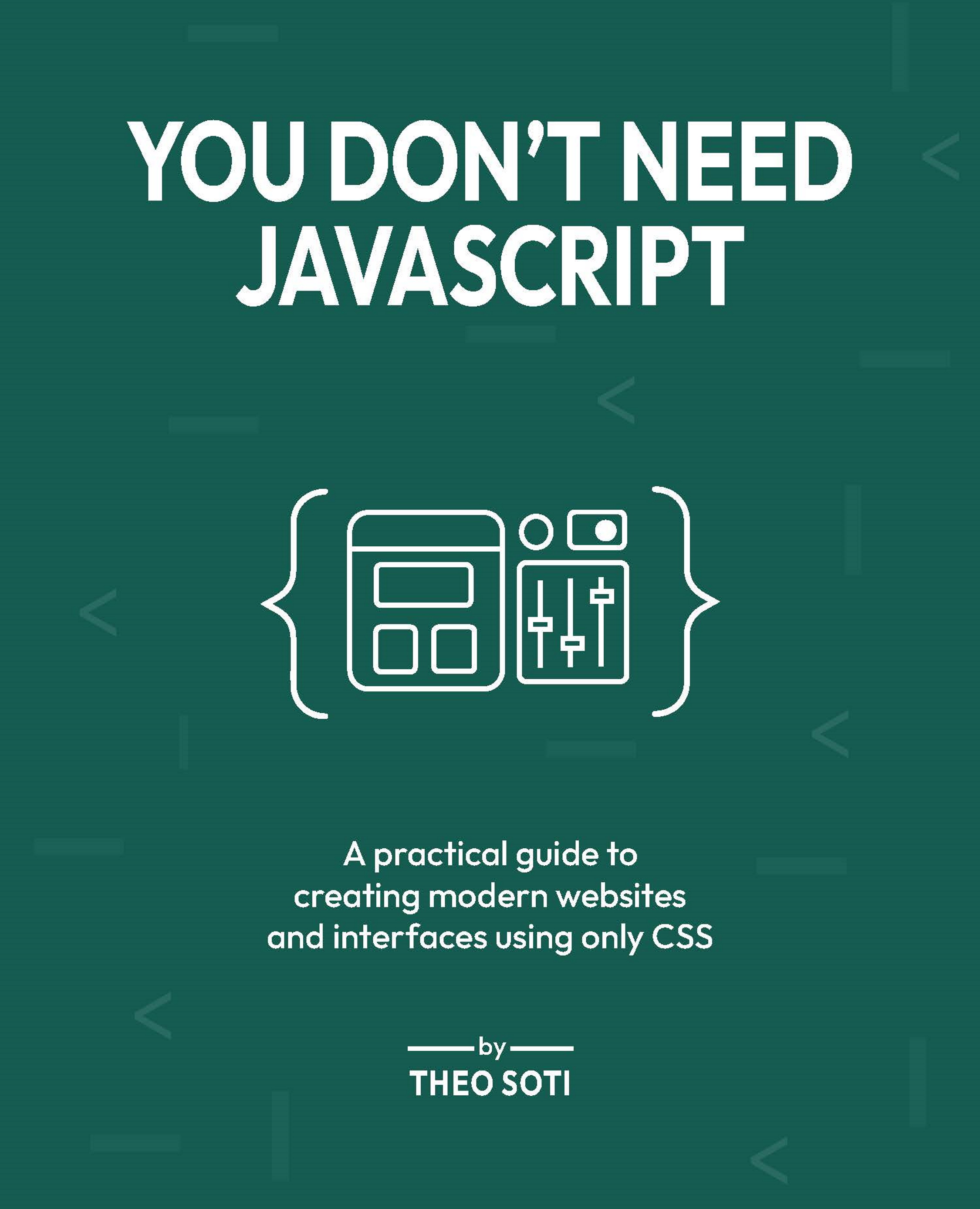
You Don't Need JavaScript
By :
JavaScript is powerful. No argument there. But what if much of what you're solving with JS could be handled just as well, or even better, using modern CSS and semantic HTML? This book is based on a simple principle: use the least powerful tool that gets the job done.
This principle originates from the philosophy behind web standards: always choose the simplest tool that effectively accomplishes the job. Start with semantic HTML to structure your content, enhance presentation and interactions with CSS, and reach for JavaScript only when absolutely necessary.
HTML and CSS are declarative languages. You describe your intent (the final look and behavior) and the browser determines the most efficient way to execute it. This approach inherently leads to simpler, more maintainable, and more accessible websites. JavaScript, however, is imperative. It demands that you explicitly define every step the browser must take, increasing complexity, performance overhead, and potential points of failure.
It's easy and tempting to reach for JavaScript. Popular frameworks such as React, Vue, and Angular have made rapid prototyping and rich interactivity extremely convenient. While this convenience has significant advantages, it also often leads to bloated bundles, slower load times, and unnecessary complexity.
On the other hand, browsers have significantly evolved. Modern CSS and HTML have caught up remarkably, offering powerful capabilities once reserved solely for JavaScript. You can now implement sophisticated UI patterns such as modals, accordions, carousels, toggles, and animations purely through native browser technologies.
Using minimal JavaScript translates to leaner codebases, improved accessibility, better performance, and reduced reliance on third-party libraries. Moreover, it results in decreased energy consumption, both for users and servers, significantly lowering your site's environmental footprint.
However, the aim isn't to entirely remove JavaScript. Certain tasks like real-time data fetching, complex business logic, advanced interactivity, will always benefit from JS. The goal is balance: employ JavaScript exactly where it provides genuine value, not simply because it's familiar or convenient.
By embracing a CSS-first approach, you enhance accessibility inherently. Semantic HTML and native browser behaviors are optimized for assistive technologies, supporting a broader audience by default.
A lighter reliance on JavaScript also means faster initial load times, reduced CPU usage, and less battery drain. For instance, substituting a JavaScript slider library (which typically weighs 50-100KB of minified JS) with a pure CSS implementation reduces overhead and significantly boosts performance.
This book invites you to pause before reaching for JavaScript. Always ask yourself first: Can CSS handle this? You'll find that the answer is "yes" more often than you'd expect, empowering you to build faster, cleaner, and more accessible websites from the start.
In the course of this book, we will cover:
:has()<dialog>This book is for people who build interfaces and want to rely less on JavaScript when they do not have to. It is aimed at front-end developers, designers who code, and curious CSS people who already know the basics and want to see how far modern HTML and CSS can really go. If you have ever added JavaScript out of habit for something the browser can already handle, this book will give you a different way to think about that.
:has(), view transitions, motion paths, masks, popovers, and anchor positioningThis is a practical book built around examples, not theory alone. It starts with familiar interface patterns, then gradually moves into more advanced CSS and newer platform features. The thread running through all of it is simple: choose the least powerful tool that can do the job well. Along the way, the book keeps coming back to the real questions that matter in front-end work, like accessibility, performance, browser support, maintainability, and how to make good trade-offs.
There are a number of text conventions used throughout this book.
CodeInText: Indicates code words in text, database table names, folder names, filenames, file extensions, pathnames, dummy URLs, user input, and Twitter handles. For example: "Here the parent .card changes only when one of its children has the class .active."
A block of code is set as follows:
/* Targets .card only if it contains an .active element */
.card:has(.active) {
border-color: green;
}
Warnings or important notes appear like this.
Tips and tricks appear like this.
Have a question, found a typo, or want to suggest an improvement? I'd love to hear from you! Email me at [email protected]
Need help with your CSS or website project? I'm available for freelance work. Let's work together, just reach out!
Want to keep learning more about modern CSS and web design? Check out theosoti.com for articles, code examples, and updates.
Feedback from our readers is always welcome.
General feedback: If you have questions about any aspect of this book or have any general feedback, please email us at [email protected] and mention the book's title in the subject of your message.
Errata: Although we have taken every care to ensure the accuracy of our content, mistakes do happen. If you have found a mistake in this book, we would be grateful if you reported this to us. Please visit http://www.packt.com/submit-errata, click Submit Errata, and fill in the form.
Piracy: If you come across any illegal copies of our works in any form on the internet, we would be grateful if you would provide us with the location address or website name. Please contact us at [email protected] with a link to the material.
If you are interested in becoming an author: If there is a topic that you have expertise in and you are interested in either writing or contributing to a book, please visit http://authors.packt.com/.