


-
Book Overview & Buying
-
Table Of Contents

Building Production-Grade Web Applications with Supabase
By :


Building Production-Grade Web Applications with Supabase
By:
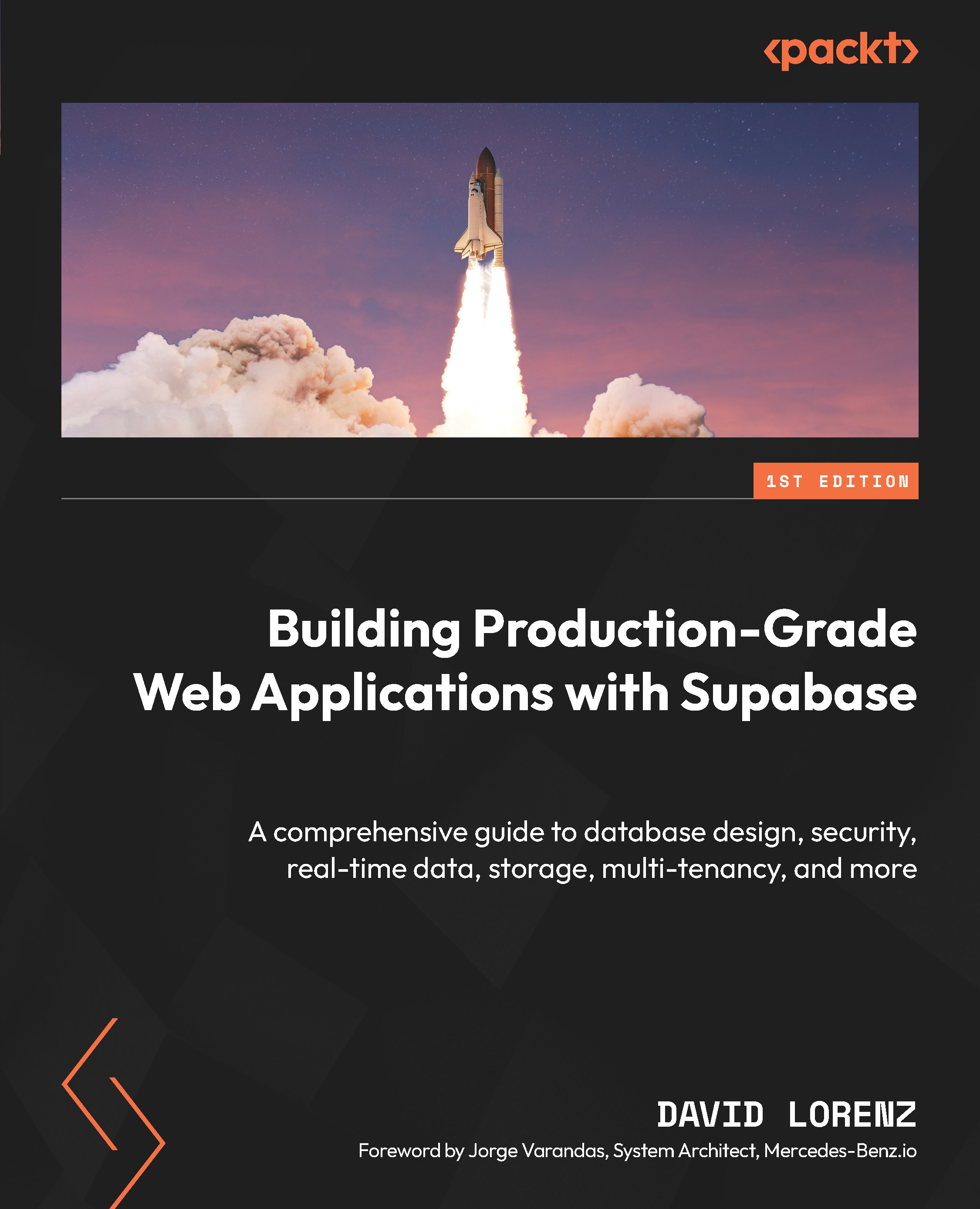
Overview of this book
Discover the powerful capabilities of Supabase, the cutting-edge, open-source platform flipping the script on backend architecture. Guided by David Lorenz, a battle-tested software architect with over two decades of development experience, this book will transform the way you approach your projects and make you a Supabase expert.
In this comprehensive guide, you'll build a secure, production-grade multi-tenant ticket system, seamlessly integrated with Next.js. You’ll build essential skills for effective data manipulation, authentication, and file storage, as well as master Supabase's advanced capabilities including automating tasks with cron scheduling, performing similarity searches with artificial intelligence, testing your database, and leveraging real-time updates.
By the end of the book, you'll have a deeper understanding of the platform and be able to confidently utilize Supabase in your own web applications, all thanks to David's excellent expertise.
Table of Contents (20 chapters)
Preface


 Free Chapter
Part 1:Creating the Foundations of the Ticket System App
Chapter 1: Unveiling the Inner Workings of Supabase and Introducing the Book’s Project
Chapter 2: Setting Up Supabase with Next.js

Chapter 3: Creating the Ticket Management Pages, Layout, and Components
Part 2: Adding Multi-Tenancy and Learning RLS
Chapter 4: Adding Authentication and Application Protection
Chapter 5: Crafting Multi-Tenancy through Database and App Design
Chapter 6: Enforcing Tenant Permissions with RLS and Handling Tenant Domains
Chapter 7: Adding Tenant-Based Signups, including Google Login
Part 3: Managing Tickets and Interactions
Chapter 8: Implementing Dynamic Ticket Management
Chapter 9: Creating a User List with RPCs and Setting Ticket Assignees
Chapter 10: Enhancing Interactivity with Realtime Comments
Chapter 11: Adding, Securing, and Serving File Uploads with Supabase Storage
Part 4: Diving Deeper into Security and Advanced Features
Chapter 12: Avoiding Unwanted Data Manipulation and Undisclosed Exposures
Chapter 13: Adding Supabase Superpowers and Reviewing Production Hardening Tips
Index


