
Sign In Start Free Trial
Account

Add to playlist

Create a Playlist

Modal Close icon
You need to login to use this feature.
  • Book Overview & Buying Mastering WooCommerce 4
  • Table Of Contents Toc
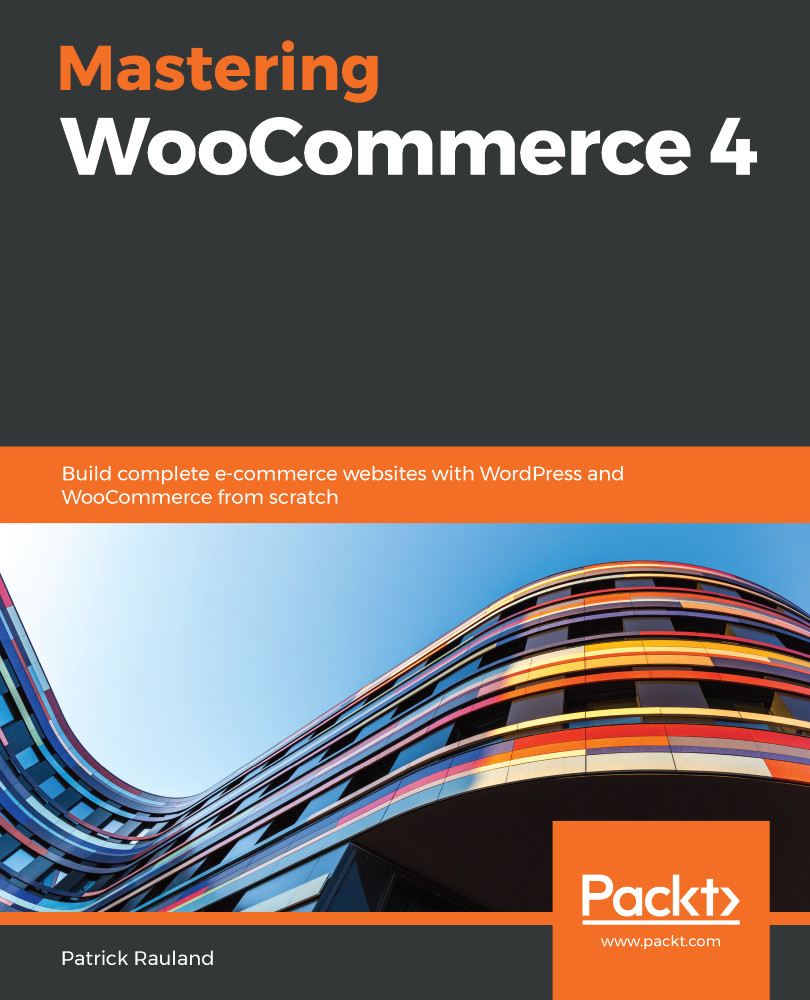
Mastering WooCommerce 4

Mastering WooCommerce 4

By : Patrick Rauland
3.3 (8)
close
close
Mastering WooCommerce 4

Mastering WooCommerce 4

3.3 (8)
By: Patrick Rauland

Overview of this book

WooCommerce is one of the most flexible platforms for building online stores. With its flexibility, you can offer virtually any feature to a client using the WordPress system. WooCommerce is also self-hosted, so the ownership of data lies with you and your client. This book starts with the essentials of building a WooCommerce store. You’ll learn how to set up WooCommerce and implement payment, shipping, and tax options, as well as configure your product. The book also demonstrates ways to customize and manage your products by using SEO for enhanced visibility. As you advance, you’ll understand how to manage sales by using POS systems, outsource fulfillment, and external reporting services. Once you’ve set up and organized your online store, you’ll focus on improving the user experience of your e-commerce website. In addition to this, the book takes you through caching techniques to not only improve the speed and performance of your website but also its look and UI by adding themes. Finally, you’ll build the landing page for your website to promote your product, and design WooCommerce plugins to customize the functionalities of your e-commerce website. By the end of this WooCommerce book, you’ll have learned how to run a complete WooCommerce store, and be able to customize each section of the store on the frontend as well as backend.
Table of Contents (15 chapters)
close
close

Configuring Products

You can't have an online store without something to sell. Before we can sell something, we have to add products to our store. But before we do that, we have to know the different kinds of products you can add to your store.

We're going to look at three types of products that are included in the free WooCommerce plugin. We're also going to look at the Product Bundles (https://www.woocommerce.com/products/product-bundles/) and Subscriptions (https://woocommerce.com/products/woocommerce-subscriptions/) that are available through premium extensions on the WooCommerce website . Each of these types of products will have unique features, and choosing how you want to display your products in your store is an important decision.

In this chapter, we're going to look into the following:

  • Simple products
  • Variable products
  • Digital products
  • Product bundles
  • Subscriptions

All of these product types build on each other. So, before you jump ahead and look into variable products, make sure to look at the section on simple products. By the end of this chapter, you should know what types of products you want to offer in your store as well as the technical information you need to configure them correctly.

Visually different images
CONTINUE READING
83
Tech Concepts
36
Programming languages
73
Tech Tools
Icon Unlimited access to the largest independent learning library in tech of over 8,000 expert-authored tech books and videos.
Icon Innovative learning tools, including AI book assistants, code context explainers, and text-to-speech.
Icon 50+ new titles added per month and exclusive early access to books as they are being written.
Mastering WooCommerce 4
notes
bookmark Notes and Bookmarks search Search in title playlist Add to playlist download Download options font-size Font size

Change the font size

margin-width Margin width

Change margin width

day-mode Day/Sepia/Night Modes

Change background colour

Close icon Search
Country selected

Close icon Your notes and bookmarks

Confirmation

Modal Close icon
claim successful

Buy this book with your credits?

Modal Close icon
Are you sure you want to buy this book with one of your credits?
Close
YES, BUY

Submit Your Feedback

Modal Close icon
Modal Close icon
Modal Close icon