-
Book Overview & Buying
-
Table Of Contents

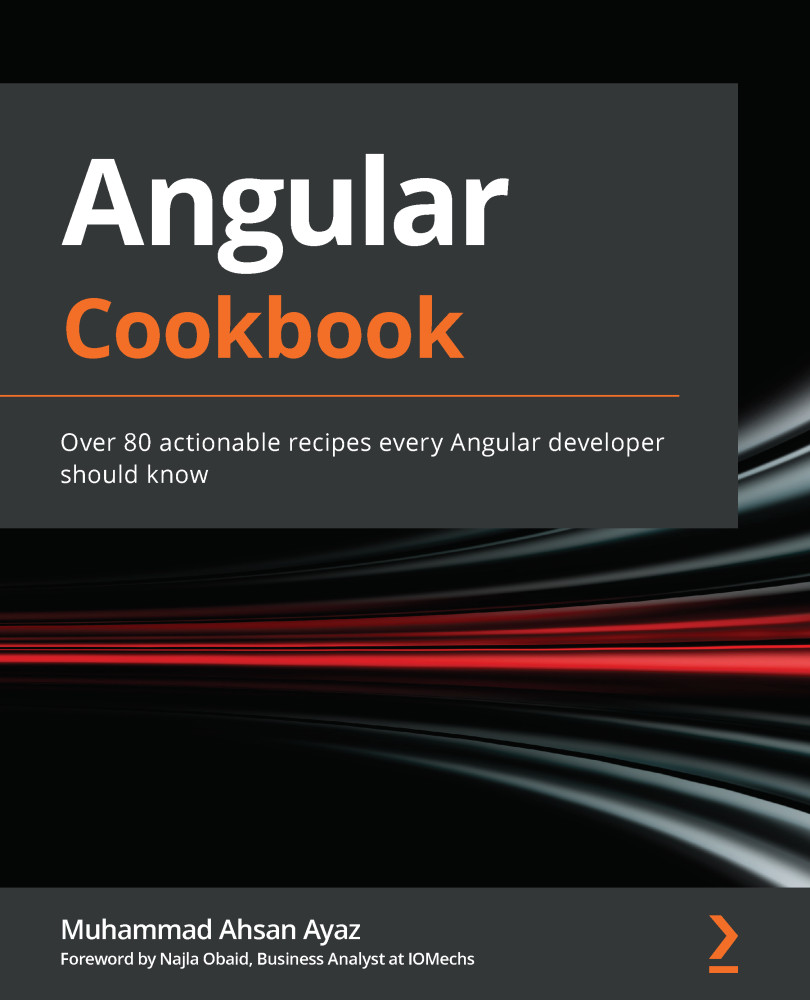
Angular Cookbook
By :


Angular Cookbook
By:
Overview of this book
The Angular framework, powered by Google, is the framework of choice for many web development projects built across varying scales. It’s known to provide much-needed stability and a rich tooling ecosystem for building production-ready web and mobile apps. This recipe-based guide enables you to learn Angular concepts in depth using a step-by-step approach. You’ll explore a wide range of recipes across key tasks in web development that will help you build high-performance apps.
The book starts by taking you through core Angular concepts such as Angular components, directives, and services to get you ready for building frontend web apps. You’ll develop web components with Angular and go on to cover advanced concepts such as dynamic components loading and state management with NgRx for achieving real-time performance. Later chapters will focus on recipes for effectively testing your Angular apps to make them fail-safe, before progressing to techniques for optimizing your app’s performance. Finally, you’ll create Progressive Web Apps (PWA) with Angular to provide an intuitive experience for users.
By the end of this Angular book, you’ll be able to create full-fledged, professional-looking Angular apps and have the skills you need for frontend development, which are crucial for an enterprise Angular developer.
Table of Contents (15 chapters)
Preface


Chapter 1: Winning Components Communication
 Free Chapter
Chapter 2: Understanding and Using Angular Directives

Chapter 3: The Magic of Dependency Injection in Angular
Chapter 4: Understanding Angular Animations
Chapter 5: Angular and RxJS – Awesomeness Combined
Chapter 6: Reactive State Management with NgRx
Chapter 7: Understanding Angular Navigation and Routing
Chapter 8: Mastering Angular Forms
Chapter 9: Angular and the Angular CDK
Chapter 10: Writing Unit Tests in Angular with Jest
Chapter 11: E2E Tests in Angular with Cypress
Chapter 12: Performance Optimization in Angular
Chapter 13: Building PWAs with Angular
Other Books You May Enjoy