Sign In Start Free Trial
Account

Add to playlist

Create a Playlist

Modal Close icon
You need to login to use this feature.
  • Book Overview & Buying Moodle 2 Administration
  • Table Of Contents Toc
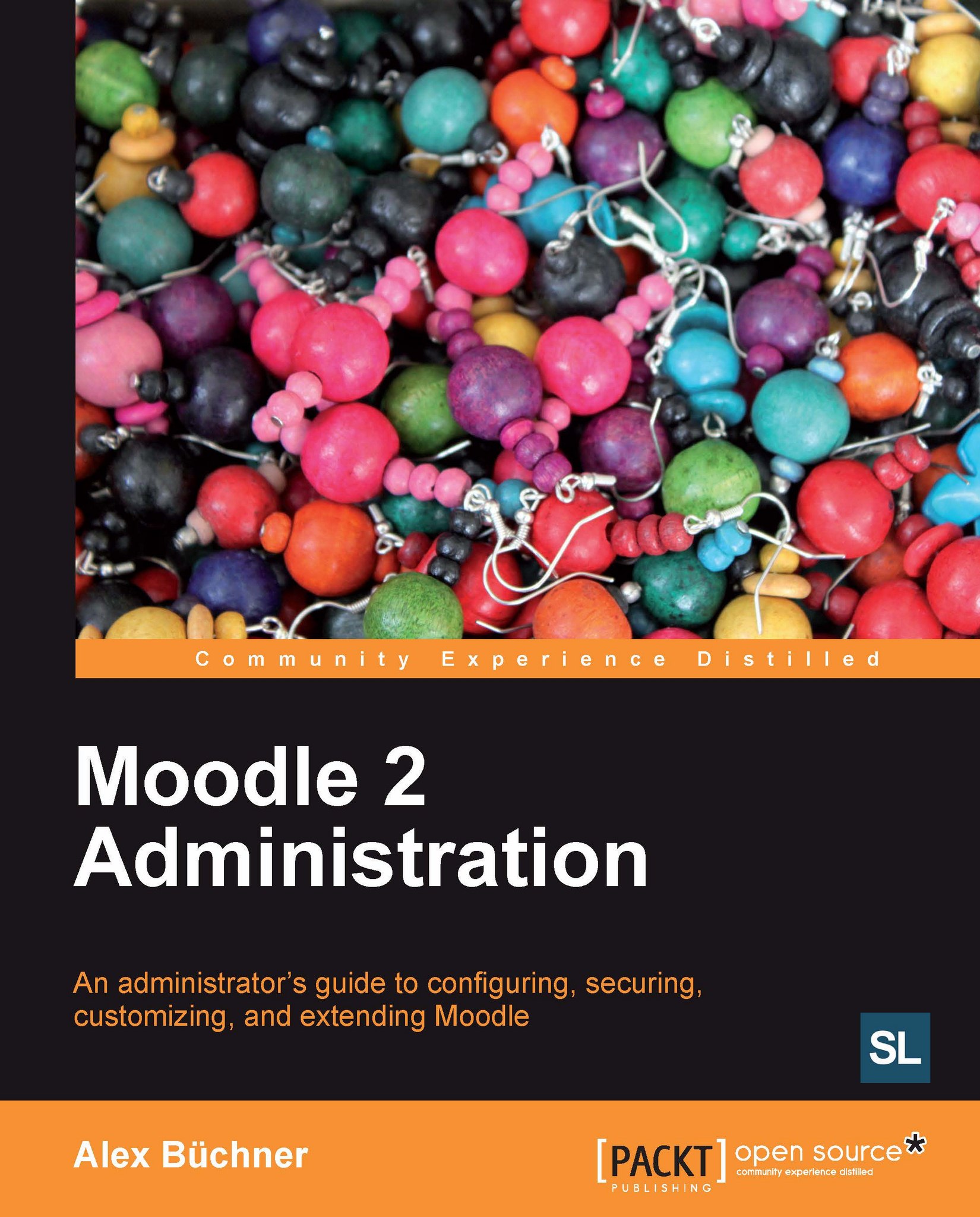
Moodle 2 Administration

Moodle 2 Administration

By : Alex Büchner
4.2 (17)
close
close
Moodle 2 Administration

Moodle 2 Administration

4.2 (17)
By: Alex Büchner

Overview of this book

Moodle has evolved from an academic project to the world's most popular virtual learning environment. During this evolution, its complexity has risen dramatically and so have the skills that are required to administer the system.Moodle 2 Administration is a complete, practical guide to administering Moodle sites. It covers how to set up Moodle in any learning environment, configuration and day-to-day admin tasks, as well as advanced options for customizing and extending Moodle.The author, who has been administering systems for over 20 years, has adopted a problem-solution approach to bring the content in line with your day-to-day operations. The practical examples will help you to set up Moodle for large groups and small courses alike. This is a one-stop reference for any task you will ever come across when administering a Moodle site of any shape and size.
Table of Contents (24 chapters)
close
close
Moodle 2 Administration
Credits
About the Author
About the Reviewers
www.PacktPub.com
PacktLib.PacktPub.com
Preface

System-level backups


System-level backups cannot be configured or executed from within Moodle. Instead, they will have to be set up on the system (shell) level. If your system is hosted externally, there is a possibility that you will not have access to the system level, which will prevent you from performing this type of backup. Unless the host already runs system-level backups on your behalf, it is time to change to another provider!

There are two types of system backups that are not mutually exclusive:

  • Moodle backups: These create an archive of Moodle itself, the course content, and user data

  • Snapshots: These create an image of the system, which is used for disaster recovery purposes, that is, if the system has to be rolled back in its totality

Moodle backups

Moodle distinguishes between the application software itself and the data that is stored in it. The advantage of this separation becomes apparent when creating backups. A software backup is only required when an update has been installed...

CONTINUE READING
83
Tech Concepts
36
Programming languages
73
Tech Tools
Icon Unlimited access to the largest independent learning library in tech of over 8,000 expert-authored tech books and videos.
Icon Innovative learning tools, including AI book assistants, code context explainers, and text-to-speech.
Icon 50+ new titles added per month and exclusive early access to books as they are being written.
Moodle 2 Administration
notes
bookmark Notes and Bookmarks search Search in title playlist Add to playlist font-size Font size

Change the font size

margin-width Margin width

Change margin width

day-mode Day/Sepia/Night Modes

Change background colour

Close icon Search
Country selected

Close icon Your notes and bookmarks

Confirmation

Modal Close icon
claim successful

Buy this book with your credits?

Modal Close icon
Are you sure you want to buy this book with one of your credits?
Close
YES, BUY

Submit Your Feedback

Modal Close icon
Modal Close icon
Modal Close icon