
Sign In Start Free Trial
Account

Add to playlist

Create a Playlist

Modal Close icon
You need to login to use this feature.
  • Book Overview & Buying Hands-On G Suite for Administrators
  • Table Of Contents Toc
Hands-On G Suite for Administrators

Hands-On G Suite for Administrators

By : Anton Dorantes
3.8 (5)
close
close
Hands-On G Suite for Administrators

Hands-On G Suite for Administrators

3.8 (5)
By: Anton Dorantes

Overview of this book

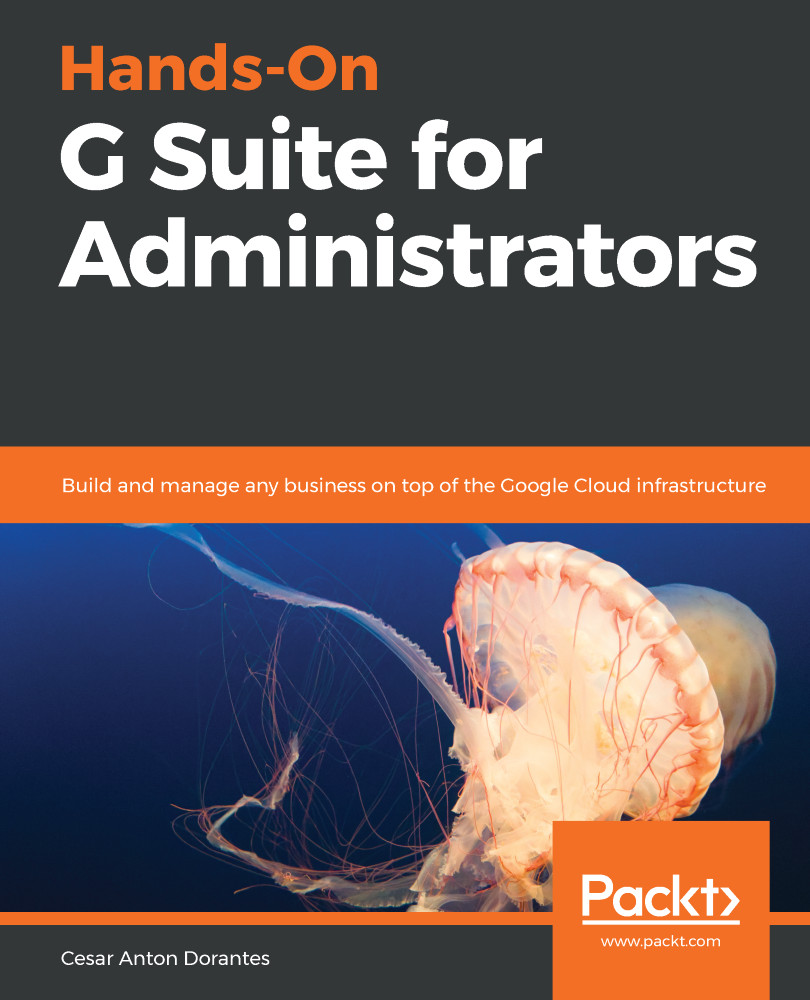
Hands-On G Suite for Administrators is a comprehensive hands-on guide to G Suite Administration that will prepare you with all you need to know to become a certified G Suite Administrator, ready to handle all the business scales, from a small office to a large enterprise. You will start by learning the main features, tools, and services from G Suite for Business and then, you will explore all it has to offer and the best practices, so you can make the most out of it. We will explore G Suite tools in depth so you and your team get everything you need -combination of tools, settings and practices- to succeed in an intuitive, safe and collaborative way. While learning G Suite tools you will also learn how to use Google Sites and App Maker, to create from your corporate site to internal tools, live reports that seamlessly integrate with live documents, and advanced Google Services. Finally, you will learn how to set up, analyze and enforce Security, Privacy for your business and how to efficiently troubleshoot a wide variety of issues.
Table of Contents (15 chapters)
close
close
Lock Free Chapter
1
Section 1: G Suite for Business
6
Section 2: G Suite with Google Domains
10
Section 3: Security, Privacy, and Troubleshooting
12
Section 4: Apps and Sites

Setting Up Security

G Suite is built with a security-first mindset. It's designed to meet the highest security standards and is subject to regular independent third-party audits by several national and international agencies and organizations.

One key difference between the free and business versions is the security features. Free accounts are not designed to be handled individually, so there is no easy way to monitor or enforce security.

Business accounts, on the other hand, allow administrators to enforce advanced security like two-step verification and login challenges to prevent attacks, even when some user credentials are compromised.

The Security center allows administrators to easily adjust all settings related to domain security and user account protection. The& Security center is divided into different sections, each showing its name and a short description....

CONTINUE READING
83
Tech Concepts
36
Programming languages
73
Tech Tools
Icon Unlimited access to the largest independent learning library in tech of over 8,000 expert-authored tech books and videos.
Icon Innovative learning tools, including AI book assistants, code context explainers, and text-to-speech.
Icon 50+ new titles added per month and exclusive early access to books as they are being written.
Hands-On G Suite for Administrators
notes
bookmark Notes and Bookmarks search Search in title playlist Add to playlist font-size Font size

Change the font size

margin-width Margin width

Change margin width

day-mode Day/Sepia/Night Modes

Change background colour

Close icon Search
Country selected

Close icon Your notes and bookmarks

Confirmation

Modal Close icon
claim successful

Buy this book with your credits?

Modal Close icon
Are you sure you want to buy this book with one of your credits?
Close
YES, BUY

Submit Your Feedback

Modal Close icon
Modal Close icon
Modal Close icon