Sign In Start Free Trial
Account

Add to playlist

Create a Playlist

Modal Close icon
You need to login to use this feature.
  • Book Overview & Buying SQL Server on Azure Virtual Machines
  • Table Of Contents Toc
  • Feedback & Rating feedback
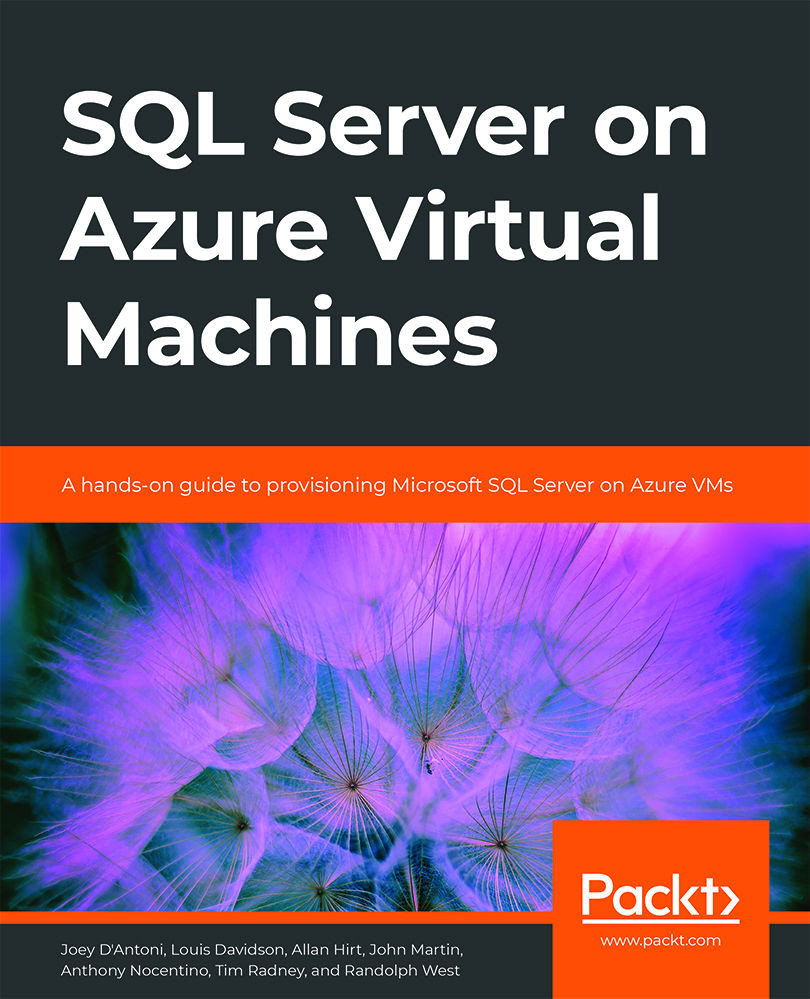
SQL Server on Azure Virtual Machines

SQL Server on Azure Virtual Machines

By : Joey D'Antoni, Louis Davidson, Allan Hirt , John Martin, Anthony Nocentino, Tim Radney, Randolph West
close
close
SQL Server on Azure Virtual Machines

SQL Server on Azure Virtual Machines

By: Joey D'Antoni, Louis Davidson, Allan Hirt , John Martin, Anthony Nocentino, Tim Radney, Randolph West

Overview of this book

Deploying SQL Server on Azure virtual machines allows you to work on full versions of SQL Server in the cloud without having to maintain on-premises hardware. The book begins by introducing you to the SQL portfolio in Azure and takes you through SQL Server IaaS scenarios, before explaining the factors that you need to consider while choosing an OS for SQL Server in Azure VMs. As you progress through the book, you'll explore different VM options and deployment choices for IaaS and understand platform availability, migration tools, and best practices in Azure. In later chapters, you'll learn how to configure storage to achieve optimized performance. Finally, you'll get to grips with the concept of Azure Hybrid Benefit and find out how you can use it to maximize the value of your existing on-premises SQL Server. By the end of this book, you'll be proficient in administering SQL Server on Microsoft Azure and leveraging the tools required for its deployment.
Table of Contents (10 chapters)
close
close
8
Index

How to optimize SQL Server on Linux

There are several Linux-specific changes that need to be made for SQL Server deployments on Linux. Some changes may be specific to certain Linux distributions.

An administrator should disable the last accessed date/time (atime) on any filesystem that is used to store SQL Server data and/or log files. The last accessed date/time mount option causes a write operation to happen after each read access. This would generate a massive amount of extra I/O. The mount option should be changed to noatime to help reduce disk I/O.

In order to deal with large amounts of memory, Linux uses Transparent Huge Pages (THP). THP automates managing, creating, and working with huge pages. Manually trying to manage huge pages would be very difficult, so, for SQL Server on Linux, leave THP enabled.

Memory should be managed so that SQL Server does not starve the underlying operating system. At the same time, SQL Server should be configured to use as much memory...

Visually different images
CONTINUE READING
83
Tech Concepts
36
Programming languages
73
Tech Tools
Icon Unlimited access to the largest independent learning library in tech of over 8,000 expert-authored tech books and videos.
Icon Innovative learning tools, including AI book assistants, code context explainers, and text-to-speech.
Icon 50+ new titles added per month and exclusive early access to books as they are being written.
SQL Server on Azure Virtual Machines
notes
bookmark Notes and Bookmarks search Search in title playlist Add to playlist font-size Font size

Change the font size

margin-width Margin width

Change margin width

day-mode Day/Sepia/Night Modes

Change background colour

Close icon Search
Country selected

Close icon Your notes and bookmarks

Confirmation

Modal Close icon
claim successful

Buy this book with your credits?

Modal Close icon
Are you sure you want to buy this book with one of your credits?
Close
YES, BUY

Submit Your Feedback

Modal Close icon
Modal Close icon
Modal Close icon