Sign In Start Free Trial
Account

Add to playlist

Create a Playlist

Modal Close icon
You need to login to use this feature.
  • Book Overview & Buying Windows Server Automation with PowerShell Cookbook
  • Table Of Contents Toc
Windows Server Automation with PowerShell Cookbook

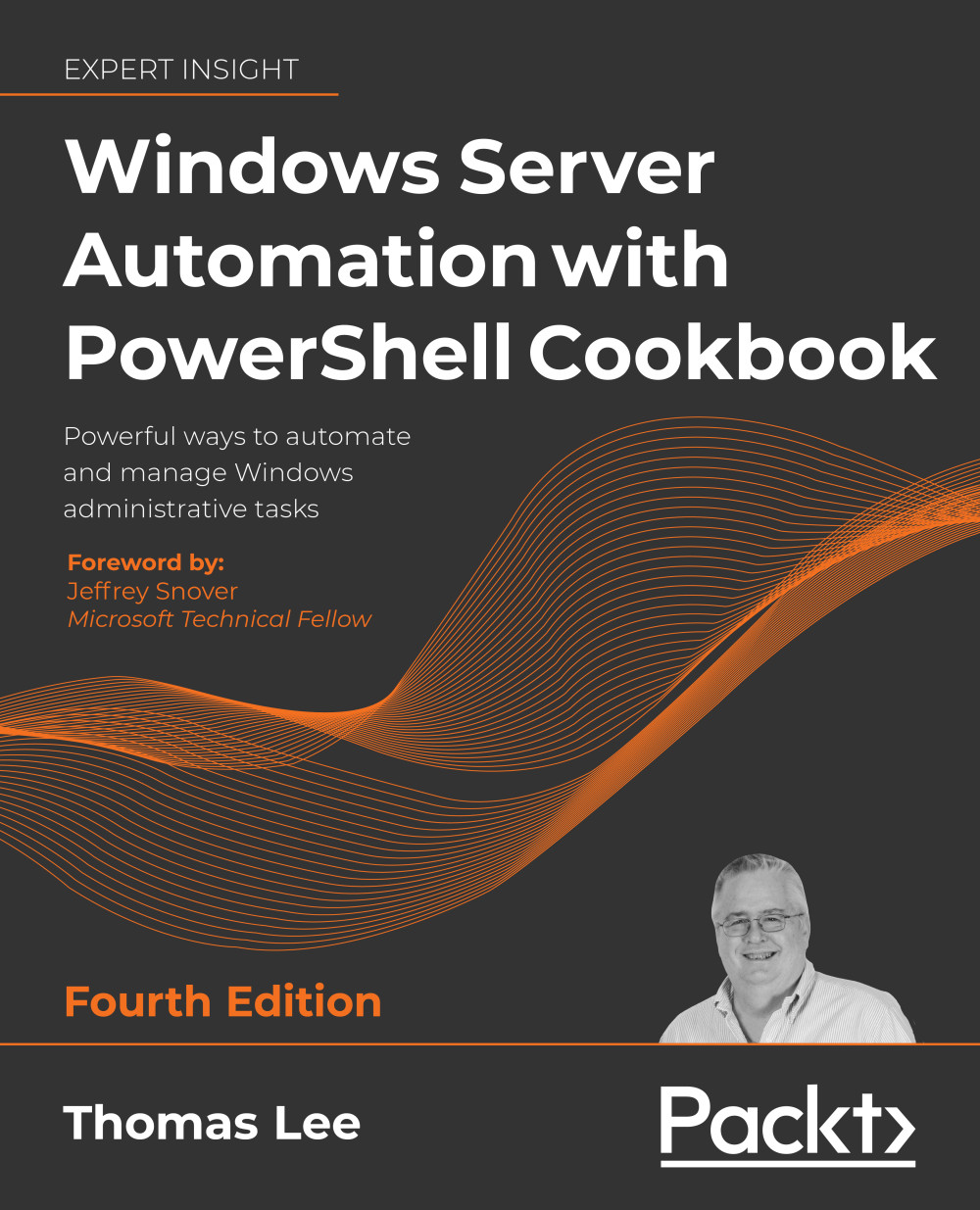
Windows Server Automation with PowerShell Cookbook - Fourth Edition

By : Thomas Lee
4.8 (6)
close
close
Windows Server Automation with PowerShell Cookbook

Windows Server Automation with PowerShell Cookbook

4.8 (6)
By: Thomas Lee

Overview of this book

With a foreword from PowerShell creator Jeffrey Snover, this heavily updated edition is designed to help you learn how to use PowerShell 7.1 effectively and manage the core roles, features, and services of Windows Server in an enterprise setting. All scripts are compatible with both Window Server 2022 and 2019. This latest edition equips you with over 100 recipes you'll need in day-to-day work, covering a wide range of fundamental and more advanced use cases. We look at how to install and configure PowerShell 7.1, along with useful new features and optimizations, and how the PowerShell compatibility solution bridges the gap to older versions of PowerShell. Topics include using PowerShell to manage networking and DHCP in Windows Server, objects in Active Directory, Hyper-V, and Azure. Debugging is crucial, so the book shows you how to use some powerful tools to diagnose and resolve issues with Windows Server.
Table of Contents (18 chapters)
close
close
16
Other Books You May Enjoy
17
Index

Using PowerShell Direct

PowerShell Direct is a Hyper-V feature that enables you to open PowerShell remoting sessions on a VM without using a network connection. This feature enables you to create a remoting session inside the VM to fix issues, such as networking misconfiguration. An administrator might be commissioning a new host and configure its host IP address nearly correctly, meaning a network connectivity Catch-22 situation. Without a working network connection to the VM, you can't fix the issue – but until you fix the issue, you cannot make a connection to the VM. With PS Direct, you can create a remoting session in the VM, as you see in this recipe.

Getting ready

This recipe uses HV1, a Windows Server Datacenter host on which you have installed the Hyper-V feature. You should have also created a VM of Windows Server called PSDirect. You should ensure that the PSDirect VM is running. This recipe demonstrates PowerShell Direct, so it doesn't matter which...

CONTINUE READING
83
Tech Concepts
36
Programming languages
73
Tech Tools
Icon Unlimited access to the largest independent learning library in tech of over 8,000 expert-authored tech books and videos.
Icon Innovative learning tools, including AI book assistants, code context explainers, and text-to-speech.
Icon 50+ new titles added per month and exclusive early access to books as they are being written.
Windows Server Automation with PowerShell Cookbook
notes
bookmark Notes and Bookmarks search Search in title playlist Add to playlist download Download options font-size Font size

Change the font size

margin-width Margin width

Change margin width

day-mode Day/Sepia/Night Modes

Change background colour

Close icon Search
Country selected

Close icon Your notes and bookmarks

Confirmation

Modal Close icon
claim successful

Buy this book with your credits?

Modal Close icon
Are you sure you want to buy this book with one of your credits?
Close
YES, BUY

Submit Your Feedback

Modal Close icon
Modal Close icon
Modal Close icon