


-
Book Overview & Buying
-
Table Of Contents

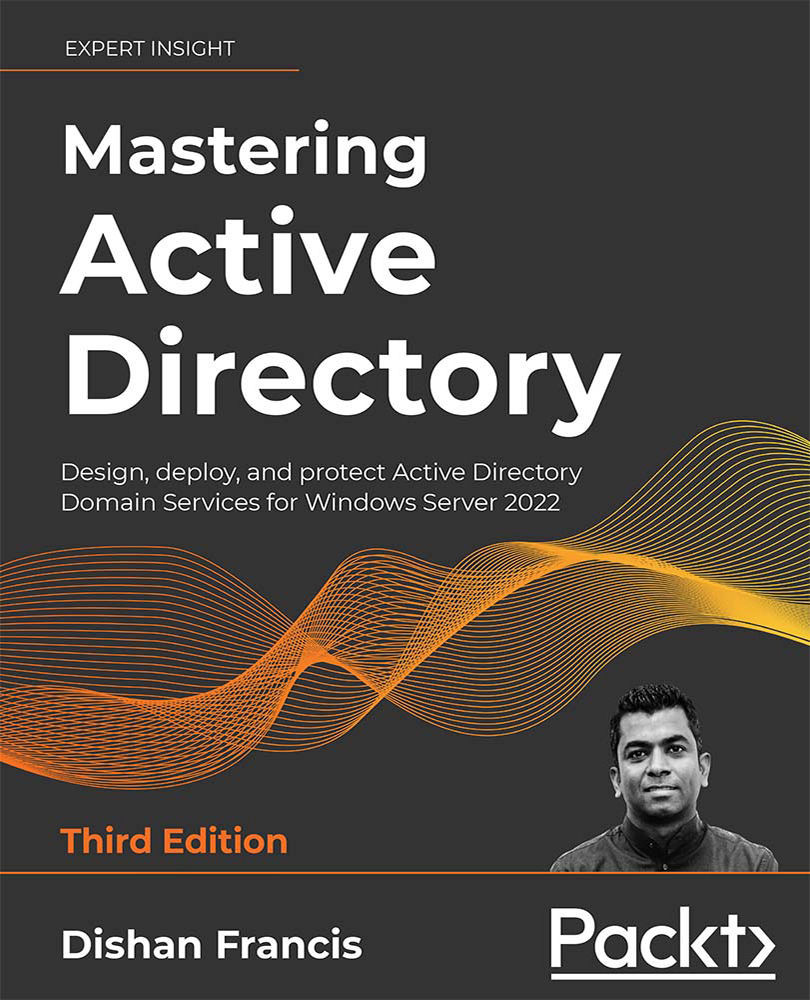
Mastering Active Directory - Third Edition
By :


Mastering Active Directory
By:
Overview of this book
Mastering Active Directory, Third Edition is a comprehensive guide for Information Technology professionals looking to improve their knowledge about MS Windows Active Directory Domain Service. The book will help you to use identity elements effectively and manage your organization’s infrastructure in a secure and efficient way. This third edition has been fully updated to reflect the importance of cloud-based strong authentication and other tactics to protect identity infrastructure from emerging security threats.
Mastering Active Directory, Third Edition provides extensive coverage of AD Domain Services and helps you explore their capabilities as you update to Windows Server 2022. This book will also teach you how to extend on-premises identity presence to cloud via Azure AD hybrid setup. By the end of this Microsoft Active Directory book, you’ll feel confident in your ability to design, plan, deploy, protect, and troubleshoot your enterprise identity infrastructure.
Table of Contents (22 chapters)
Preface


 Free Chapter
Active Directory Fundamentals
Active Directory Domain Services 2022
Designing an Active Directory Infrastructure
Active Directory Domain Name System
Placing Operations Master Roles
Migrating to Active Directory 2022
Managing Active Directory Objects

Managing Users, Groups, and Devices
Designing the OU Structure
Managing Group Policies
Active Directory Services – Part 01
Active Directory Services – Part 02
Active Directory Certificate Services
Active Directory Federation Services
Active Directory Rights Management Services
Active Directory Security Best Practices
Advanced AD Management with PowerShell
Hybrid Identity
Active Directory Audit and Monitoring
Other Books You May Enjoy
Index


