
Sign In Start Free Trial
Account

Add to playlist

Create a Playlist

Modal Close icon
You need to login to use this feature.
  • Book Overview & Buying Mastering VMware Horizon 7.8
  • Table Of Contents Toc
Mastering VMware Horizon 7.8

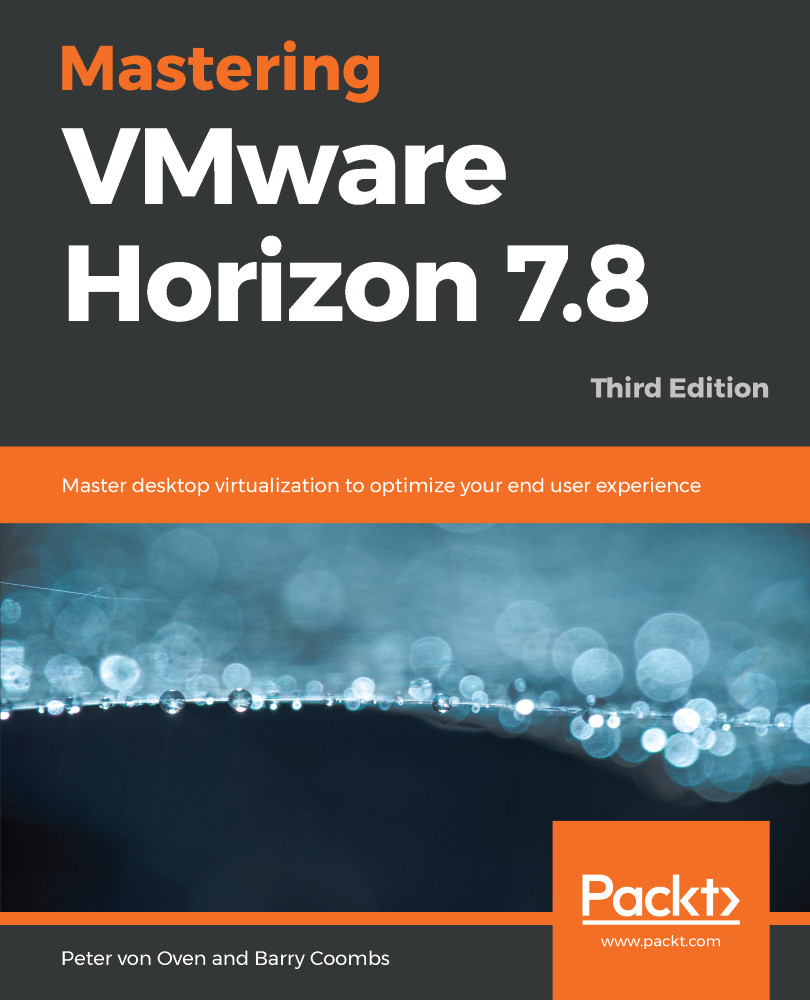
Mastering VMware Horizon 7.8 - Third Edition

By : Peter von Oven, Barry Coombs
3 (3)
close
close
Mastering VMware Horizon 7.8

Mastering VMware Horizon 7.8

3 (3)
By: Peter von Oven, Barry Coombs

Overview of this book

Desktop virtualization can be tough, but VMware Horizon 7.8 changes all that. With a rich and adaptive UX, improved security,and a range of useful features for storage and networking optimization, there's plenty to love. But to properly fall in love with it, you need to know how to use it, and that means venturing deeper into the software and taking advantage of its extensive range of features, many of which are underused and underpromoted. This guide will take you through everything you need to know to not only successfully virtualize your desktop infrastructure, but also to maintain and optimize it to keep all your users happy. We'll show you how to assess and analyze your infrastructure, and how to use that analysis to design a solution that meets your organizational and user needs. Once you've done that, you'll find out how to build your virtualized environment, before deploying your virtualized solution. But more than that,we'll also make sure you know everything you need to know about the full range of features on offer, including the mobile cloud, so that you can use them to take full control of your virtualized infrastructure.
Table of Contents (21 chapters)
close
close
Lock Free Chapter
1
Section 1: Installation and Configuration
7
Section 2: Building and Delivering the Virtual Desktop Experience
13
Section 3: Advanced Features, Troubleshooting, and Upgrading an Environment

Preface

VMware Horizon View, part of the VMware digital workspace, is the platform for delivering centralized, virtual desktop machines and applications, hosted on servers running on a hypervisor in the data center. End users connect remotely to their virtual desktop machines and apps from their endpoint device, such as a Windows laptop, Apple Mac, or tablet device.

This technology was first introduced by VMware in 2002, and has developed and matured to become the mainstream technology that we know today as Virtual Desktop Infrastructure (VDI). VDI provides users with the freedom to work in a way that suits them, by freeing them from the restrictions of not having to be in the office, but also allowing them the choice of device they use for making them more productive, and ultimately your business more agile.

From an IT administrator's perspective, it allows you to centrally manage your desktop environment, from being able to manage desktop images, to the ease of adding and removing user entitlements, all controlled from a single management console.

VMware Horizon 7 and Horizon View version 7.7 is VMware's latest virtual desktop solution, designed to centralize and virtualize your desktop environment using the market leading virtualization features and technology within VMware's Software Defined Data Center (SDDC) portfolio.

Horizon View 7 builds upon this technology platform, and today goes far beyond just VDI in delivering a rich user experience, enabling BYOD, flexible working, enhanced security, application delivery, and end-to-end management. Delivering an end user experience requires a different approach from other infrastructure-based initiatives, and getting this right is the key in terms of a project having a successful outcome, and this book will show you how to succeed.

CONTINUE READING
83
Tech Concepts
36
Programming languages
73
Tech Tools
Icon Unlimited access to the largest independent learning library in tech of over 8,000 expert-authored tech books and videos.
Icon Innovative learning tools, including AI book assistants, code context explainers, and text-to-speech.
Icon 50+ new titles added per month and exclusive early access to books as they are being written.
Mastering VMware Horizon 7.8
notes
bookmark Notes and Bookmarks search Search in title playlist Add to playlist font-size Font size

Change the font size

margin-width Margin width

Change margin width

day-mode Day/Sepia/Night Modes

Change background colour

Close icon Search
Country selected

Close icon Your notes and bookmarks

Confirmation

Modal Close icon
claim successful

Buy this book with your credits?

Modal Close icon
Are you sure you want to buy this book with one of your credits?
Close
YES, BUY

Submit Your Feedback

Modal Close icon
Modal Close icon
Modal Close icon