Sign In Start Free Trial
Account

Add to playlist

Create a Playlist

Modal Close icon
You need to login to use this feature.
  • Book Overview & Buying Using OpenRefine
  • Table Of Contents Toc
Using OpenRefine

Using OpenRefine

By : Ruben Verborgh, Max De Wilde
4 (5)
close
close
Using OpenRefine

Using OpenRefine

4 (5)
By: Ruben Verborgh, Max De Wilde

Overview of this book

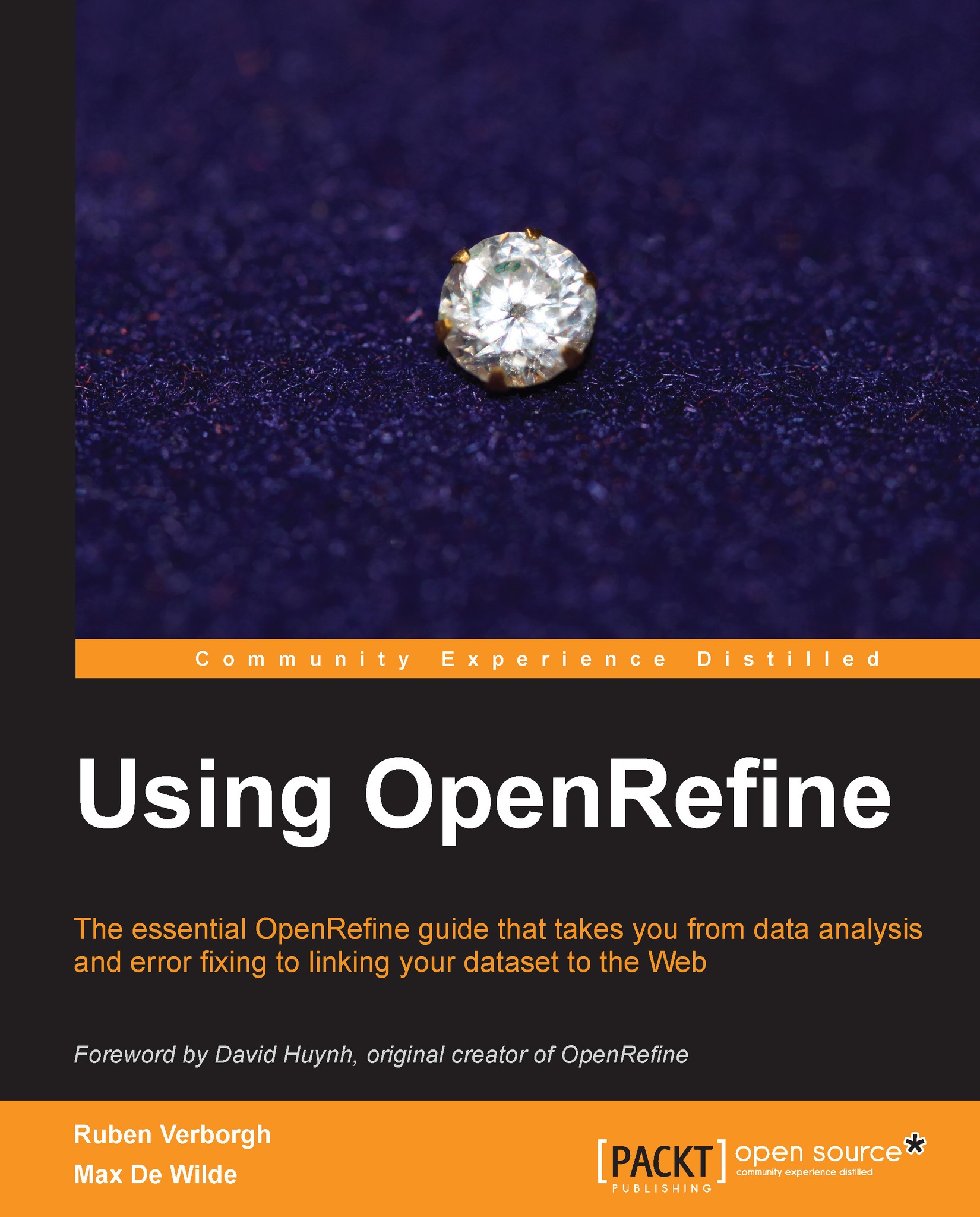
Data today is like gold - but how can you manage your most valuable assets? Managing large datasets used to be a task for specialists, but the game has changed - data analysis is an open playing field. Messy data is now in your hands! With OpenRefine the task is a little easier, as it provides you with the necessary tools for cleaning and presenting even the most complex data. Once it's clean, that's when you can start finding value. Using OpenRefine takes you on a practical and actionable through this popular data transformation tool. Packed with cookbook style recipes that will help you properly get to grips with data, this book is an accessible tutorial for anyone that wants to maximize the value of their data. This book will teach you all the necessary skills to handle any large dataset and to turn it into high-quality data for the Web. After you learn how to analyze data and spot issues, we'll see how we can solve them to obtain a clean dataset. Messy and inconsistent data is recovered through advanced techniques such as automated clustering. We'll then show extract links from keyword and full-text fields using reconciliation and named-entity extraction. Using OpenRefine is more than a manual: it's a guide stuffed with tips and tricks to get the best out of your data.
Table of Contents (13 chapters)
close
close
Using OpenRefine
Credits
Foreword
About the Authors
About the Reviewers
www.PacktPub.com
Preface
2
Index

Recipe 5 – using simple cell transformations


In this recipe, you will learn how to use OpenRefine's built-in transformations to modify subsets of your data.

When playing with facets and filters, we have essentially displayed the data in various ways, but we have not really affected them. Now comes the time to modify your data at last, and this means entering the powerful Edit cells menu. While we already used Blank down in order to detect duplicates, other transformations, such as splitting and joining multi-valued cells or clustering and editing values, are more advanced, so we will delay their discussion until the next chapter. Other transforms are easier to grasp; however, we will focus now on those available through the Common transforms submenu pictured in the following screenshot:

Trimming whitespace at the beginning and end of a string is a good first step to improve the quality of your data. It will ensure that their identical values will not differ by leading and trailing whitespace...

CONTINUE READING
83
Tech Concepts
36
Programming languages
73
Tech Tools
Icon Unlimited access to the largest independent learning library in tech of over 8,000 expert-authored tech books and videos.
Icon Innovative learning tools, including AI book assistants, code context explainers, and text-to-speech.
Icon 50+ new titles added per month and exclusive early access to books as they are being written.
Using OpenRefine
notes
bookmark Notes and Bookmarks search Search in title playlist Add to playlist font-size Font size

Change the font size

margin-width Margin width

Change margin width

day-mode Day/Sepia/Night Modes

Change background colour

Close icon Search
Country selected

Close icon Your notes and bookmarks

Confirmation

Modal Close icon
claim successful

Buy this book with your credits?

Modal Close icon
Are you sure you want to buy this book with one of your credits?
Close
YES, BUY

Submit Your Feedback

Modal Close icon
Modal Close icon
Modal Close icon