Sign In Start Free Trial
Account

Add to playlist

Create a Playlist

Modal Close icon
You need to login to use this feature.
  • Book Overview & Buying Generative AI with Python and TensorFlow 2
  • Table Of Contents Toc
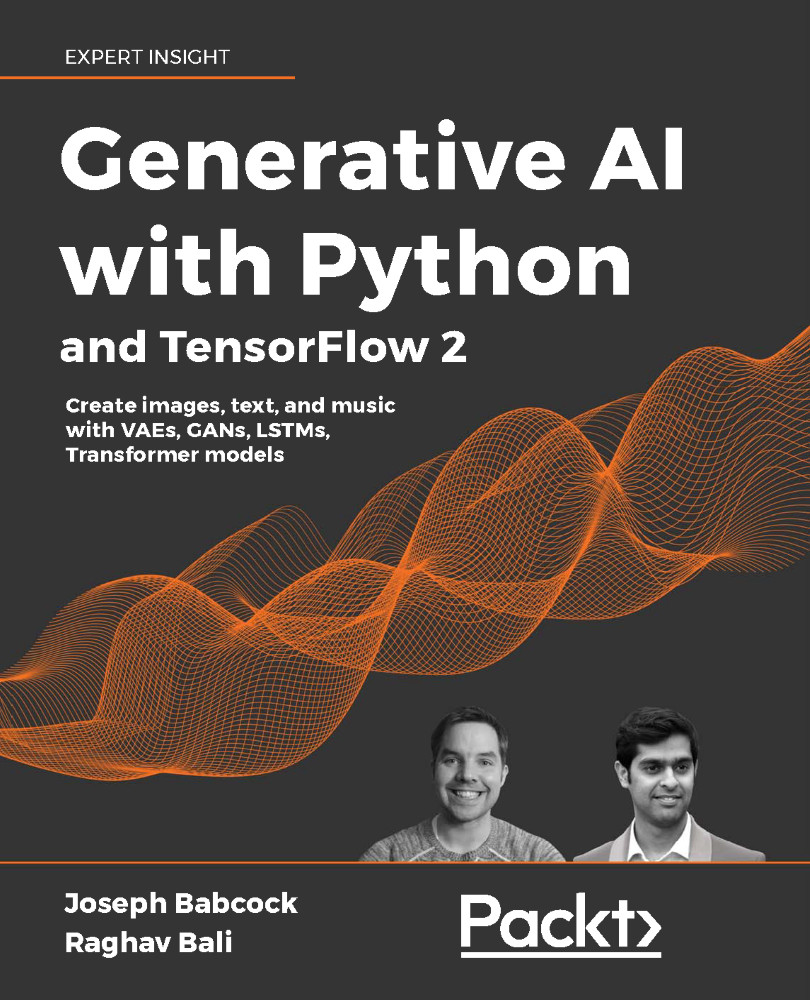
Generative AI with Python and TensorFlow 2

Generative AI with Python and TensorFlow 2

By : Joseph Babcock, Raghav Bali
4.4 (27)
close
close
Generative AI with Python and TensorFlow 2

Generative AI with Python and TensorFlow 2

4.4 (27)
By: Joseph Babcock, Raghav Bali

Overview of this book

Machines are excelling at creative human skills such as painting, writing, and composing music. Could you be more creative than generative AI? In this book, you’ll explore the evolution of generative models, from restricted Boltzmann machines and deep belief networks to VAEs and GANs. You’ll learn how to implement models yourself in TensorFlow and get to grips with the latest research on deep neural networks. There’s been an explosion in potential use cases for generative models. You’ll look at Open AI’s news generator, deepfakes, and training deep learning agents to navigate a simulated environment. Recreate the code that’s under the hood and uncover surprising links between text, image, and music generation.
Table of Contents (16 chapters)
close
close
14
Other Books You May Enjoy
15
Index

VSCode

Visual Studio Code (VSCode) is an open-source code editor developed by Microsoft Corporation which can be used with many programming languages, including Python. It allows debugging and is integrated with version control tools such as Git; we can even run Jupyter notebooks (which we will describe later in this chapter) within VSCode. Instructions for installation vary by whether you are using a Linux, macOS, or Windows operating system: please see individual instructions at https://code.visualstudio.com for your system. Once installed, we need to clone a copy of the source code for the projects in this book using Git, with the command:

git clone [email protected]:PacktPublishing/Hands-On-Generative-AI-with-Python-and-TensorFlow-2.git

This command will copy the source code for the projects in this book to our laptop, allowing us to locally run and modify the code. Once you have the code copied, open the GitHub repository for this book using VSCode (Figure 2.1). We are now ready to start installing some of the tools we will need; open the file install.sh.

Figure 2.1: VSCode IDE

One feature that will be of particular use to us is the fact that VSCode has an integrated (Figure 2.2) terminal where we can run commands: you can access this by selecting View, then Terminal from the drop-down list, which will open a command-line prompt:

Figure 2.2: VSCode terminal

Select the TERMINAL tab, and bash for the interpreter; you should now be able to enter normal commands. Change the directory to Chapter_2, where we will run our installation script, which you can open in VSCode.

The installation script we will run will download and install the various components we will need in our end-to-end TensorFlow lab; the overarching framework we will use for these experiments will be the Kubeflow library, which handles the various data and training pipelines that we will utilize for our projects in the later chapters of this volume. In the rest of this chapter, we will describe how Kubeflow is built on Docker and Kubernetes, and how to set up Kubeflow on several popular cloud providers.

Kubernetes, the technology which Kubeflow is based on, is fundamentally a way to manage containerized applications created using Docker, which allows for reproducible, lightweight execution environments to be created and persisted for a variety of applications. While we will make use of Docker for creating reproducible experimental runtimes, to understand its place in the overall landscape of virtualization solutions (and why it has become so important to modern application development), let us take a detour to describe the background of Docker in more detail.

CONTINUE READING
83
Tech Concepts
36
Programming languages
73
Tech Tools
Icon Unlimited access to the largest independent learning library in tech of over 8,000 expert-authored tech books and videos.
Icon Innovative learning tools, including AI book assistants, code context explainers, and text-to-speech.
Icon 50+ new titles added per month and exclusive early access to books as they are being written.
Generative AI with Python and TensorFlow 2
notes
bookmark Notes and Bookmarks search Search in title playlist Add to playlist download Download options font-size Font size

Change the font size

margin-width Margin width

Change margin width

day-mode Day/Sepia/Night Modes

Change background colour

Close icon Search
Country selected

Close icon Your notes and bookmarks

Confirmation

Modal Close icon
claim successful

Buy this book with your credits?

Modal Close icon
Are you sure you want to buy this book with one of your credits?
Close
YES, BUY

Submit Your Feedback

Modal Close icon
Modal Close icon
Modal Close icon