Sign In Start Free Trial
Account

Add to playlist

Create a Playlist

Modal Close icon
You need to login to use this feature.
  • Book Overview & Buying Getting Started with Streamlit for Data Science
  • Table Of Contents Toc
  • Feedback & Rating feedback
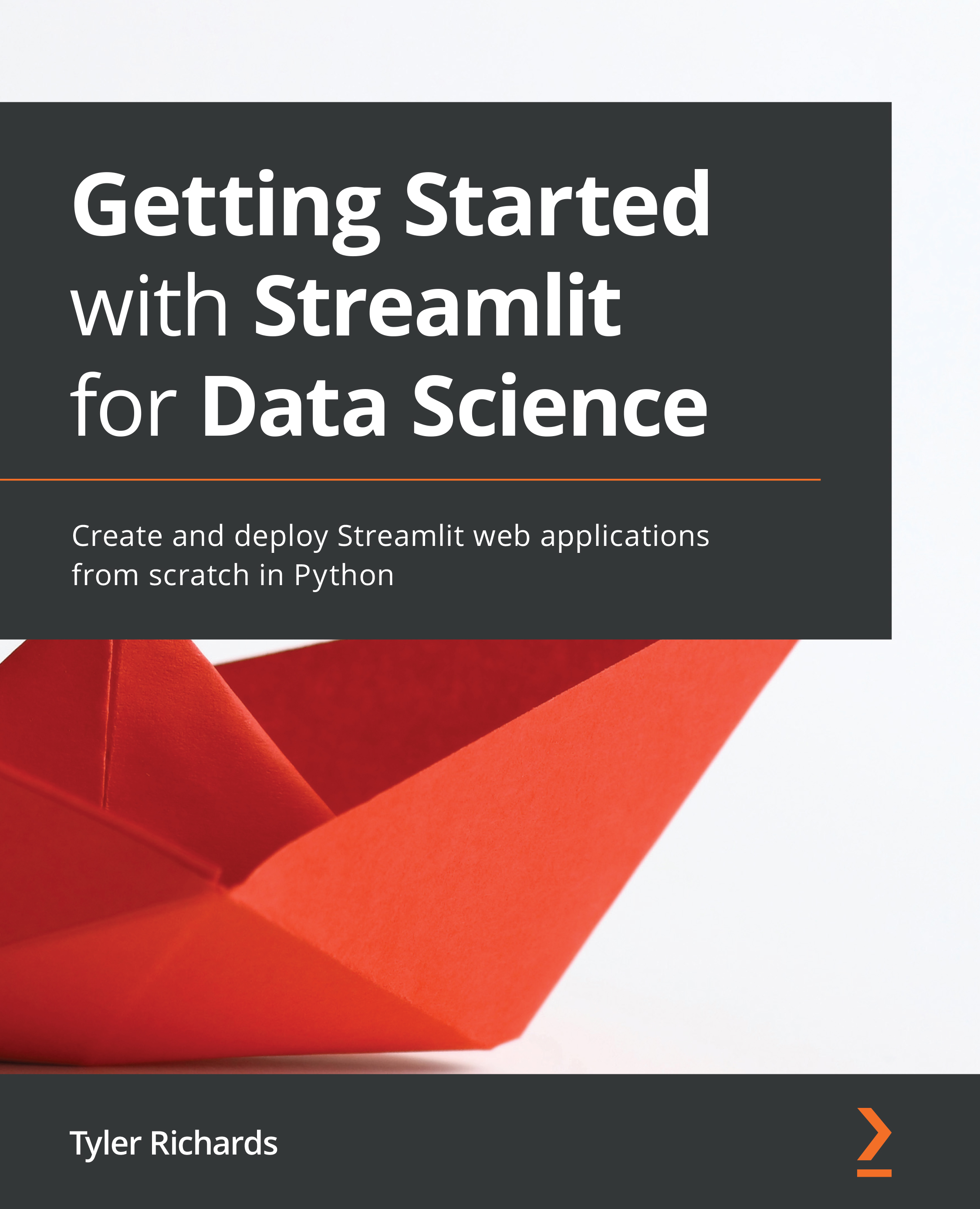
Getting Started with Streamlit for Data Science

Getting Started with Streamlit for Data Science

By : Tyler Richards
4.7 (21)
close
close
Getting Started with Streamlit for Data Science

Getting Started with Streamlit for Data Science

4.7 (21)
By: Tyler Richards

Overview of this book

Streamlit shortens the development time for the creation of data-focused web applications, allowing data scientists to create web app prototypes using Python in hours instead of days. Getting Started with Streamlit for Data Science takes a hands-on approach to helping you learn the tips and tricks that will have you up and running with Streamlit in no time. You'll start with the fundamentals of Streamlit by creating a basic app and gradually build on the foundation by producing high-quality graphics with data visualization and testing machine learning models. As you advance through the chapters, you’ll walk through practical examples of both personal data projects and work-related data-focused web applications, and get to grips with more challenging topics such as using Streamlit Components, beautifying your apps, and quick deployment of your new apps. By the end of this book, you’ll be able to create dynamic web apps in Streamlit quickly and effortlessly using the power of Python.
Table of Contents (17 chapters)
close
close
1
Section 1: Creating Basic Streamlit Applications
chevron up
7
Section 2: Advanced Streamlit Applications
11
Section 3: Streamlit Use Cases

An Introduction to Streamlit

Streamlit is the fastest way to make data apps. It is an open-source Python library that helps you build web applications to be used for sharing analytical results, building complex interactive experiences, and iterating on top of new machine learning models. On top of that, developing and deploying Streamlit apps is incredibly fast and flexible, often reducing the application development time from days to hours.

In this chapter, we will start out with the Streamlit basics. We will learn how to download and run demo Streamlit apps, how to edit demo apps using our own text editor, how to organize our Streamlit apps, and finally, how to make our very own apps. Then, we will explore the basics of data visualization in Streamlit. We will learn how to accept some initial user input, and then add some finishing touches to our own apps with text. By the end of this chapter, you should be comfortable with starting to make your own Streamlit apps!

In particular, we will cover the following topics:

  • Why Streamlit?
  • Installing Streamlit
  • Organizing Streamlit apps
  • Streamlit plotting demo
  • Making an app from scratch

Before we begin, we will start with the technical requirements to make sure we have everything we need to get started.

Visually different images
CONTINUE READING
83
Tech Concepts
36
Programming languages
73
Tech Tools
Icon Unlimited access to the largest independent learning library in tech of over 8,000 expert-authored tech books and videos.
Icon Innovative learning tools, including AI book assistants, code context explainers, and text-to-speech.
Icon 50+ new titles added per month and exclusive early access to books as they are being written.
Getting Started with Streamlit for Data Science
notes
bookmark Notes and Bookmarks search Search in title playlist Add to playlist download Download options font-size Font size

Change the font size

margin-width Margin width

Change margin width

day-mode Day/Sepia/Night Modes

Change background colour

Close icon Search
Country selected

Close icon Your notes and bookmarks

Confirmation

Modal Close icon
claim successful

Buy this book with your credits?

Modal Close icon
Are you sure you want to buy this book with one of your credits?
Close
YES, BUY

Submit Your Feedback

Modal Close icon
Modal Close icon
Modal Close icon