


-
Book Overview & Buying
-
Table Of Contents

Practical Automated Machine Learning Using H2O.ai
By :


Practical Automated Machine Learning Using H2O.ai
By:
Overview of this book
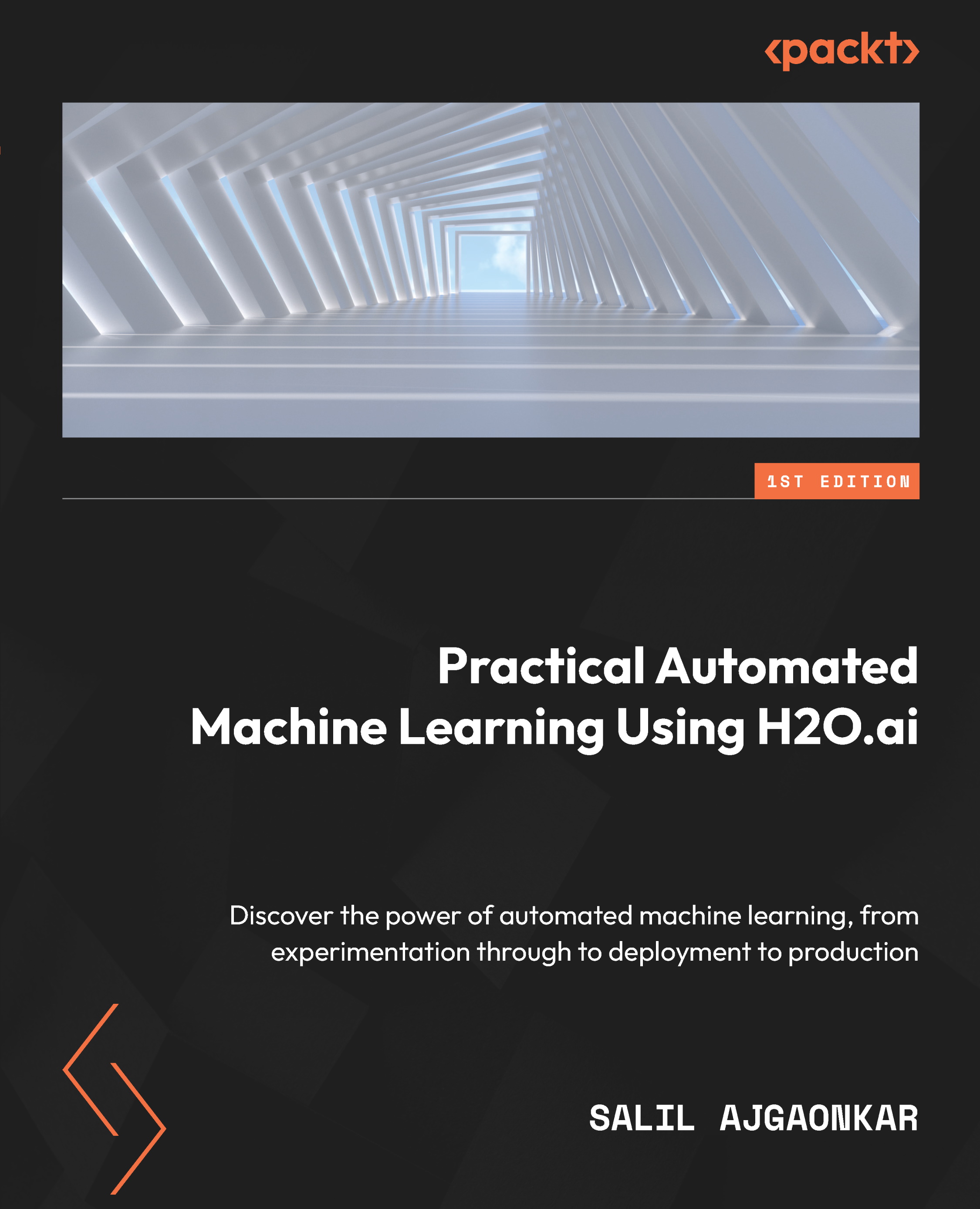
With the huge amount of data being generated over the internet and the benefits that Machine Learning (ML) predictions bring to businesses, ML implementation has become a low-hanging fruit that everyone is striving for. The complex mathematics behind it, however, can be discouraging for a lot of users. This is where H2O comes in – it automates various repetitive steps, and this encapsulation helps developers focus on results rather than handling complexities.
You’ll begin by understanding how H2O’s AutoML simplifies the implementation of ML by providing a simple, easy-to-use interface to train and use ML models. Next, you’ll see how AutoML automates the entire process of training multiple models, optimizing their hyperparameters, as well as explaining their performance. As you advance, you’ll find out how to leverage a Plain Old Java Object (POJO) and Model Object, Optimized (MOJO) to deploy your models to production. Throughout this book, you’ll take a hands-on approach to implementation using H2O that’ll enable you to set up your ML systems in no time.
By the end of this H2O book, you’ll be able to train and use your ML models using H2O AutoML, right from experimentation all the way to production without a single need to understand complex statistics or data science.
Table of Contents (19 chapters)
Preface


Part 1 H2O AutoML Basics
 Free Chapter
Chapter 1: Understanding H2O AutoML Basics

Chapter 2: Working with H2O Flow (H2O’s Web UI)
Part 2 H2O AutoML Deep Dive
Chapter 3: Understanding Data Processing
Chapter 4: Understanding H2O AutoML Architecture and Training
Chapter 5: Understanding AutoML Algorithms
Chapter 6: Understanding H2O AutoML Leaderboard and Other Performance Metrics
Chapter 7: Working with Model Explainability
Part 3 H2O AutoML Advanced Implementation and Productization
Chapter 8: Exploring Optional Parameters for H2O AutoML
Chapter 9: Exploring Miscellaneous Features in H2O AutoML
Chapter 10: Working with Plain Old Java Objects (POJOs)
Chapter 11: Working with Model Object, Optimized (MOJO)
Chapter 12: Working with H2O AutoML and Apache Spark
Chapter 13: Using H2O AutoML with Other Technologies
Index
Other Books You May Enjoy


