


-
Book Overview & Buying
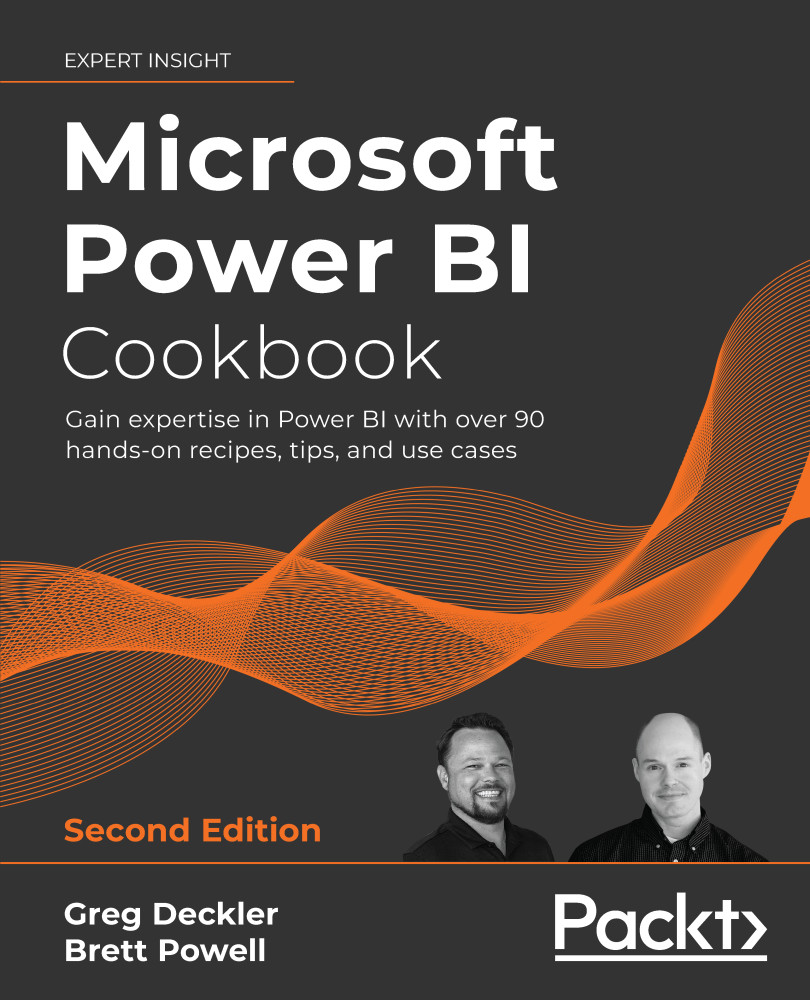
-
Table Of Contents

Microsoft Power BI Cookbook - Second Edition
By :


Microsoft Power BI Cookbook
By:
Overview of this book
The complete everyday reference guide to Power BI, written by an internationally recognized Power BI expert duo, is back with a new and updated edition.
Packed with revised practical recipes, Microsoft Power BI Cookbook, Second Edition, helps you navigate Power BI tools and advanced features. It also demonstrates the use of end-to-end solutions that integrate those features to get the most out of Power BI. With the help of the recipes in this book, you’ll gain advanced design and development insight, practical tips, and guidance on enhancing existing Power BI projects.
The updated recipes will equip you with everything you need to know to implement evergreen frameworks that will stay relevant as Power BI updates. You’ll familiarize yourself with Power BI development tools and services by going deep into the data connectivity, transformation, modeling, visualization, and analytical capabilities of Power BI. By the end of this book, you’ll make the most of Power BI’s functional programming languages of DAX and M and deliver powerful solutions to common business intelligence challenges.
Table of Contents (16 chapters)
Preface


Configuring Power BI Tools
 Free Chapter
Accessing and Retrieving Data
Building a Power BI Data Model
Authoring Power BI Reports

Working in the Service
Getting Serious with Date Intelligence
Parameterizing Power BI Solutions
Implementing Dynamic User-Based Visibility in Power BI
Applying Advanced Analytics and Custom Visuals
Administering and Monitoring Power BI
Enhancing and Optimizing Existing Power BI Solutions
Deploying and Distributing Power BI Content
Integrating Power BI with Other Applications
Other Book You May Enjoy
Index


