


-
Book Overview & Buying
-
Table Of Contents

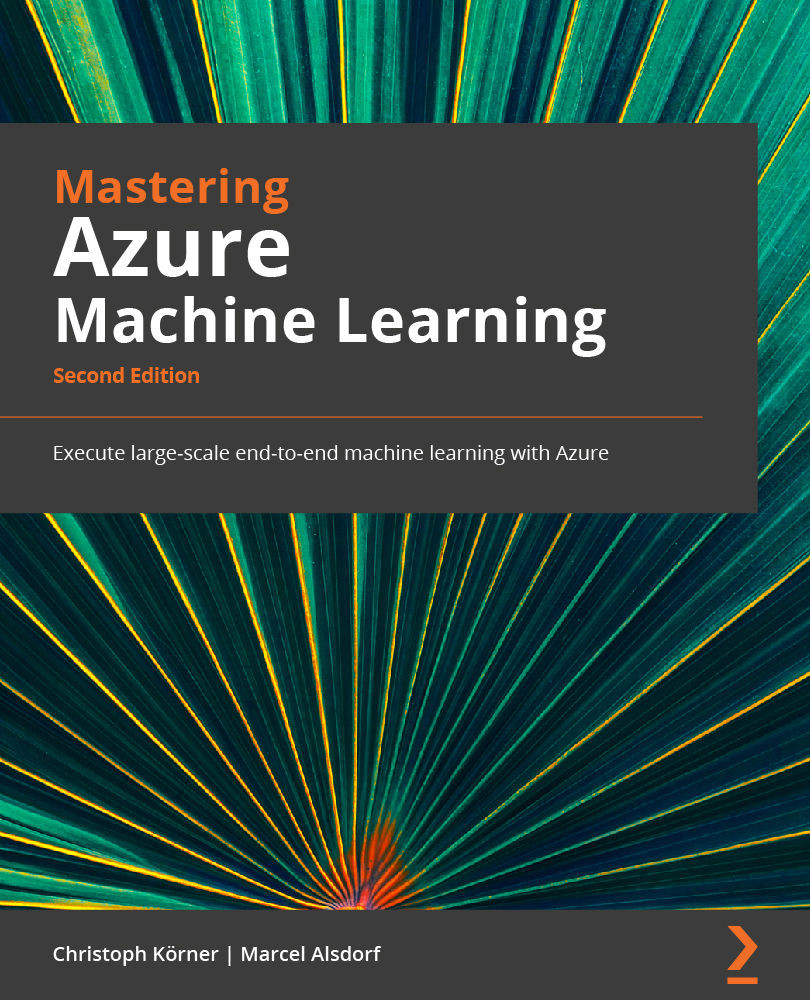
Mastering Azure Machine Learning - Second Edition
By :


Mastering Azure Machine Learning
By:
Overview of this book
Azure Machine Learning is a cloud service for accelerating and managing the machine learning (ML) project life cycle that ML professionals, data scientists, and engineers can use in their day-to-day workflows. This book covers the end-to-end ML process using Microsoft Azure Machine Learning, including data preparation, performing and logging ML training runs, designing training and deployment pipelines, and managing these pipelines via MLOps.
The first section shows you how to set up an Azure Machine Learning workspace; ingest and version datasets; as well as preprocess, label, and enrich these datasets for training. In the next two sections, you'll discover how to enrich and train ML models for embedding, classification, and regression. You'll explore advanced NLP techniques, traditional ML models such as boosted trees, modern deep neural networks, recommendation systems, reinforcement learning, and complex distributed ML training techniques - all using Azure Machine Learning.
The last section will teach you how to deploy the trained models as a batch pipeline or real-time scoring service using Docker, Azure Machine Learning clusters, Azure Kubernetes Services, and alternative deployment targets.
By the end of this book, you’ll be able to combine all the steps you’ve learned by building an MLOps pipeline.
Table of Contents (23 chapters)
Preface


Section 1: Introduction to Azure Machine Learning
 Free Chapter
Chapter 1: Understanding the End-to-End Machine Learning Process
Chapter 2: Choosing the Right Machine Learning Service in Azure
Chapter 3: Preparing the Azure Machine Learning Workspace
Section 2: Data Ingestion, Preparation, Feature Engineering, and Pipelining
Chapter 4: Ingesting Data and Managing Datasets
Chapter 5: Performing Data Analysis and Visualization
Chapter 6: Feature Engineering and Labeling
Chapter 7: Advanced Feature Extraction with NLP
Chapter 8: Azure Machine Learning Pipelines

Section 3: The Training and Optimization of Machine Learning Models
Chapter 9: Building ML Models Using Azure Machine Learning
Chapter 10: Training Deep Neural Networks on Azure
Chapter 11: Hyperparameter Tuning and Automated Machine Learning
Chapter 12: Distributed Machine Learning on Azure
Chapter 13: Building a Recommendation Engine in Azure
Section 4: Machine Learning Model Deployment and Operations
Chapter 14: Model Deployment, Endpoints, and Operations
Chapter 15: Model Interoperability, Hardware Optimization, and Integrations
Chapter 16: Bringing Models into Production with MLOps
Chapter 17: Preparing for a Successful ML Journey
Other Books You May Enjoy


