Sign In Start Free Trial
Account

Add to playlist

Create a Playlist

Modal Close icon
You need to login to use this feature.
  • Book Overview & Buying Microsoft Power BI Quick Start Guide
  • Table Of Contents Toc
Microsoft Power BI Quick Start Guide

Microsoft Power BI Quick Start Guide - Third Edition

By : Devin Knight, Erin Ostrowsky, Mitchell Pearson, Bradley Schacht
4.5 (49)
close
close
Microsoft Power BI Quick Start Guide

Microsoft Power BI Quick Start Guide

4.5 (49)
By: Devin Knight, Erin Ostrowsky, Mitchell Pearson, Bradley Schacht

Overview of this book

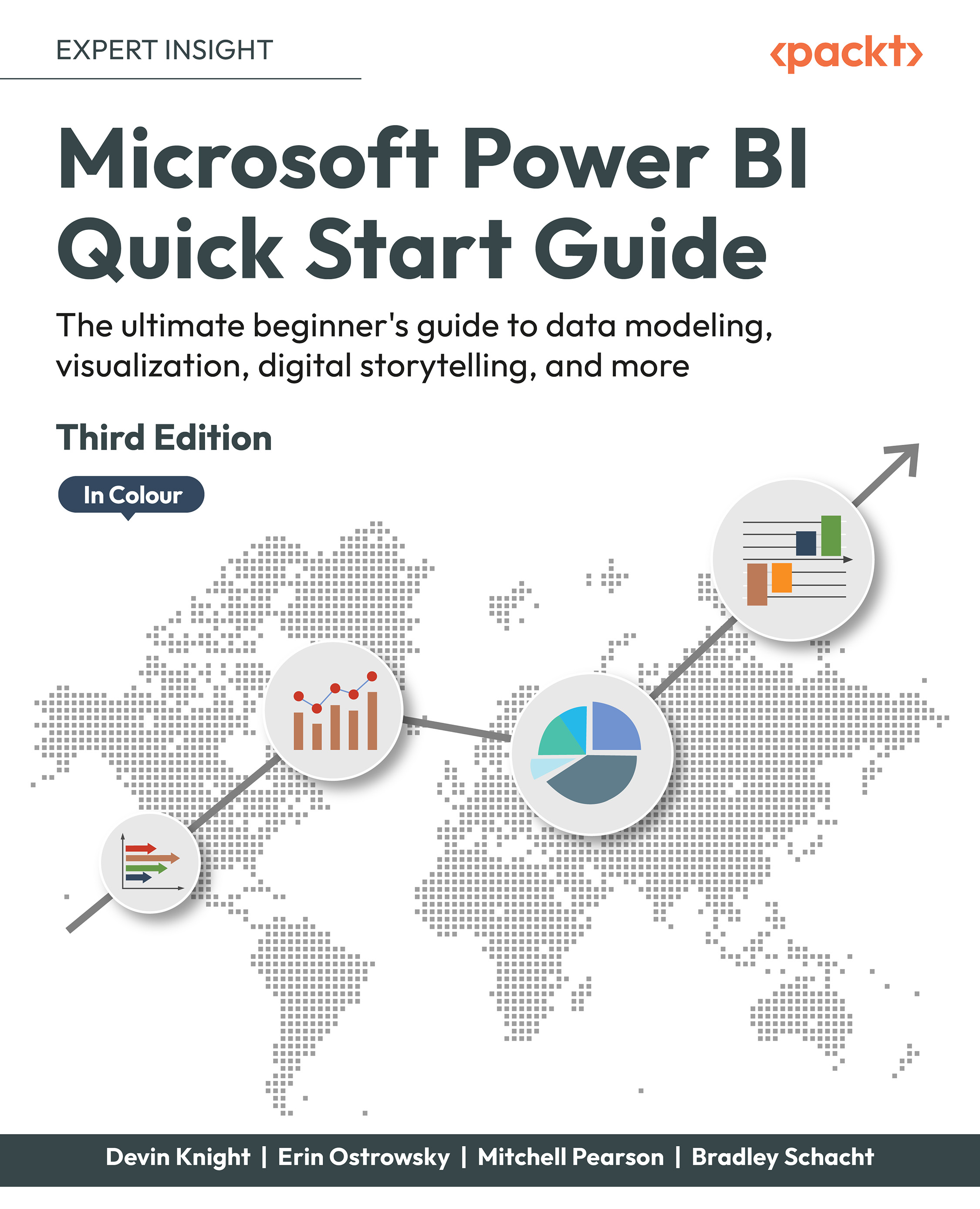
Updated with the latest features and improvements in Power BI, this fast-paced yet comprehensive guide will help you master the core concepts of data visualization quickly. You’ll learn how to install Power BI, design effective data models, and build basic dashboards and visualizations to help you make better business decisions. This new edition will also help you bridge the gap between MS Excel and Power BI. Throughout this book, you’ll learn how to obtain data from a variety of sources and clean it using the Power Query Editor. You’ll also start designing data models to navigate and explore relationships within your data and building DAX formulas to make data easier to work with. Visualizing data is a key element of this book, so there’s an emphasis on helping you get to grips with data visualization styles and enhanced digital storytelling. As you progress, you’ll start building your own dataflows, gain an understanding of the Common Data Model, and automate dataflow refreshes to eradicate data cleaning inefficiency. You’ll learn how to administer your organization's Power BI environment so that deployment can be made seamless, data refreshes can run properly, and security can be fully implemented. By the end of this Power BI book, you’ll know how to get the most out of Power BI for better business intelligence.
Table of Contents (13 chapters)
close
close
11
Other Books You May Enjoy
12
Index

Summary

In this chapter, you learned that data models in Power BI Desktop should be understandable and designed for scalability and flexibility. You learned how to create new relationships and edit existing relationships. You also learned about how to handle and model complex relationships like many-to-many and role-playing tables. This chapter discussed the importance of usability enhancements like sorting columns, adjusting default summarization, data categorization, and hiding and renaming columns and tables. Finally, the chapter ended with a short discussion on performance considerations for querying and processing your data model. You are now prepared and ready to start building data models in Power BI Desktop!

These data relationships, combined with simple yet critical usability enhancements, allow you to build a data model that is both coherent and intelligent. Historically, business intelligence projects have cost significant resources in terms of time and money. With...

CONTINUE READING
83
Tech Concepts
36
Programming languages
73
Tech Tools
Icon Unlimited access to the largest independent learning library in tech of over 8,000 expert-authored tech books and videos.
Icon Innovative learning tools, including AI book assistants, code context explainers, and text-to-speech.
Icon 50+ new titles added per month and exclusive early access to books as they are being written.
Microsoft Power BI Quick Start Guide
notes
bookmark Notes and Bookmarks search Search in title playlist Add to playlist download Download options font-size Font size

Change the font size

margin-width Margin width

Change margin width

day-mode Day/Sepia/Night Modes

Change background colour

Close icon Search
Country selected

Close icon Your notes and bookmarks

Confirmation

Modal Close icon
claim successful

Buy this book with your credits?

Modal Close icon
Are you sure you want to buy this book with one of your credits?
Close
YES, BUY

Submit Your Feedback

Modal Close icon
Modal Close icon
Modal Close icon