


-
Book Overview & Buying
-
Table Of Contents

Python in Excel for Data Analytics
By :


Python in Excel for Data Analytics
By:
Overview of this book
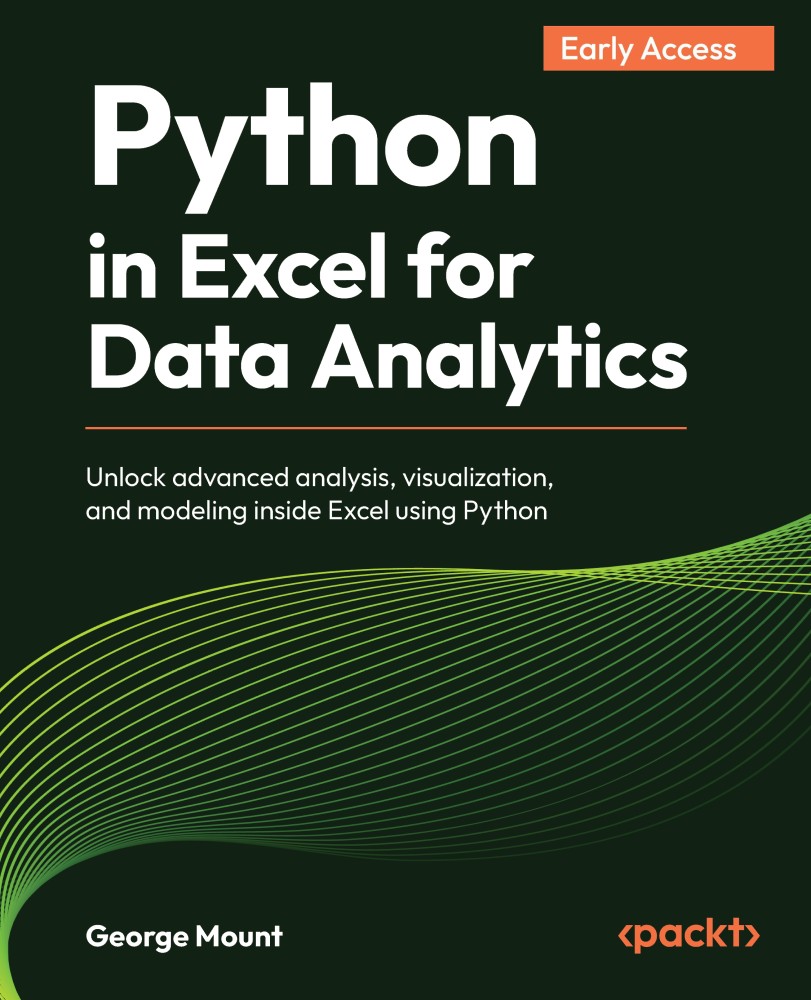
Excel is one of the most widely used tools for business analysis, but many analytical tasks quickly reach the limits of formulas and built-in features. Python in Excel changes that by allowing you to perform advanced analysis directly within the spreadsheet environment.
This book shows how to combine Excel’s structure and usability with Python’s analytical power. You will learn how to move data between Excel and Python DataFrames, clean and transform datasets efficiently, and explore data using modern visualization techniques.
As you progress, you will apply Python to real analytical problems including statistical testing, regression modeling, forecasting, and simulation. You will also learn how to integrate Python outputs into Excel dashboards and reports, creating workflows that are both powerful and practical.
Designed for Excel users with no prior programming experience, this book introduces Python concepts gradually and focuses on real-world applications rather than theory. By the end, you will be able to extend Excel in meaningful ways, helping you analyze data more effectively and support better decision-making.
Table of Contents (7 chapters)
 Free Chapter
Welcome to Packt Early Access


Chapter 1: Getting started with Python in Excel
Chapter 2: Exploring and Analyzing Data with Pandas

Chapter 3: Visualizing Data with Seaborn
Chapter 4: Performing Exploratory Data Analysis
Chapter 5: Running Statistical Tests
Chapter 6: Building Regression Models


