-
Book Overview & Buying
-
Table Of Contents

DAX for Humans
By :


DAX for Humans
By:
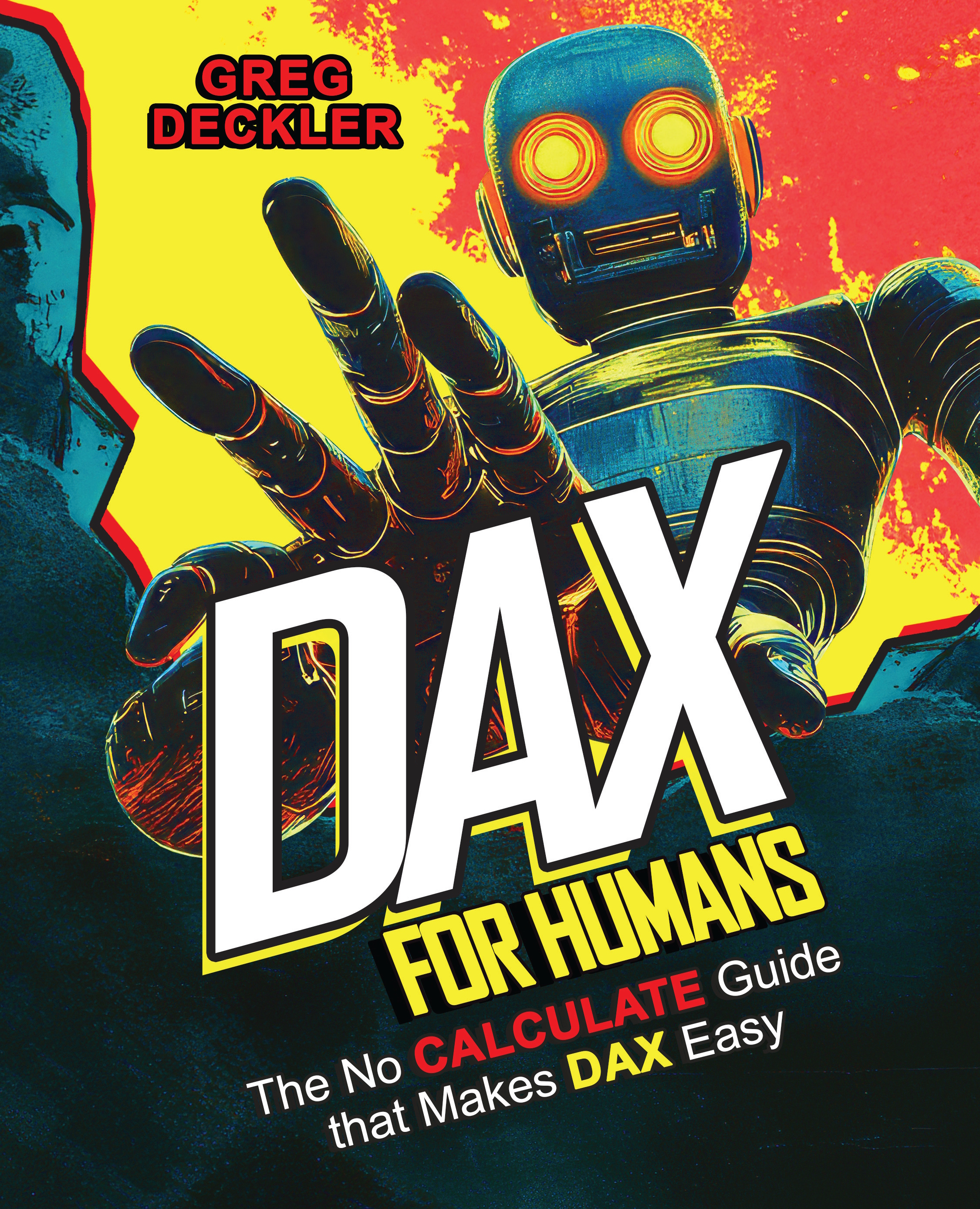
Overview of this book
Although DAX has been around for over a decade, many struggle to master the language primarily because DAX is often taught through the CALCULATE function, which is the most complex and unintuitive function in all of DAX. But what if DAX could be taught without CALCULATE? The result would be an incredibly intuitive and easy way to learn DAX.
DAX for Humans stands the traditional approach to learning DAX on its head, foregoing the traditional, legacy methods of learning DAX for a more modern approach that focuses on core DAX concepts and not any specific function. Even if you know nothing about DAX, from the very first chapter you will learn the essentials of the DAX language, as well as a single pattern to solve the majority of DAX problems. From that point forward, you’ll explore how to work with the basic building blocks of the DAX language and apply what you learn to real-world business scenarios across customers, human resources, projects, finance, operations, and more.
By the end of this book, you’ll be able to apply your DAX skills to simple, complex, and advanced scenarios; understand how to optimize and debug your DAX code; and even know how to efficiently apply artificial intelligence to help you write and debug your DAX code.
Table of Contents (18 chapters)


Foreword

Introducing DAX
More Core Concepts
Dates and Calendars
Text
Numbers
Time and Duration
Customers
Human Resources
Projects
Finance
Operations
Distance and Space
Advanced Scenarios
Complex Patterns
Optimizing Performance

AI, Debugging, and CALCULATE