Sign In Start Free Trial
Account

Add to playlist

Create a Playlist

Modal Close icon
You need to login to use this feature.
  • Book Overview & Buying PostgreSQL 16 Administration Cookbook
  • Table Of Contents Toc
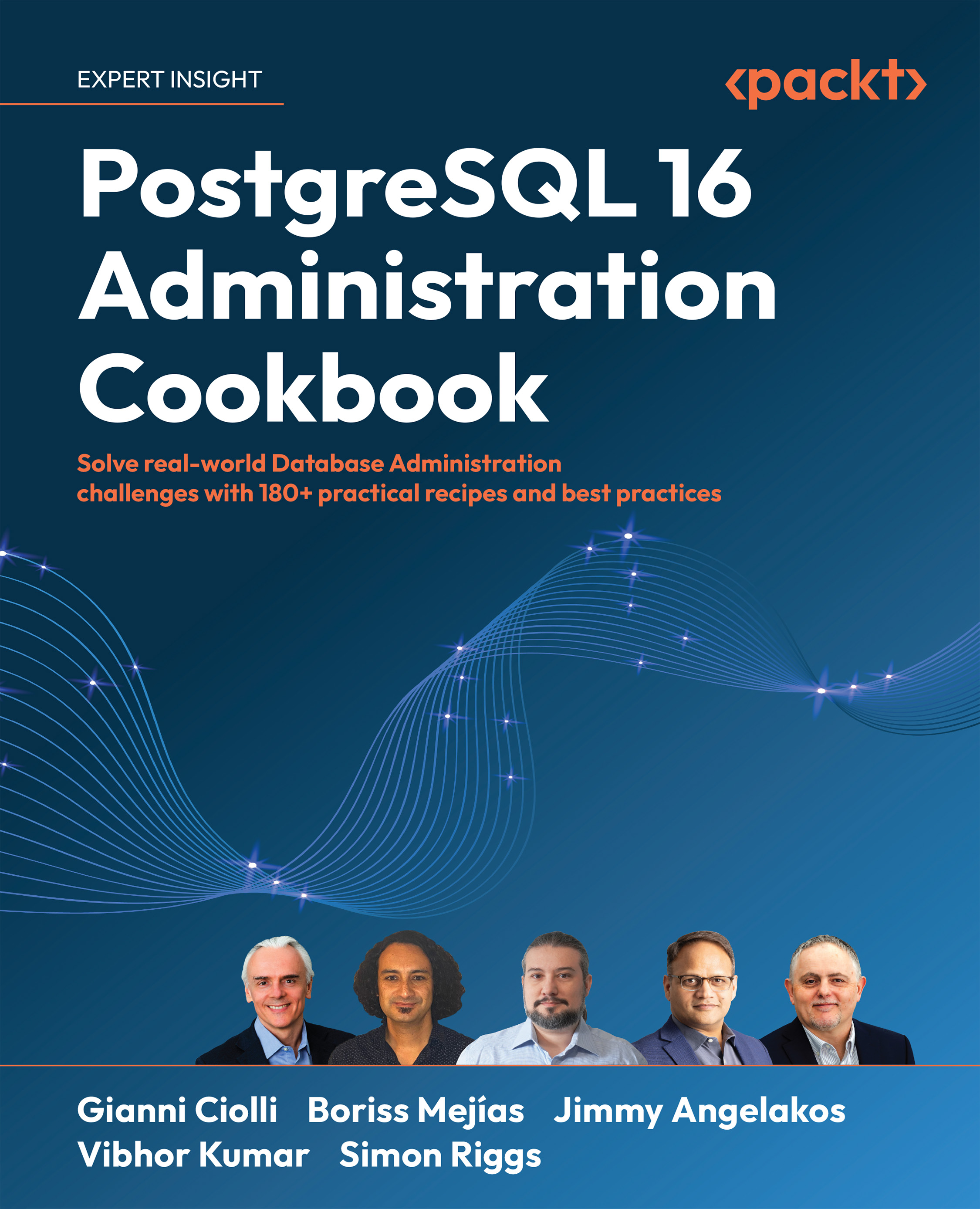
PostgreSQL 16 Administration Cookbook

PostgreSQL 16 Administration Cookbook

By : Gianni Ciolli, Boriss Mejías, Jimmy Angelakos, Vibhor Kumar, Simon Riggs
4.8 (25)
close
close
PostgreSQL 16 Administration Cookbook

PostgreSQL 16 Administration Cookbook

4.8 (25)
By: Gianni Ciolli, Boriss Mejías, Jimmy Angelakos, Vibhor Kumar, Simon Riggs

Overview of this book

PostgreSQL has seen a huge increase in its customer base in the past few years and is becoming one of the go-to solutions for anyone who has a database-specific challenge. This PostgreSQL book touches on all the fundamentals of Database Administration in a problem-solution format. It is intended to be the perfect desk reference guide. This new edition focuses on recipes based on the new PostgreSQL 16 release. The additions include handling complex batch loading scenarios with the SQL MERGE statement, security improvements, running Postgres on Kubernetes or with TPA and Ansible, and more. This edition also focuses on certain performance gains, such as query optimization, and the acceleration of specific operations, such as sort. It will help you understand roles, ensuring high availability, concurrency, and replication. It also draws your attention to aspects like validating backups, recovery, monitoring, and scaling aspects. This book will act as a one-stop solution to all your real-world database administration challenges. By the end of this book, you will be able to manage, monitor, and replicate your PostgreSQL 16 database for efficient administration and maintenance with the best practices from experts.
Table of Contents (15 chapters)
close
close
13
Other Books You May Enjoy
14
Index

Locating the database’s system identifier

Each database server has a system identifier assigned when the database is initialized (created). The server identifier remains the same if the server is backed up, cloned, and so on.

Many actions on the server are keyed to the system identifier, and you may be asked to provide this information when you report a fault.

In this recipe, you will learn how to display the system identifier.

Getting ready

You need to connect as the Postgres OS user, or another user with execute privileges on the server software.

How to do it…

In order to display the system identifier, we just need to launch the following command:

pg_controldata <data-directory> | grep "system identifier"
Database system identifier:            7015545877453537036

Note that the preceding syntax will not work on Debian or Ubuntu systems, because of the choice of offering a multi-version directory structure. That choice...

CONTINUE READING
83
Tech Concepts
36
Programming languages
73
Tech Tools
Icon Unlimited access to the largest independent learning library in tech of over 8,000 expert-authored tech books and videos.
Icon Innovative learning tools, including AI book assistants, code context explainers, and text-to-speech.
Icon 50+ new titles added per month and exclusive early access to books as they are being written.
PostgreSQL 16 Administration Cookbook
notes
bookmark Notes and Bookmarks search Search in title playlist Add to playlist font-size Font size

Change the font size

margin-width Margin width

Change margin width

day-mode Day/Sepia/Night Modes

Change background colour

Close icon Search
Country selected

Close icon Your notes and bookmarks

Confirmation

Modal Close icon
claim successful

Buy this book with your credits?

Modal Close icon
Are you sure you want to buy this book with one of your credits?
Close
YES, BUY

Submit Your Feedback

Modal Close icon
Modal Close icon
Modal Close icon