Sign In Start Free Trial
Account

Add to playlist

Create a Playlist

Modal Close icon
You need to login to use this feature.
  • Book Overview & Buying Python Feature Engineering Cookbook
  • Table Of Contents Toc
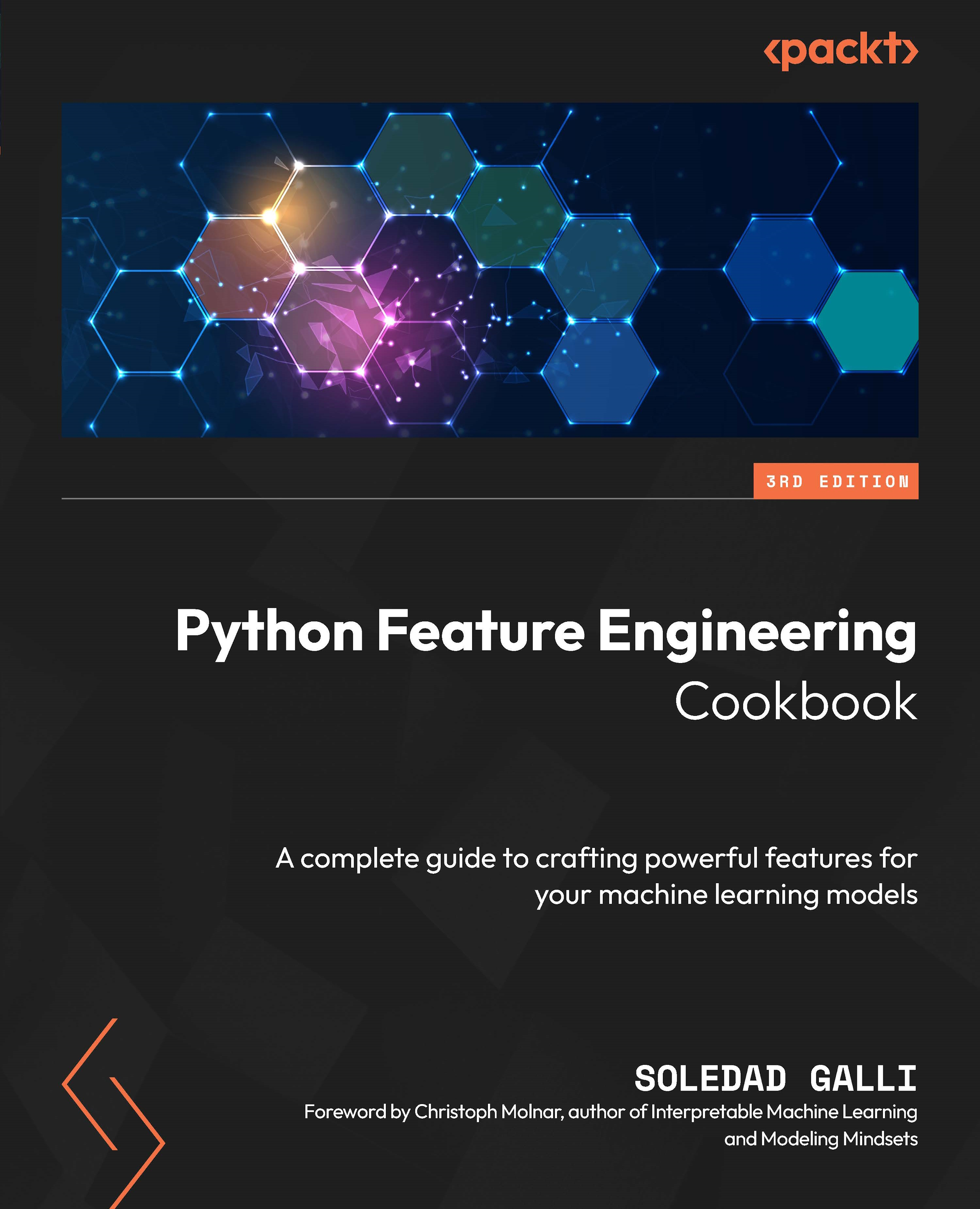
Python Feature Engineering Cookbook

Python Feature Engineering Cookbook - Third Edition

By : Soledad Galli
close
close
Python Feature Engineering Cookbook

Python Feature Engineering Cookbook

By: Soledad Galli

Overview of this book

Streamline data preprocessing and feature engineering in your machine learning project with this third edition of the Python Feature Engineering Cookbook to make your data preparation more efficient. This guide addresses common challenges, such as imputing missing values and encoding categorical variables using practical solutions and open source Python libraries. You’ll learn advanced techniques for transforming numerical variables, discretizing variables, and dealing with outliers. Each chapter offers step-by-step instructions and real-world examples, helping you understand when and how to apply various transformations for well-prepared data. The book explores feature extraction from complex data types such as dates, times, and text. You’ll see how to create new features through mathematical operations and decision trees and use advanced tools like Featuretools and tsfresh to extract features from relational data and time series. By the end, you’ll be ready to build reproducible feature engineering pipelines that can be easily deployed into production, optimizing data preprocessing workflows and enhancing machine learning model performance.
Table of Contents (14 chapters)
close
close

Marking imputed values

In the previous recipes, we focused on replacing missing data with estimates of their values. In addition, we can add missing indicators to mark observations where values were missing.

A missing indicator is a binary variable that takes the value 1 or True to indicate whether a value was missing, and 0 or False otherwise. It is common practice to replace missing observations with the mean, median, or most frequent category while simultaneously marking those missing observations with missing indicators. In this recipe, we will learn how to add missing indicators using pandas, scikit-learn, and feature-engine.

How to do it...

Let’s begin by making some imports and loading the data:

  1. Let’s import the required libraries, functions, and classes:
    import pandas as pd
    import numpy as np
    from sklearn.model_selection import train_test_split
    from sklearn.impute import SimpleImputer
    from sklearn.compose import ColumnTransformer
    from sklearn.pipeline import Pipeline
    from feature_engine.imputation import(
        AddMissingIndicator,
        CategoricalImputer,
        MeanMedianImputer
    )
  2. Let’s load and split the dataset described in the Technical requirements section:
    data = pd.read_csv("credit_approval_uci.csv")
    X_train, X_test, y_train, y_test = train_test_split(
        data.drop("target", axis=1),
        data["target"],
        test_size=0.3,
        random_state=0,
    )
  3. Let’s capture the variable names in a list:
    varnames = ["A1", "A3", "A4", "A5", "A6", "A7", "A8"]
  4. Let’s create names for the missing indicators and store them in a list:
    indicators = [f"{var}_na" for var in varnames]

    If we execute indicators, we will see the names we will use for the new variables: ['A1_na', 'A3_na', 'A4_na', 'A5_na', 'A6_na', 'A7_na', 'A8_na'].

  5. Let’s make a copy of the original DataFrames:
    X_train_t = X_train.copy()
    X_test_t = X_test.copy()
  6. Let’s add the missing indicators:
    X_train_t[indicators] =X_train[
        varnames].isna().astype(int)
    X_test_t[indicators] = X_test[
        varnames].isna().astype(int)

Note

If you want the indicators to have True and False as values instead of 0 and 1, remove astype(int) in step 6.

  1. Let’s inspect the resulting DataFrame:
    X_train_t.head()

    We can see the newly added variables at the right of the DataFrame in the following image:

Figure 1.4 – DataFrame with the missing indicators

Figure 1.4 – DataFrame with the missing indicators

Now, let’s add missing indicators using Feature-engine instead.

  1. Set up the imputer to add binary indicators to every variable with missing data:
    imputer = AddMissingIndicator(
        variables=None, missing_only=True
        )
  2. Fit the imputer to the train set so that it finds the variables with missing data:
    imputer.fit(X_train)

Note

If we execute imputer.variables_, we will find the variables for which missing indicators will be added.

  1. Finally, let’s add the missing indicators:
    X_train_t = imputer.transform(X_train)
    X_test_t = imputer.transform(X_test)

    So far, we just added missing indicators. But we still have the missing data in our variables. We need to replace them with numbers. In the rest of this recipe, we will combine the use of missing indicators with mean and mode imputation.

  2. Let’s create a pipeline to add missing indicators to categorical and numerical variables, then impute categorical variables with the most frequent category, and numerical variables with the mean:
    pipe = Pipeline([
        ("indicators",
            AddMissingIndicator(missing_only=True)),
        ("categorical", CategoricalImputer(
            imputation_method="frequent")),
        ("numerical", MeanMedianImputer()),
    ])

Note

feature-engine imputers automatically identify numerical or categorical variables. So there is no need to slice the data or pass the variable names as arguments to the transformers in this case.

  1. Let’s add the indicators and impute missing values:
    X_train_t = pipe.fit_transform(X_train)
    X_test_t = pipe.transform(X_test)

Note

Use X_train_t.isnull().sum() to corroborate that there is no data missing. Execute X_train_t.head() to get a view of the resulting datafame.

Finally, let’s add missing indicators and simultaneously impute numerical and categorical variables with the mean and most frequent categories respectively, utilizing scikit-learn.

  1. Let’s make a list with the names of the numerical and categorical variables:
    numvars = X_train.select_dtypes(
        exclude="O").columns.to_list()
    catvars = X_train.select_dtypes(
        include="O").columns.to_list()
  2. Let’s set up a pipeline to perform mean and frequent category imputation while marking the missing data:
    pipe = ColumnTransformer([
        ("num_imputer", SimpleImputer(
            strategy="mean",
            add_indicator=True),
        numvars),
        ("cat_imputer", SimpleImputer(
            strategy="most_frequent",
            add_indicator=True),
        catvars),
    ]).set_output(transform="pandas")
  3. Now, let’s carry out the imputation:
    X_train_t = pipe.fit_transform(X_train)
    X_test_t = pipe.transform(X_test)

Make sure to explore X_train_t.head() to get familiar with the pipeline’s output.

How it works...

To add missing indicators using pandas, we used isna(), which created a new vector assigning the value of True if there was a missing value or False otherwise. We used astype(int) to convert the Boolean vectors into binary vectors with values 1 and 0.

To add a missing indicator with feature-engine, we used AddMissingIndicator(). With fit() the transformer found the variables with missing data. With transform() it appended the missing indicators to the right of the train and test sets.

To sequentially add missing indicators and then replace the nan values with the most frequent category or the mean, we lined up Feature-engine’s AddMissingIndicator(), CategoricalImputer(), and MeanMedianImputer() within a pipeline. The fit() method from the pipeline made the transformers find the variables with nan and calculate the mean of the numerical variables and the mode of the categorical variables. The transform() method from the pipeline made the transformers add the missing indicators and then replace the missing values with their estimates.

Note

Feature-engine transformations return DataFrames respecting the original names and order of the variables. Scikit-learn’s ColumnTransformer(), on the other hand, changes the variable’s names and order in the resulting data.

Finally, we added missing indicators and replaced missing data with the mean and most frequent category using scikit-learn. We lined up two instances of SimpleImputer(), the first to impute data with the mean and the second to impute data with the most frequent category. In both cases, we set the add_indicator parameter to True to add the missing indicators. We wrapped SimpleImputer() with ColumnTransformer() to specifically modify numerical or categorical variables. Then we used the fit() and transform() methods from the pipeline to train the transformers and then add the indicators and replace the missing data.

When returning DataFrames, ColumnTransformer() changes the names of the variables and their order. Take a look at the result from step 15 by executing X_train_t.head(). You’ll see that the name given to each step of the pipeline is added as a prefix to the variables to flag which variable was modified with each transformer. Then, num_imputer__A2 was returned by the first step of the pipeline, while cat_imputer__A12 was returned by the second step of the pipeline.

There’s more…

Scikit-learn has the MissingIndicator() transformer that just adds missing indicators. Check it out in the documentation: https://scikit-learn.org/stable/modules/generated/sklearn.impute.MissingIndicator.html and find an example in the accompanying GitHub repository at https://github.com/PacktPublishing/Python-Feature-engineering-Cookbook-Third-Edition/blob/main/ch01-missing-data-imputation/Recipe-06-Marking-imputed-values.ipynb.

CONTINUE READING
83
Tech Concepts
36
Programming languages
73
Tech Tools
Icon Unlimited access to the largest independent learning library in tech of over 8,000 expert-authored tech books and videos.
Icon Innovative learning tools, including AI book assistants, code context explainers, and text-to-speech.
Icon 50+ new titles added per month and exclusive early access to books as they are being written.
Python Feature Engineering Cookbook
notes
bookmark Notes and Bookmarks search Search in title playlist Add to playlist download Download options font-size Font size

Change the font size

margin-width Margin width

Change margin width

day-mode Day/Sepia/Night Modes

Change background colour

Close icon Search
Country selected

Close icon Your notes and bookmarks

Confirmation

Modal Close icon
claim successful

Buy this book with your credits?

Modal Close icon
Are you sure you want to buy this book with one of your credits?
Close
YES, BUY

Submit Your Feedback

Modal Close icon
Modal Close icon
Modal Close icon