Sign In Start Free Trial
Account

Add to playlist

Create a Playlist

Modal Close icon
You need to login to use this feature.
  • Book Overview & Buying Oracle 11g Anti-hacker's Cookbook
  • Table Of Contents Toc
  • Feedback & Rating feedback
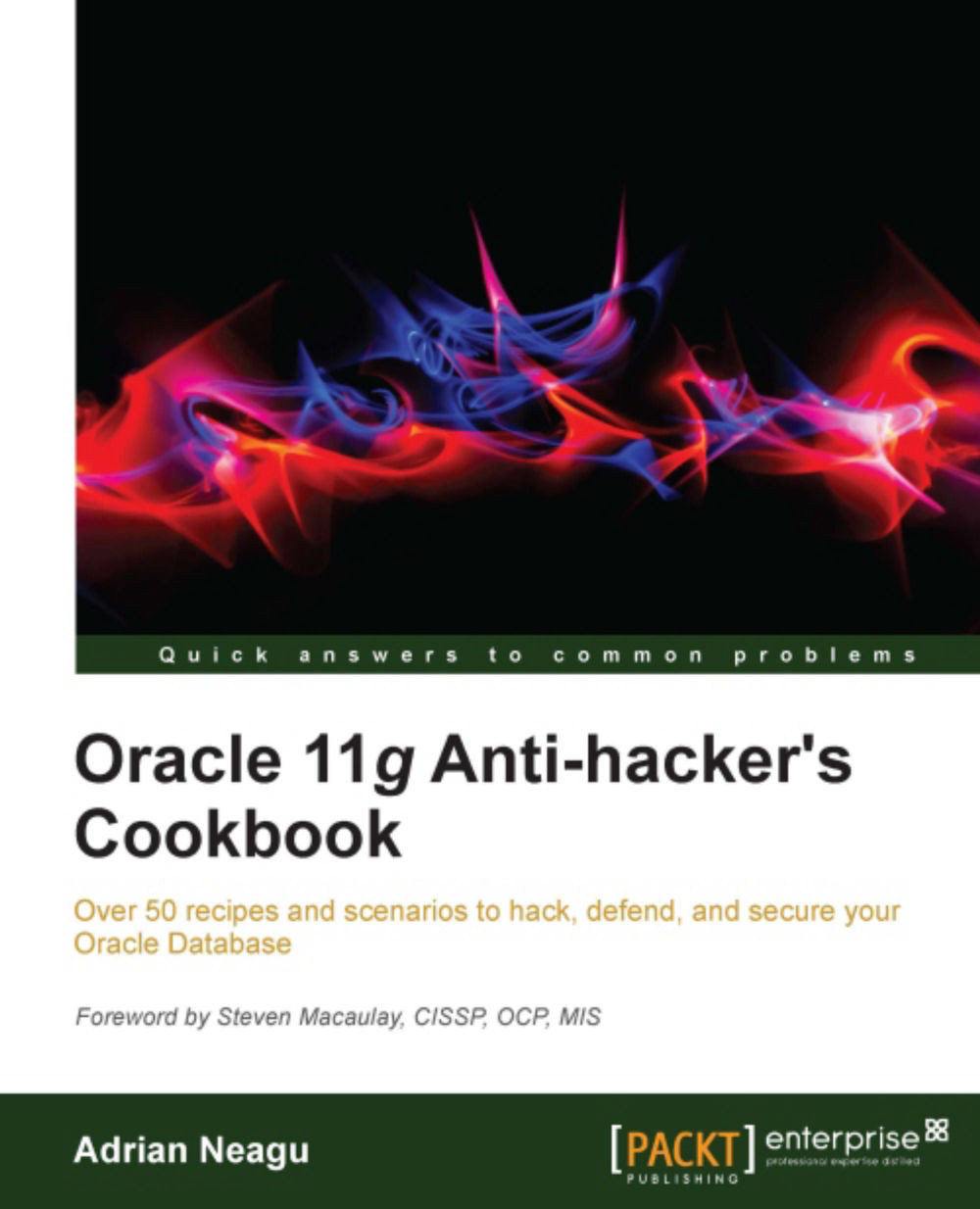
Oracle 11g Anti-hacker's Cookbook

Oracle 11g Anti-hacker's Cookbook

By : Adrian Neagu
5 (5)
close
close
Oracle 11g Anti-hacker's Cookbook

Oracle 11g Anti-hacker's Cookbook

5 (5)
By: Adrian Neagu

Overview of this book

For almost all organizations, data security is a matter of prestige and credibility. The Oracle Database is one of the most rich in features and probably the most used Database in a variety of industries where security is essential. To ensure security of data both in transit and on the disk, Oracle has implemented the security technologies to achieve a reliable and solid system. In Oracle 11g Anti-Hacker's Cookbook, you will learn about the most important solutions that can be used for better database security."Oracle 11g Anti-hacker's Cookbook" covers all the important security measures and includes various tips and tricks to protect your Oracle Database."Oracle 11g Anti-hacker's Cookbook" uses real-world scenarios to show you how to secure the Oracle Database server from different perspectives and against different attack scenarios. Almost every chapter has a possible threads section, which describes the major dangers that can be confronted. The initial chapters cover how to defend the operating system, the network, the data and the users. The defense scenarios are linked and designed to prevent these attacks. The later chapters cover Oracle Vault, Oracle VPD, Oracle Labels, and Oracle Audit. Finally, in the Appendices, the book demonstrates how to perform a security assessment against the operating system and the database, and how to use a DAM tool for monitoring.
Table of Contents (16 chapters)
close
close
Oracle 11g Anti-hacker's Cookbook
Credits
Foreword
About the Author
About the Reviewers
www.PacktPub.com
Preface
1
Index

Controlling client connections using the TCP.VALIDNODE_CHECKING listener parameter


The usage of the valid node checking security feature is very similar to the TCP wrappers presented in Chapter 1, Operating System Security. Using this capability, you can deny or the allow connecting clients based on IP address or hostname.

Getting ready

All steps will be performed on nodeorcl1.

How to do it...

  1. Open $ORACLE_HOME/network/admin/sqlnet.ora and enable valid node checking by setting TCP.VALIDNODE_CKECINK as follows:

    TCP.VALIDNODE_CHECKING=ON
    
  2. Next, you can establish the hosts that will be allowed to connect by setting the TCP.INVITED_NODES parameter as follows:

    TCP.INVITED_NODES= {nodeorcl5}
    
  3. After you add the invited nodes you must reload the listener configuration.

    lsnrctl reload
    
  4. If we want to establish a connection from a node that is not included in the invited node list, the ORA-12537: TNS:connection closed error will be thrown as follows:

    oraclient@nodeorcl2:~> sqlplus hr/hr@HCKDB
    
    SQL...
Visually different images
CONTINUE READING
83
Tech Concepts
36
Programming languages
73
Tech Tools
Icon Unlimited access to the largest independent learning library in tech of over 8,000 expert-authored tech books and videos.
Icon Innovative learning tools, including AI book assistants, code context explainers, and text-to-speech.
Icon 50+ new titles added per month and exclusive early access to books as they are being written.
Oracle 11g Anti-hacker's Cookbook
notes
bookmark Notes and Bookmarks search Search in title playlist Add to playlist font-size Font size

Change the font size

margin-width Margin width

Change margin width

day-mode Day/Sepia/Night Modes

Change background colour

Close icon Search
Country selected

Close icon Your notes and bookmarks

Confirmation

Modal Close icon
claim successful

Buy this book with your credits?

Modal Close icon
Are you sure you want to buy this book with one of your credits?
Close
YES, BUY

Submit Your Feedback

Modal Close icon
Modal Close icon
Modal Close icon