Sign In Start Free Trial
Account

Add to playlist

Create a Playlist

Modal Close icon
You need to login to use this feature.
  • Book Overview & Buying Beginning C++ Game Programming
  • Table Of Contents Toc
Beginning C++ Game Programming

Beginning C++ Game Programming

By : John Horton
3.4 (14)
close
close
Beginning C++ Game Programming

Beginning C++ Game Programming

3.4 (14)
By: John Horton

Overview of this book

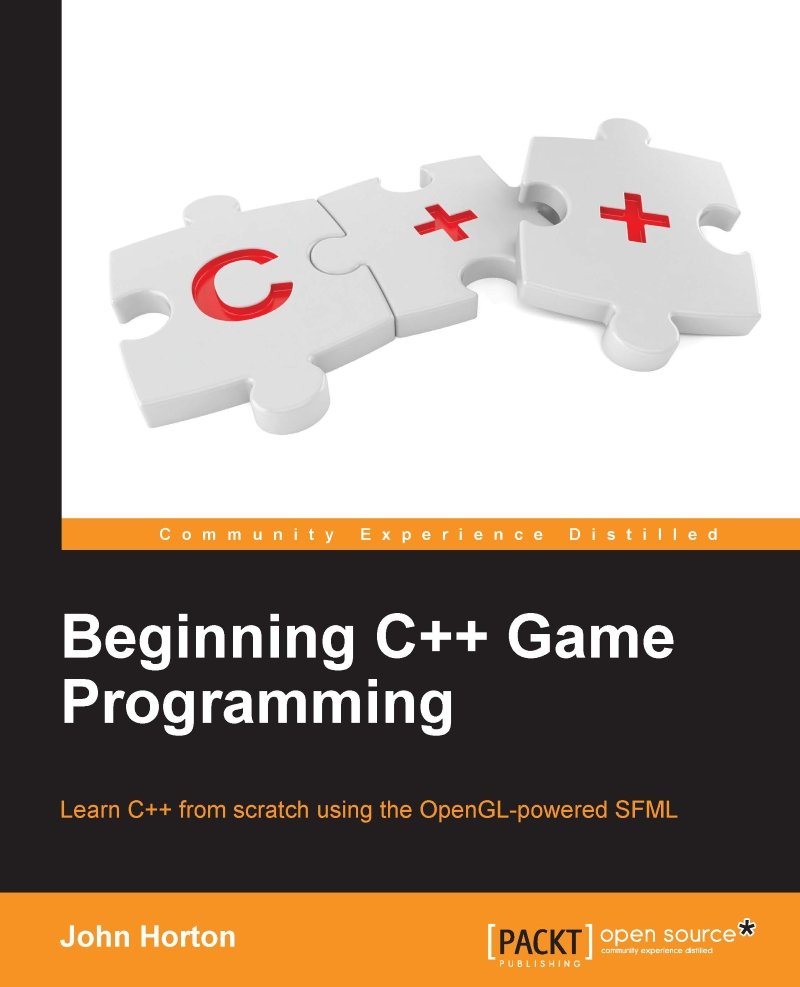
This book is all about offering you a fun introduction to the world of game programming, C++, and the OpenGL-powered SFML using three fun, fully-playable games. These games are an addictive frantic two-button tapper, a multi-level zombie survival shooter, and a split-screen multiplayer puzzle-platformer. We will start with the very basics of programming, such as variables, loops, and conditions and you will become more skillful with each game as you move through the key C++ topics, such as OOP (Object-Orientated Programming), C++ pointers, and an introduction to the Standard Template Library. While building these games, you will also learn exciting game programming concepts like particle effects, directional sound (spatialization), OpenGL programmable Shaders, spawning thousands of objects, and more.
Table of Contents (18 chapters)
close
close
17
17. Before you go...

Handling errors

There will always be problems and errors in every project you make, that is guaranteed! The tougher a problem is, the more satisfying it is when you solve it. When, after hours of struggling, a new game feature finally bursts into life, it can cause a genuine high. Without the struggle, it would somehow be less worthwhile.

At some point in this book there will probably be some struggle. Remain calm, be confident that you will overcome it, and then set to work.

Remember that, whatever your problem, it is very unlikely you are the first person in the world to have ever had this same problem. Think of a concise sentence that describes your problem or error and then type it in to Google. You will be surprised how quickly, precisely, and often, someone else will already have solved your problem for you.

Having said that, here are a few pointers (pun intended; see Chapter 8: Pointers, Standard Template Library, and Texture Management) to get you started, in the event you are struggling with making this first chapter work.

Configuration errors

The most likely cause of problems in this chapter will be configuration errors. As you probably noticed during the process of setting up Visual Studio, SFML, the project template, and the project itself, there are an awful lot of filenames, folders, and settings that need to be just right. Just one wrong setting could cause one of a number of errors in which the text doesn't make it clear exactly what is wrong.

If you can't get the empty project with the black screen working in the Creating a reusable template section, it might be easier to start that section again. Make sure all the filenames and folders are appropriate for your specific setup and then get the simplest part of the code running (the part where the screen flashes black and then closes). If you can get to this stage, then configuration is probably not the issue.

Compile errors

Compile errors are probably the most common error we will experience going forward. Check that your code is identical to mine, especially semicolons on the ends of lines and subtle changes in upper and lower case for class and object names. If all else fails, open the code files in the download bundle and copy and paste it. While it is always possible that a code typo made it into the book, the code files were made from actual working projects - they definitely work!

Link errors

Link errors are most likely caused by missing SFML .dll files. Did you copy all of them into the project folder in the section Creating a project from the template?

Bugs

Bugs are what happen when your code works, but not as you expect it to. Debugging can actually be fun. The more bugs you squash the better your game and the more satisfying your day's work will be. The trick to solving bugs is to find them early! To do this I recommend running and playing your game every time you implement something new. The sooner you find the bug, the more likely the cause will be fresh in your mind. In this book we will run the code to see the results at every possible stage.

CONTINUE READING
83
Tech Concepts
36
Programming languages
73
Tech Tools
Icon Unlimited access to the largest independent learning library in tech of over 8,000 expert-authored tech books and videos.
Icon Innovative learning tools, including AI book assistants, code context explainers, and text-to-speech.
Icon 50+ new titles added per month and exclusive early access to books as they are being written.
Beginning C++ Game Programming
notes
bookmark Notes and Bookmarks search Search in title playlist Add to playlist download Download options font-size Font size

Change the font size

margin-width Margin width

Change margin width

day-mode Day/Sepia/Night Modes

Change background colour

Close icon Search
Country selected

Close icon Your notes and bookmarks

Confirmation

Modal Close icon
claim successful

Buy this book with your credits?

Modal Close icon
Are you sure you want to buy this book with one of your credits?
Close
YES, BUY

Submit Your Feedback

Modal Close icon
Modal Close icon
Modal Close icon