


-
Book Overview & Buying
-
Table Of Contents

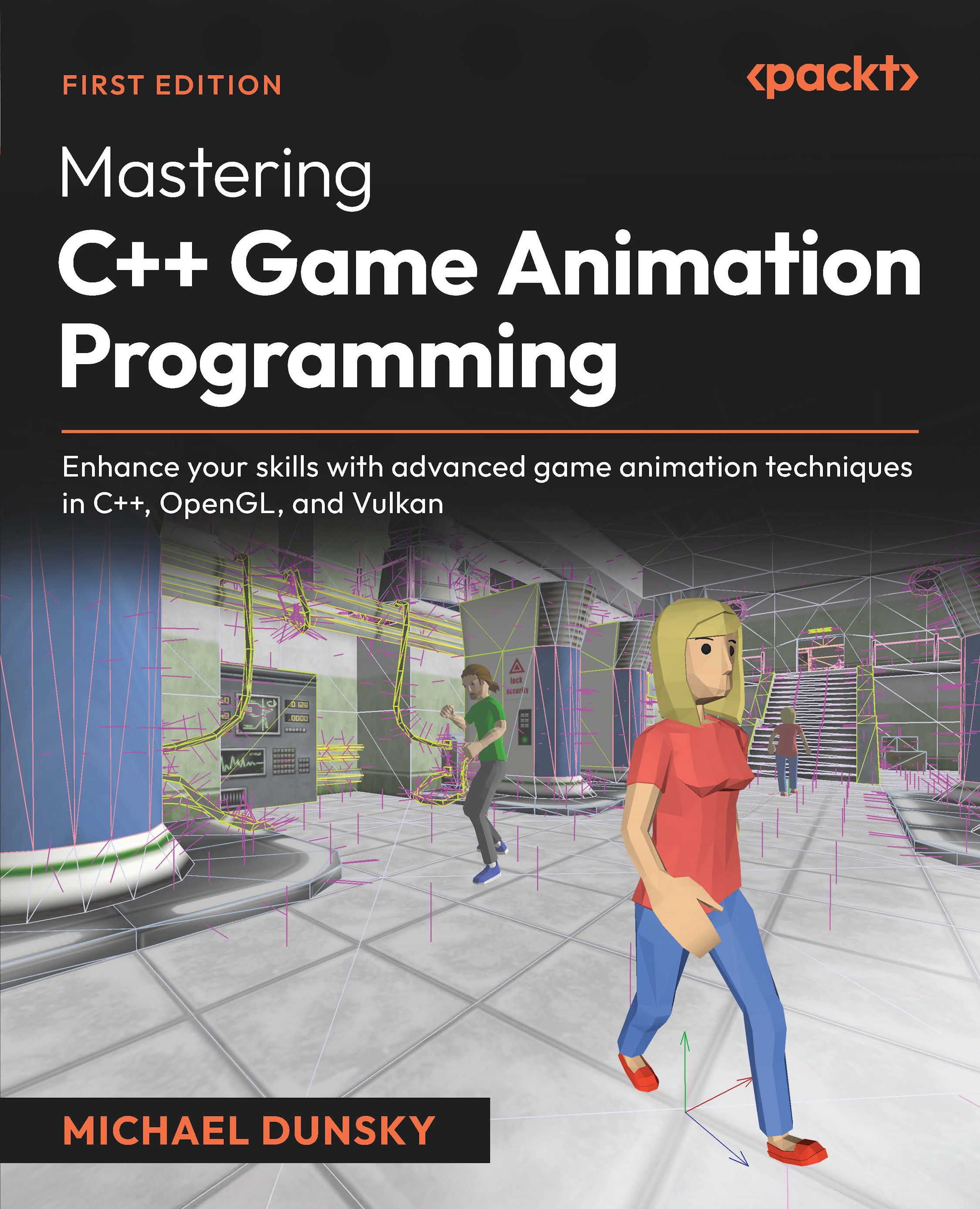
Mastering C++ Game Animation Programming
By :


Mastering C++ Game Animation Programming
By:
Overview of this book
With two decades of programming experience across multiple languages and platforms, expert game developer and console porting programmer Michael Dunsky guides you through the intricacies of character animation programming. This book tackles the common challenges developers face in creating sophisticated, efficient, and visually appealing character animations.
You’ll learn how to leverage the Open Asset Import Library for easy 3D model loading and optimize your 3D engine by offloading computations from the CPU to the GPU. The book covers visual selection, extended camera handling, and separating your application into edit and simulation modes. You’ll also master configuration storage to progressively build your virtual world piece by piece.
As you develop your engine-like application, you’ll implement collision detection, inverse kinematics, and expert techniques to bring your characters to life with realistic visuals and fluid movement. For more advanced animation and character behavior controls, you’ll design truly immersive and responsive NPCs, load real game maps, and use navigation algorithms, enabling the instances to roam freely in complex environments.
By the end of this book, you’ll be skilled at designing interactive virtual worlds inhabited by lifelike NPCs that exhibit natural, context-aware behaviors.
Table of Contents (21 chapters)
Preface


 Free Chapter
Part 1: Populating the World with the Game Character Models
Working with Open Asset Import Library
Moving Animation Calculations from CPU to GPU
Adding a Visual Selection
Part 2: Transforming the Model Viewer into an Animation Editor
Enhancing Application Handling
Saving and Loading the Configuration
Extending Camera Handling
Part 3: Tuning Character Animations
Enhancing Animation Controls
An Introduction to Collision Detection
Adding Behavior and Interaction
Advanced Animation Blending

Part 4: Enhancing Your Virtual World
Loading a Game Map
Advanced Collision Detection
Adding Simple Navigation
Creating Immersive Interactive Worlds
Other Books You May Enjoy
Index


