


-
Book Overview & Buying
-
Table Of Contents

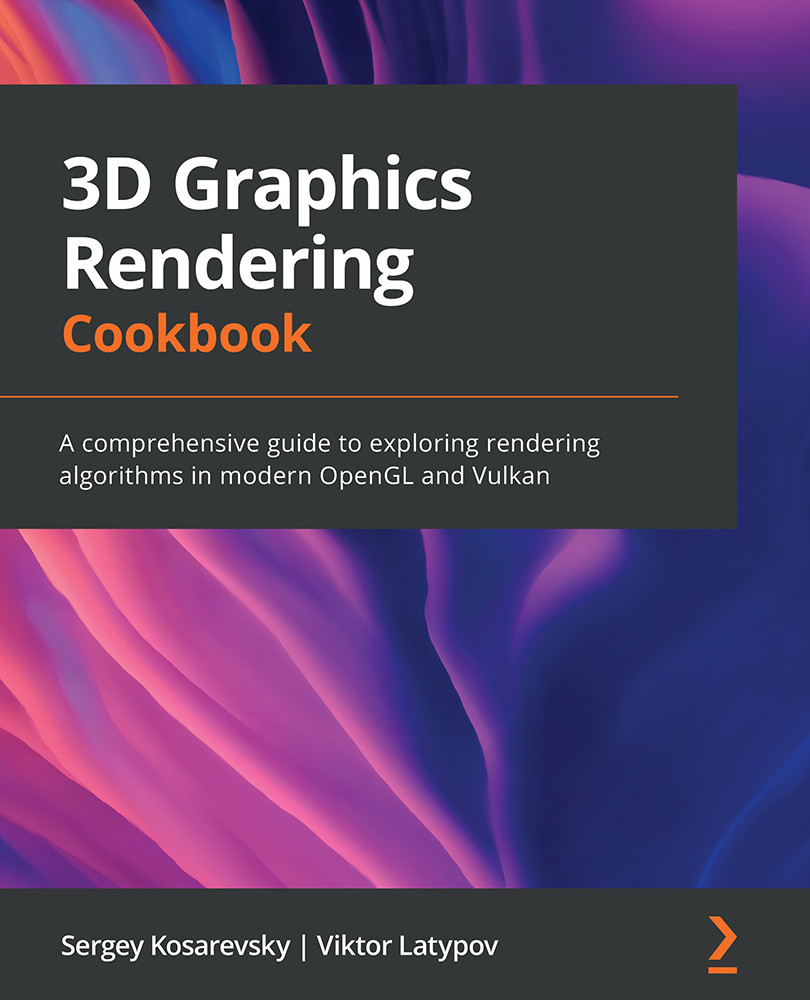
3D Graphics Rendering Cookbook
By :


3D Graphics Rendering Cookbook
By:
Overview of this book
OpenGL is a popular cross-language, cross-platform application programming interface (API) used for rendering 2D and 3D graphics, while Vulkan is a low-overhead, cross-platform 3D graphics API that targets high-performance applications. 3D Graphics Rendering Cookbook helps you learn about modern graphics rendering algorithms and techniques using C++ programming along with OpenGL and Vulkan APIs.
The book begins by setting up a development environment and takes you through the steps involved in building a 3D rendering engine with the help of basic, yet self-contained, recipes. Each recipe will enable you to incrementally add features to your codebase and show you how to integrate different 3D rendering techniques and algorithms into one large project. You'll also get to grips with core techniques such as physically based rendering, image-based rendering, and CPU/GPU geometry culling, to name a few. As you advance, you'll explore common techniques and solutions that will help you to work with large datasets for 2D and 3D rendering. Finally, you'll discover how to apply optimization techniques to build performant and feature-rich graphics applications.
By the end of this 3D rendering book, you'll have gained an improved understanding of best practices used in modern graphics APIs and be able to create fast and versatile 3D rendering frameworks.
Table of Contents (12 chapters)
Preface


Chapter 1: Establishing a Build Environment
 Free Chapter
Chapter 2: Using Essential Libraries
Chapter 3: Getting Started with OpenGL and Vulkan
Chapter 4: Adding User Interaction and Productivity Tools

Chapter 5: Working with Geometry Data
Chapter 6: Physically Based Rendering Using the glTF2 Shading Model
Chapter 7: Graphics Rendering Pipeline
Chapter 8: Image-Based Techniques
Chapter 9: Working with Scene Graphs
Chapter 10: Advanced Rendering Techniques and Optimizations
Other Books You May Enjoy


