


-
Book Overview & Buying
-
Table Of Contents

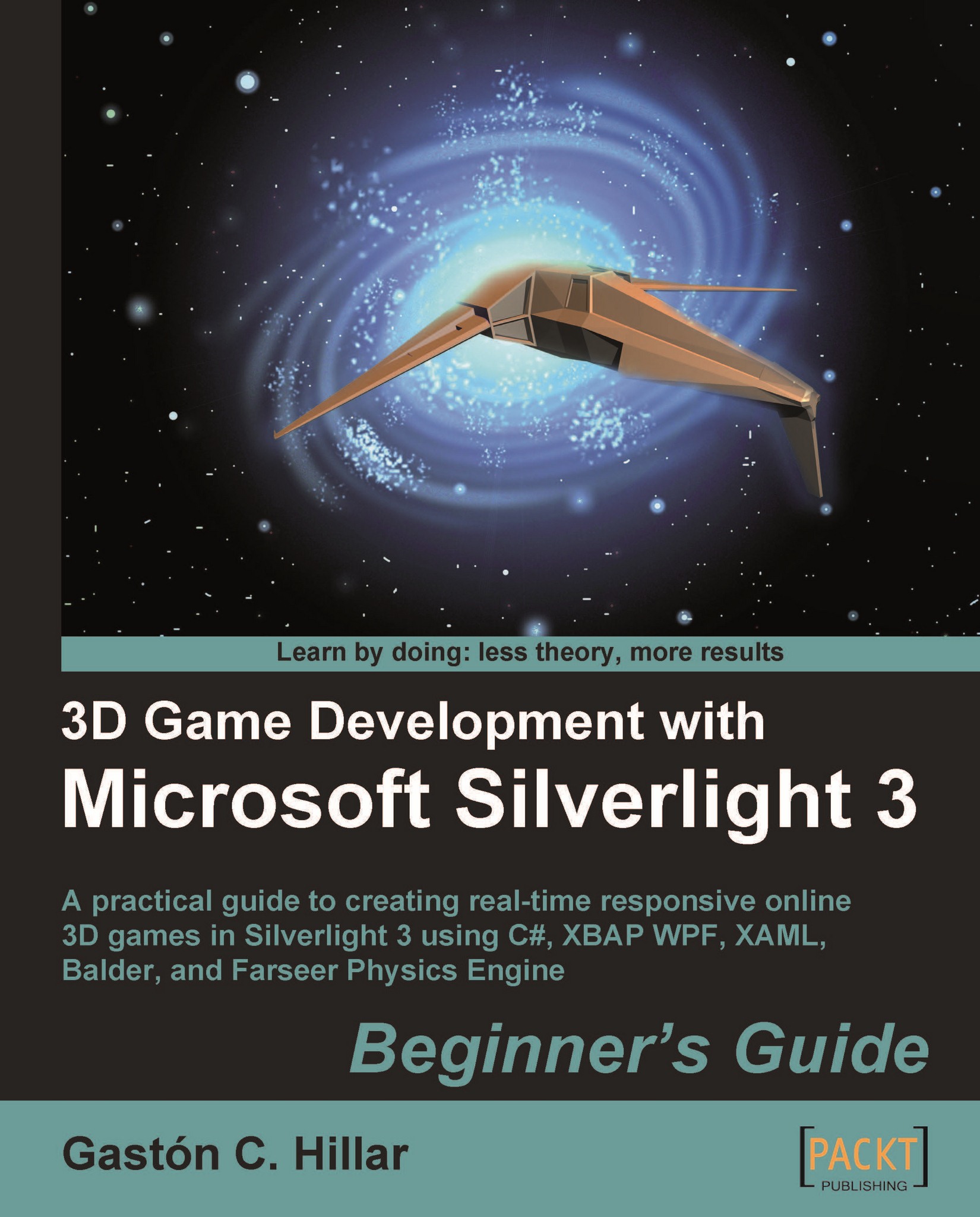
3D Game Development with Microsoft Silverlight 3: Beginner's Guide
By :


3D Game Development with Microsoft Silverlight 3: Beginner's Guide
By:
Overview of this book
Microsoft Silverlight is a programmable web browser plug-in that enables the animation, vector graphics, and audio-video playback features that characterize Rich Internet Applications. Silverlight is a great (and growing) RIA platform and games are the next level to exploit in it. But it doesn't offer 3D capabilities out of the box and integrating a 3D engine can involve lot of complex mathematics and matrix algebra. This book will help C# developers to get their fingers on the pulse of 3D in Silverlight.
This book uses Balder, an open source 3D engine offering 3D capabilities for Silverlight 3. It leaves out boring matrix algebra and complex 3D mathematics. By the end of the book you will have explored the entire engine, and will be able to design and program your own 3D games with ease!
The book begins by introducing you to the fundamental concepts of 2D games and then drives you into the 3D world, using easy-to-follow, step-by-step examples. The book employs amazing graphics and impressive performance, and increasingly adds more features to a 3D game giving you a rich interactive experience.
By following the practical examples in this book, you will learn the important concepts, from the creation of the initial models, up to the addition of physics and artificial intelligence.
The book helps you to provide realistic behaviors for 3D characters by enveloping models with different textures, using lights to create effects, animating multiple 3D characters using a physics engine (Farseer Physics Engine), and simulating real-life physics. Videos, music, and sounds associated with specific events offer the final touches to the 3D game development learning experience.
Table of Contents (17 chapters)
Preface


 Free Chapter
1. Lights, Camera, and Action!
2. Working with 2D Characters
3. Combining Sprites with Backgrounds

4. Working with 3D Characters
5. Controlling the Cameras: Giving Life to Lights and Actions
6. Controlling Input Devices to Provide Great Feedback
7. Using Effects and Textures to Amaze
8. Animating 3D Characters
9. Adding Realistic Motions Using a Physics Engine
10. Applying Artificial Intelligence
11. Applying Special Effects
12. Controlling Statistics and Scoring
13. Adding Environments and Scenarios
14. Adding Sound, Music, and Video
A. Pop quiz—Answers
Index


