Sign In Start Free Trial
Account

Add to playlist

Create a Playlist

Modal Close icon
You need to login to use this feature.
  • Book Overview & Buying C++ Game Development Cookbook
  • Table Of Contents Toc
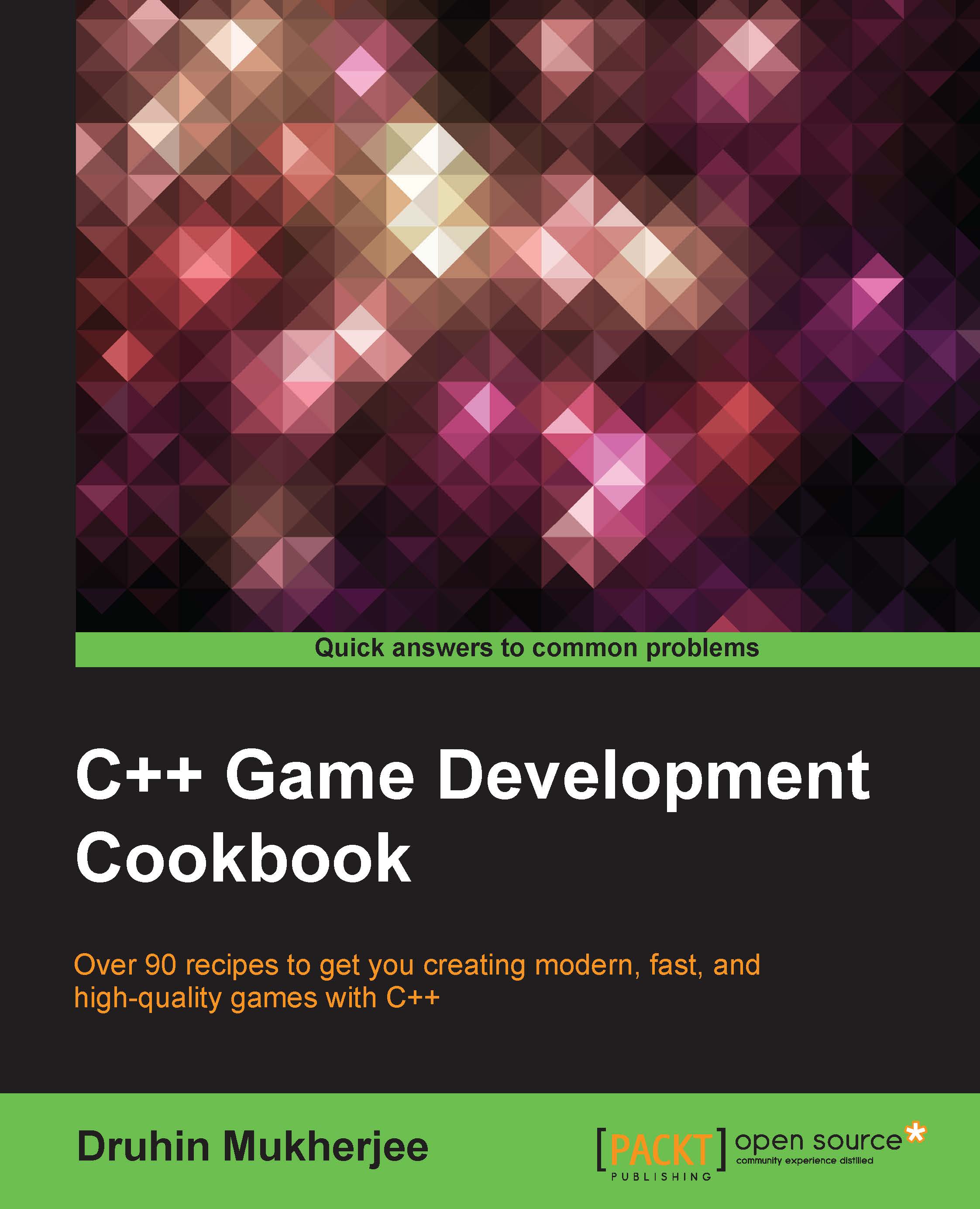
C++ Game Development Cookbook

C++ Game Development Cookbook

By : Druhin Mukherjee
3.2 (5)
close
close
C++ Game Development Cookbook

C++ Game Development Cookbook

3.2 (5)
By: Druhin Mukherjee

Overview of this book

C++ is one of the preferred languages for game development as it supports a variety of coding styles that provides low-level access to the system. C++ is still used as a preferred game programming language by many as it gives game programmers control of the entire architecture, including memory patterns and usage. However, there is little information available on how to harness the advanced features of C++ to build robust games. This book will teach you techniques to develop logic and game code using C++. The primary goal of this book is to teach you to create high-quality games using C++ game programming scripts and techniques, regardless of the library or game engine you use. It will show you how to make use of the object-oriented capabilities of C++ so you can write well-structured and powerful games of any genre. The book also explores important areas such as physics programming and audio programming, and gives you other useful tips and tricks to improve your code. By the end of this book, you will be competent in game programming using C++, and will be able to develop your own games in C++.
Table of Contents (15 chapters)
close
close
14
Index

Creating a particle system


Particle systems are quite important in games in order to add to the visual representation of the whole feel of the game. Particle systems are quite easy to write and are merely a collection of one or more particles. So we need to create a single particle with some properties and then let the particle system decide how many particles it wants.

Getting ready

For this recipe, you will need a Windows machine and an installed version of Visual Studio.

How to do it…

Add a source file called Source.cpp. Then add the following code to it:

class Particle

{
  Vector3 location;
  Vector3 velocity;
  Vector3 acceleration;
  float lifespan;

  Particle(Vector3 vec)
  {
    
    acceleration = new Vector3(.05, 0.05);
    velocity = new Vector3(random(-3, 3), random(-4, 0));
    location = vec.get();
    lifespan = 125.0;
  }


    void run()
    {
    update();
    display();
    }

  void update() {
    velocity.add(acceleration);
    location.add(velocity);
    lifespan -= 2...
CONTINUE READING
83
Tech Concepts
36
Programming languages
73
Tech Tools
Icon Unlimited access to the largest independent learning library in tech of over 8,000 expert-authored tech books and videos.
Icon Innovative learning tools, including AI book assistants, code context explainers, and text-to-speech.
Icon 50+ new titles added per month and exclusive early access to books as they are being written.
C++ Game Development Cookbook
notes
bookmark Notes and Bookmarks search Search in title playlist Add to playlist download Download options font-size Font size

Change the font size

margin-width Margin width

Change margin width

day-mode Day/Sepia/Night Modes

Change background colour

Close icon Search
Country selected

Close icon Your notes and bookmarks

Confirmation

Modal Close icon
claim successful

Buy this book with your credits?

Modal Close icon
Are you sure you want to buy this book with one of your credits?
Close
YES, BUY

Submit Your Feedback

Modal Close icon
Modal Close icon
Modal Close icon