


In the beginning of this chapter, our File Explorer could only navigate the filesystem and open files. We extended it to show a file in the folder, and to copy/paste and delete files. We exploited the NW.js API to provide the files with the dynamically-built context menu. We learned to exchange text and images between applications using system clipboard. We made our File Explorer support diverse command-line options. We provided support for internalization and localization, and examined the protection of the sources through compilation in the native code. We went through the packaging process and prepared for distribution. Finally, we set up a release server and extended the File Explorer with a service for autoupdating.
-
Book Overview & Buying
-
Table Of Contents

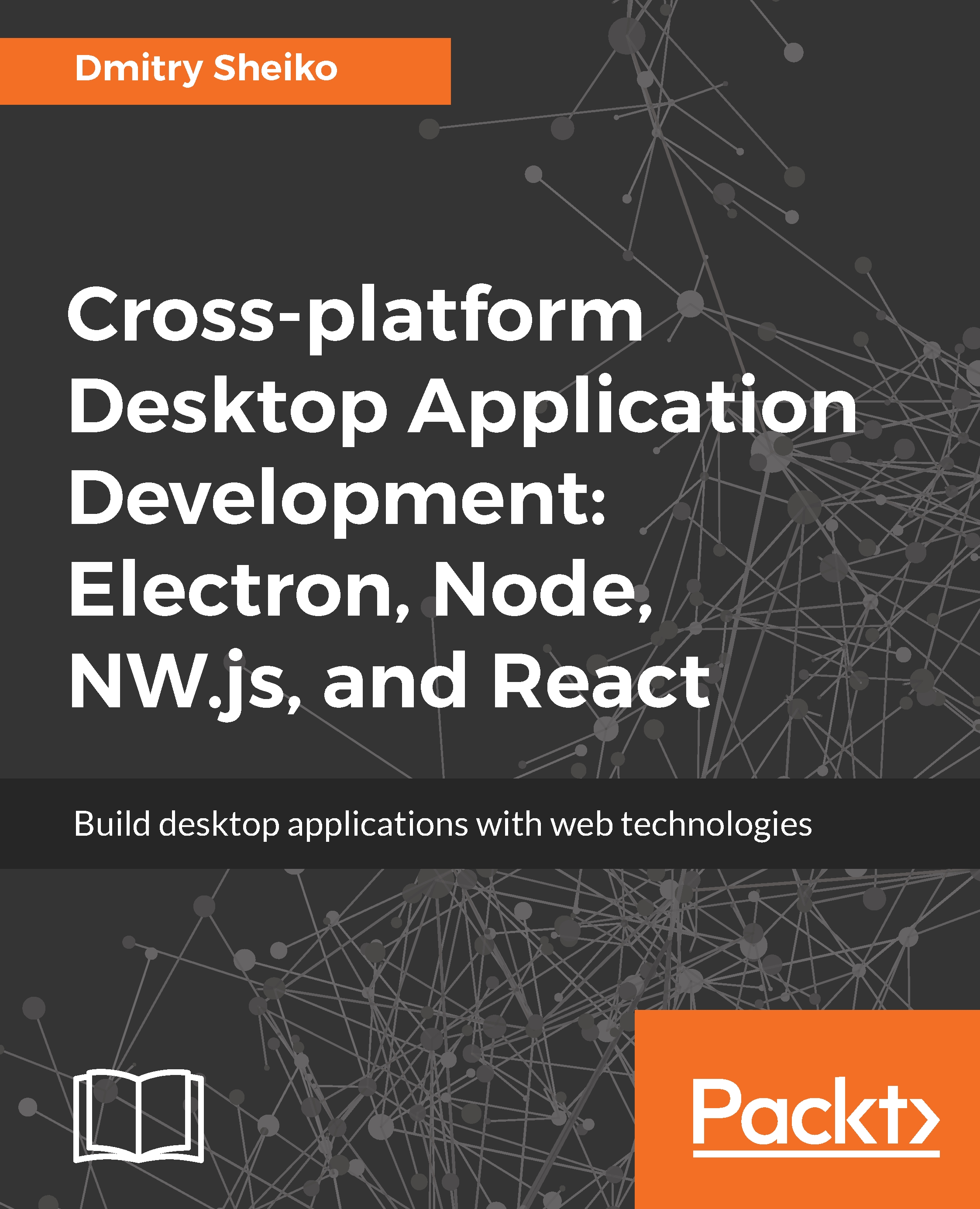
Cross-platform Desktop Application Development: Electron, Node, NW.js, and React
By :


Cross-platform Desktop Application Development: Electron, Node, NW.js, and React
By:
Overview of this book
Building and maintaining cross-platform desktop applications with native languages isn’t a trivial task. Since it’s hard to simulate on a foreign platform, packaging and distribution can be quite platform-specific and testing cross-platform apps is pretty complicated.In such scenarios, web technologies such as HTML5 and JavaScript can be your lifesaver. HTML5 desktop applications can be distributed across different platforms (Window, MacOS, and Linux) without any modifications to the code.
The book starts with a walk-through on building a simple file explorer from scratch powered by NW.JS. So you will practice the most exciting features of bleeding edge CSS and JavaScript. In addition you will learn to use the desktop environment integration API, source code protection, packaging, and auto-updating with NW.JS.
As the second application you will build a chat-system example implemented with Electron and React. While developing the chat app, you will get Photonkit. Next, you will create a screen capturer with NW.JS, React, and Redux.
Finally, you will examine an RSS-reader built with TypeScript, React, Redux, and Electron. Generic UI components will be reused from the React MDL library. By the end of the book, you will have built four desktop apps. You will have covered everything from planning, designing, and development to the enhancement, testing, and delivery of these apps.
Table of Contents (9 chapters)
Preface

 Free Chapter
Creating a File Explorer with NW.js-Planning, Designing, and Development
Creating a File Explorer with NW.js – Enhancement and Delivery

Creating a Chat System with Electron and React – Planning, Designing, and Development
Creating a Chat System with Electron and React – Enhancement, Testing, and Delivery
Creating a Screen Capturer with NW.js, React, and Redux – Planning, Design, and Development
Creating a Screen Capturer with NW.js: Enhancement, Tooling, and Testing
Creating RSS Aggregator with Electron, TypeScript , React, and Redux: Planning, Design, and Development
Creating RSS Aggregator with Electron, TypeScript, React, and Redux: Development


