


-
Book Overview & Buying
-
Table Of Contents

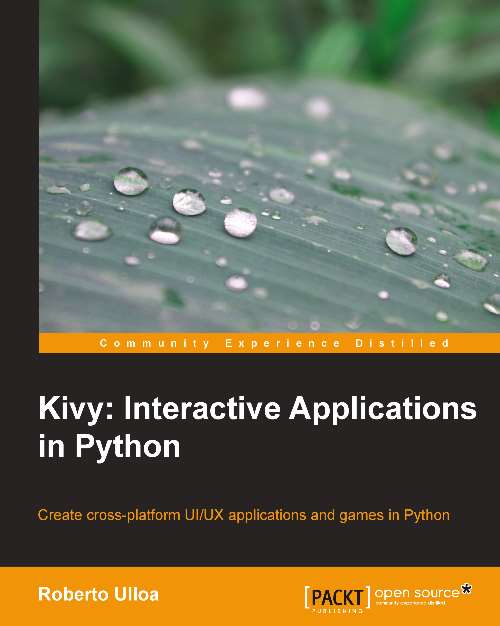
Kivy: Interactive Applications in Python
By :


Kivy: Interactive Applications in Python
By:
Overview of this book
Mobiles and tablets have brought with them a dramatic change in the utility of applications. Compatibility has become essential, and this has increased the kind of interaction that users expect: gestures, multi-touches, animations, and magic pens. Kivy is an open source Python solution that covers these market needs with an easy-to-learn and rapid development approach. Kivy is growing fast and gaining attention as an alternative to the established developing platforms.
Kivy: Interactive Applications in Python quickly introduces you to the Kivy development methodology. You will learn some examples of how to use many of the Kivy components, as well as understand how to integrate and combine them into big projects. This book serves as a reference guide and is organized in such a way that once finished, you will have already completed your first project.
You will start by learning the Kivy Language for building User Interfaces (UI) and vector figures. We then proceed to the uses of Kivy events and properties to glue the UI with the application logic.
You then go on to build an entire User Interface (UI) starting from a hand-made sketch. Furthermore, you will go on to understand how to use the canvas and drawing instructions to create different types of geometrical figures. Finally, you will be introduced to a big set of interactive and smooth features: transformations (scale, rotate, and translate), gestures, animations, scheduling tasks, and multi-touch elements.
Kivy: Interactive Applications in Python expands your knowledge by introducing various components that improve the User Experience (UX). Towards the end of the book, you will be confident to utilize Kivy components and strategies to start any application or game you have in mind.
Table of Contents (13 chapters)
Kivy: Interactive Applications in Python


Credits
About the Author
Acknowledgments
About the Reviewers
www.PacktPub.com
Preface
 Free Chapter
GUI Basics – Building an Interface
Graphics – The Canvas
Widget Events – Binding Actions
Improving the User Experience
Invaders Revenge – An Interactive Multitouch Game

Index


