Sign In Start Free Trial
Account

Add to playlist

Create a Playlist

Modal Close icon
You need to login to use this feature.
  • Book Overview & Buying Windows Application Development Cookbook
  • Table Of Contents Toc
  • Feedback & Rating feedback
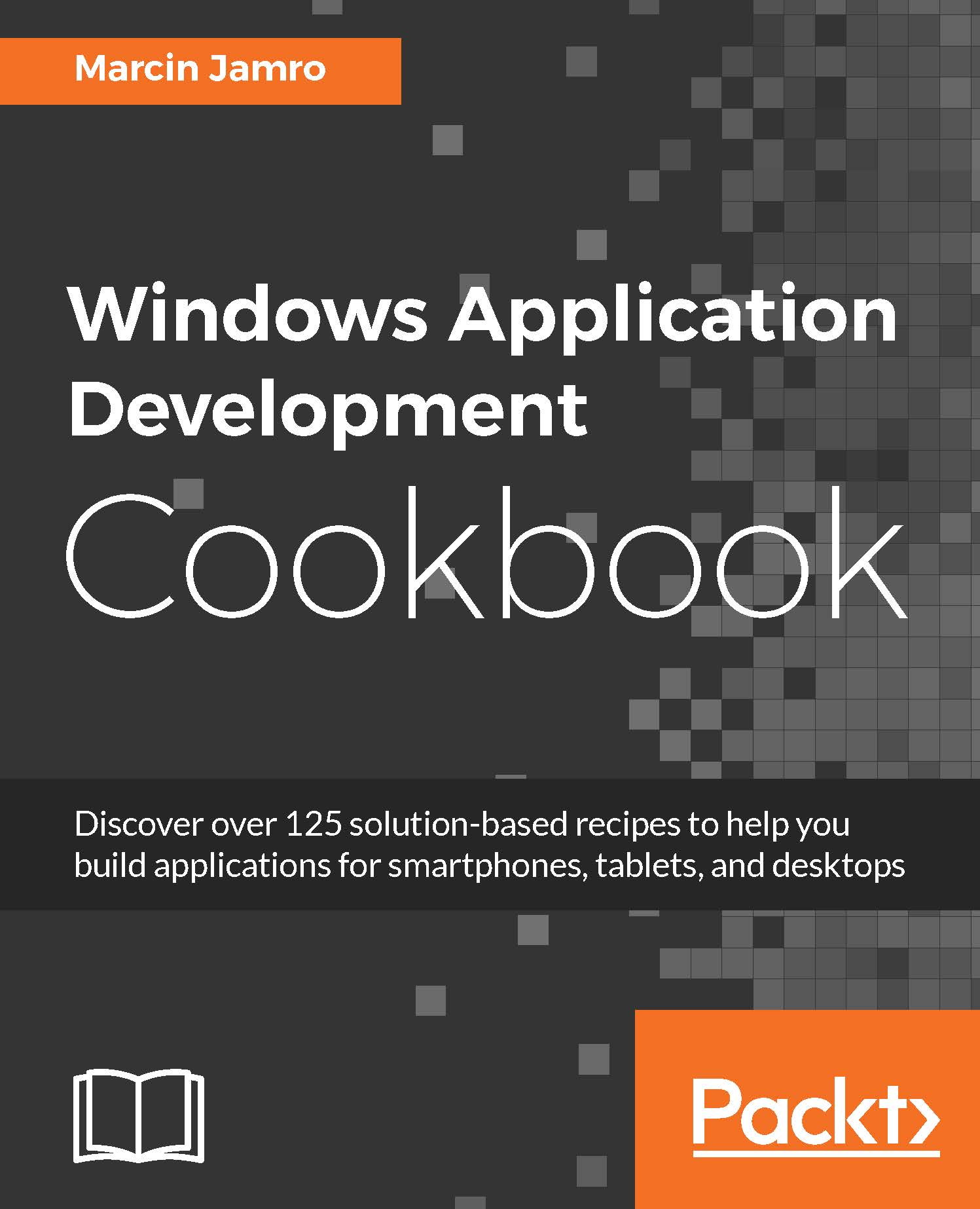
Windows Application Development Cookbook

Windows Application Development Cookbook

By : Marcin Jamro
close
close
Windows Application Development Cookbook

Windows Application Development Cookbook

By: Marcin Jamro

Overview of this book

Need to ensure you can always create the best Windows apps regardless of platform? What you need are solutions to the biggest issues you can face, so you can always ensure you’re making the right choices and creating the best apps you can. The book starts with recipes that will help you set up the integrated development environment before you go ahead and design the user interface. You will learn how to use the MVVM design pattern together with data binding, as well as how to work with data in different file formats. Moving on, you will explore techniques to add animations and graphics to your application, and enable your solution to work with multimedia content. You will also see how to use sensors, such as an accelerometer and a compass, as well as obtain the current GPS location. You will make your application ready to work with Internet-based scenarios, such as composing e-mails or downloading files, before finally testing the project and submitting it to the Windows Store. By the end of the book, you will have a market-ready application compatible across different Windows devices, including smartphones, tablets, and desktops.
Table of Contents (11 chapters)
close
close

Creating the view model for a page


Let's start by creating the view model for a default page within the automatically generated project. This requires a set of steps, including the installation of the additional package using the NuGet Package Manager, creating suitable directories in the project, and defining some classes. All of these steps are explained in detail in this recipe.

Note

The content of this recipe also performs a very important role in the subsequent recipes in this chapter. The set of steps allows you to prepare the custom configuration of the MVVM design pattern, which will be used for further examples as well.

Getting ready

To step through this recipe, you need only the automatically generated project.

How to do it...

To create the view model for a default page, perform the following steps:

  1. Install PropertyChanged.Fody using the NuGet Package Manager. To do so, refer to the following steps:

    1. Choose Manage NuGet Packages... from the context menu of the project node in the Solution...

Visually different images
CONTINUE READING
83
Tech Concepts
36
Programming languages
73
Tech Tools
Icon Unlimited access to the largest independent learning library in tech of over 8,000 expert-authored tech books and videos.
Icon Innovative learning tools, including AI book assistants, code context explainers, and text-to-speech.
Icon 50+ new titles added per month and exclusive early access to books as they are being written.
Windows Application Development Cookbook
notes
bookmark Notes and Bookmarks search Search in title playlist Add to playlist download Download options font-size Font size

Change the font size

margin-width Margin width

Change margin width

day-mode Day/Sepia/Night Modes

Change background colour

Close icon Search
Country selected

Close icon Your notes and bookmarks

Confirmation

Modal Close icon
claim successful

Buy this book with your credits?

Modal Close icon
Are you sure you want to buy this book with one of your credits?
Close
YES, BUY

Submit Your Feedback

Modal Close icon
Modal Close icon
Modal Close icon