


-
Book Overview & Buying
-
Table Of Contents

.Go Programming Blueprints - Second Edition
By :


.Go Programming Blueprints
By:
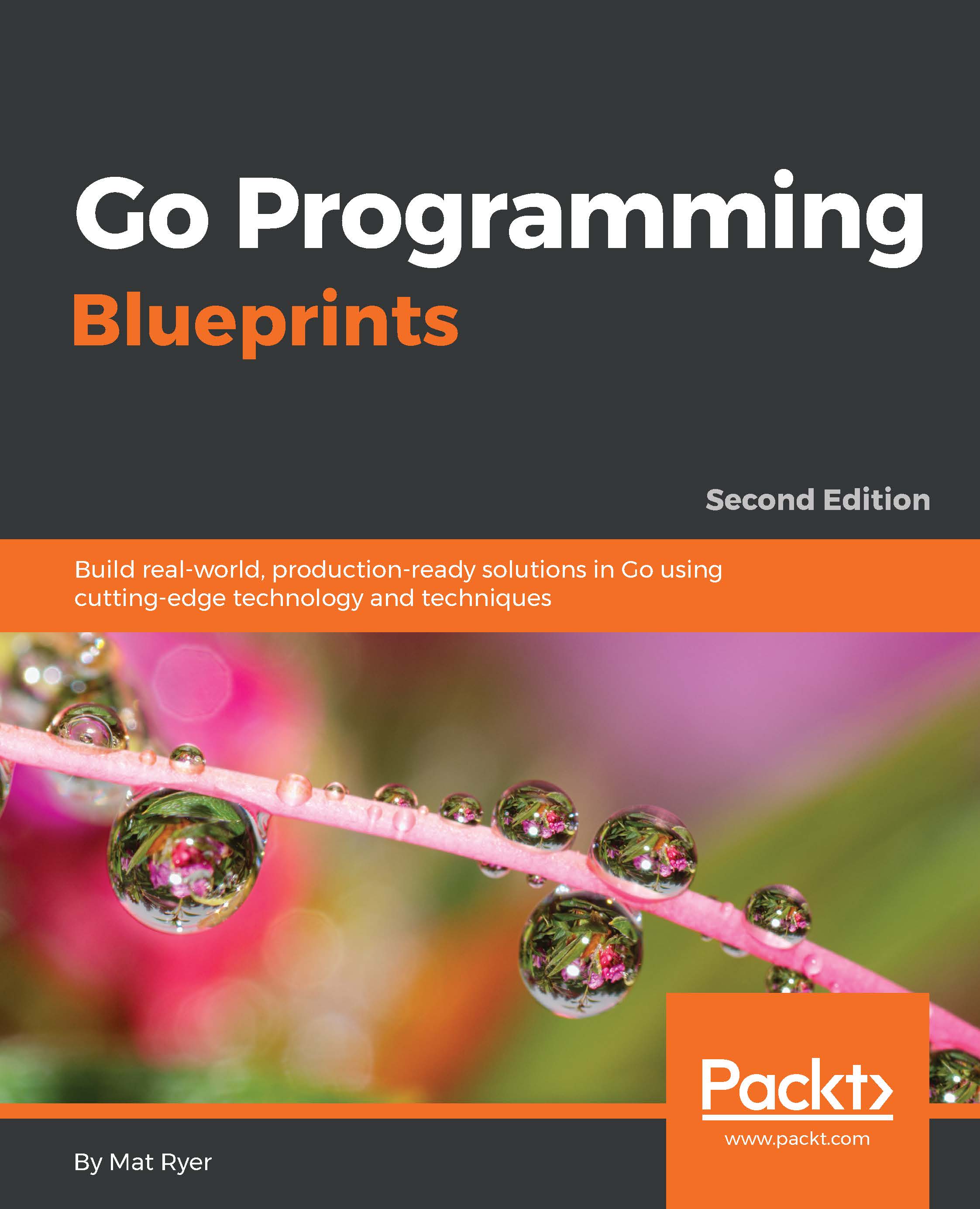
Overview of this book
Go is the language of the Internet age, and the latest version of Go comes with major architectural changes. Implementation of the language, runtime, and libraries has changed significantly. The compiler and runtime are now written entirely in Go. The garbage collector is now concurrent and provides dramatically lower pause times by running in parallel with other Go routines when possible.
This book will show you how to leverage all the latest features and much more. This book shows you how to build powerful systems and drops you into real-world situations. You will learn to develop high quality command-line tools that utilize the powerful shell capabilities and perform well using Go's in-built concurrency mechanisms. Scale, performance, and high availability lie at the heart of our projects, and the lessons learned throughout this book will arm you with everything you need to build world-class solutions. You will get a feel for app deployment using Docker and Google App Engine. Each project could form the basis of a start-up, which means they are directly applicable to modern software markets.
Table of Contents (13 chapters)
Preface


 Free Chapter
1. Chat Application with Web Sockets
2. Adding User Accounts
3. Three Ways to Implement Profile Pictures
4. Command-Line Tools to Find Domain Names
5. Building Distributed Systems and Working with Flexible Data
6. Exposing Data and Functionality through a RESTful Data Web Service API
7. Random Recommendations Web Service
8. Filesystem Backup
9. Building a Q&A Application for Google App Engine
10. Micro-services in Go with the Go kit Framework
11. Deploying Go Applications Using Docker

Appendix. Good Practices for a Stable Go Environment


