-
Book Overview & Buying
-
Table Of Contents

Swift 3 Object-Oriented Programming - Second Edition
By :


Swift 3 Object-Oriented Programming
By:
Overview of this book
Swift has quickly become one of the most-liked languages and developers’ de-facto choice when building applications that target iOS and macOS. In the new version, the Swift team wants to take its adoption to the next level by making it available for new platforms and audiences.
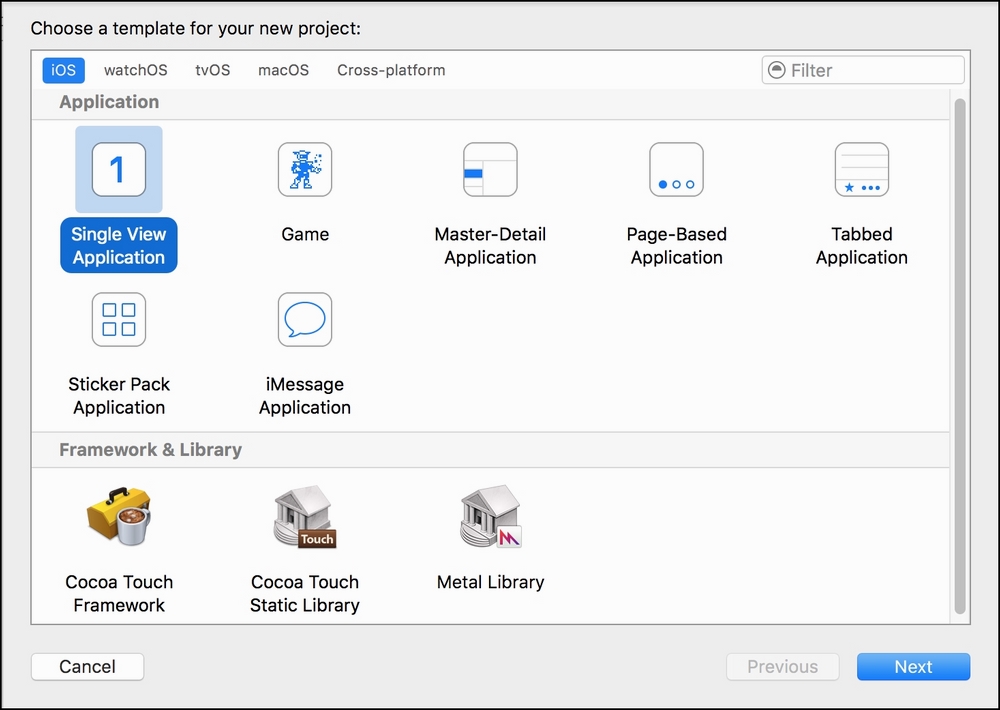
This book introduces the object-oriented paradigm and its implementation in the Swift 3 programming language to help you understand how real-world objects can become part of fundamental reusable elements in the code. This book is developed with XCode 8.x and covers all the enhancements included in Swift 3.0. In addition, we teach you to run most of the examples with the Swift REPL available on macOS and Linux, and with a Web-based Swift sandbox developed by IBM capable of running on any web browser, including Windows and mobile devices.
You will organize data in blueprints that generate instances. You’ll work with examples so you understand how to encapsulate and hide data by working with properties and access control. Then, you’ll get to grips with complex scenarios where you use instances that belong to more than one blueprint. You’ll discover the power of contract programming and parametric polymorphism. You’ll combine generic code with inheritance and multiple inheritance. Later, you’ll see how to combine functional programming with object-oriented programming and find out how to refactor your existing code for easy maintenance.
Table of Contents (10 chapters)
Preface


 Free Chapter
1. Objects from the Real World to the Playground
2. Structures, Classes, and Instances
3. Encapsulation of Data with Properties
4. Inheritance, Abstraction, and Specialization
5. Contract Programming with Protocols
6. Maximization of Code Reuse with Generic Code
7. Object-Oriented and Functional Programming
8. Extending and Building Object-Oriented Code

9. Exercise Answers