Sign In Start Free Trial
Account

Add to playlist

Create a Playlist

Modal Close icon
You need to login to use this feature.
  • Book Overview & Buying Spring 5.0 Cookbook
  • Table Of Contents Toc
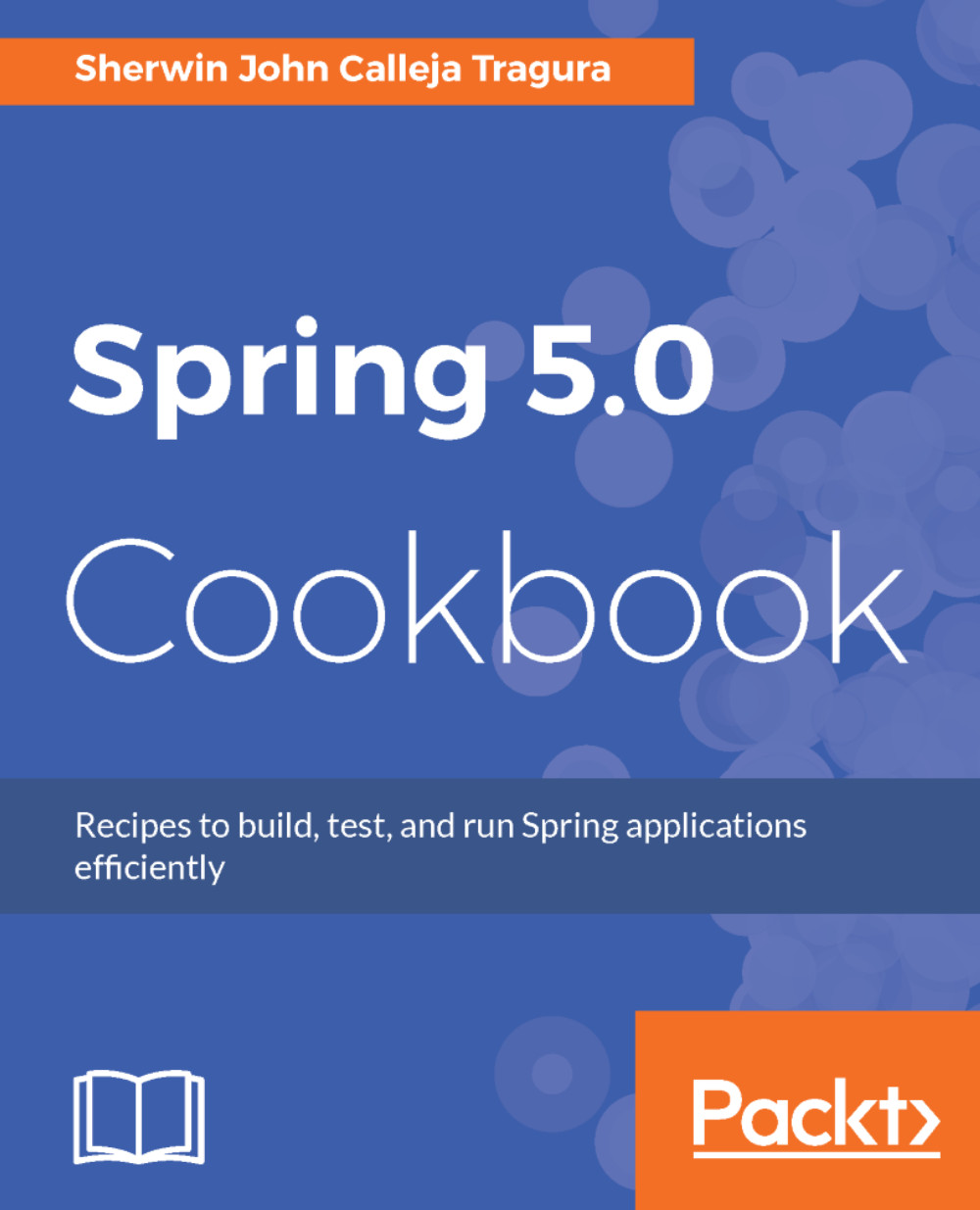
Spring 5.0 Cookbook

Spring 5.0 Cookbook

By : Sherwin John C. Tragura
3.5 (2)
close
close
Spring 5.0 Cookbook

Spring 5.0 Cookbook

3.5 (2)
By: Sherwin John C. Tragura

Overview of this book

The Spring framework has been the go-to framework for Java developers for quite some time. It enhances modularity, provides more readable code, and enables the developer to focus on developing the application while the underlying framework takes care of transaction APIs, remote APIs, JMX APIs, and JMS APIs. The upcoming version of the Spring Framework has a lot to offer, above and beyond the platform upgrade to Java 9, and this book will show you all you need to know to overcome common to advanced problems you might face. Each recipe will showcase some old and new issues and solutions, right from configuring Spring 5.0 container to testing its components. Most importantly, the book will highlight concurrent processes, asynchronous MVC and reactive programming using Reactor Core APIs. Aside from the core components, this book will also include integration of third-party technologies that are mostly needed in building enterprise applications. By the end of the book, the reader will not only be well versed with the essential concepts of Spring, but will also have mastered its latest features in a solution-oriented manner.
Table of Contents (14 chapters)
close
close

Mapping sessions to channels and ports


In preparation for reactive and concurrent web programming in the later chapters, Tomcat 9.0 was installed in Chapter 1, Getting Started with Spring to use TLS to enable HTTPS. This recipe will showcase how Spring Security 4.2.2 manages all URL requests to run on secured HTTP protocols only.

Getting started

Open web project ch04 and create another security model restricting all URL requests to execute on top of the secured HTTP at port 8443.

How to do it...

After the initial setup and configuration, it is time to experiment with the Spring Security 4.2.2 module:

  1. Let us now disable the previous AppSecurityConfig model by applying comment symbols to its @Configuration and @EnableWebSecurity annotations:
//@Configuration 
//@EnableWebSecurity 
public class AppSecurityConfig extends  
  WebSecurityConfigurerAdapter { 
     // refer to sources    
} 

Note

The use of the @Order annotation can be another option instead of manually commenting the annotations in AppSecurityConfig...

CONTINUE READING
83
Tech Concepts
36
Programming languages
73
Tech Tools
Icon Unlimited access to the largest independent learning library in tech of over 8,000 expert-authored tech books and videos.
Icon Innovative learning tools, including AI book assistants, code context explainers, and text-to-speech.
Icon 50+ new titles added per month and exclusive early access to books as they are being written.
Spring 5.0 Cookbook
notes
bookmark Notes and Bookmarks search Search in title playlist Add to playlist download Download options font-size Font size

Change the font size

margin-width Margin width

Change margin width

day-mode Day/Sepia/Night Modes

Change background colour

Close icon Search
Country selected

Close icon Your notes and bookmarks

Confirmation

Modal Close icon
claim successful

Buy this book with your credits?

Modal Close icon
Are you sure you want to buy this book with one of your credits?
Close
YES, BUY

Submit Your Feedback

Modal Close icon
Modal Close icon
Modal Close icon