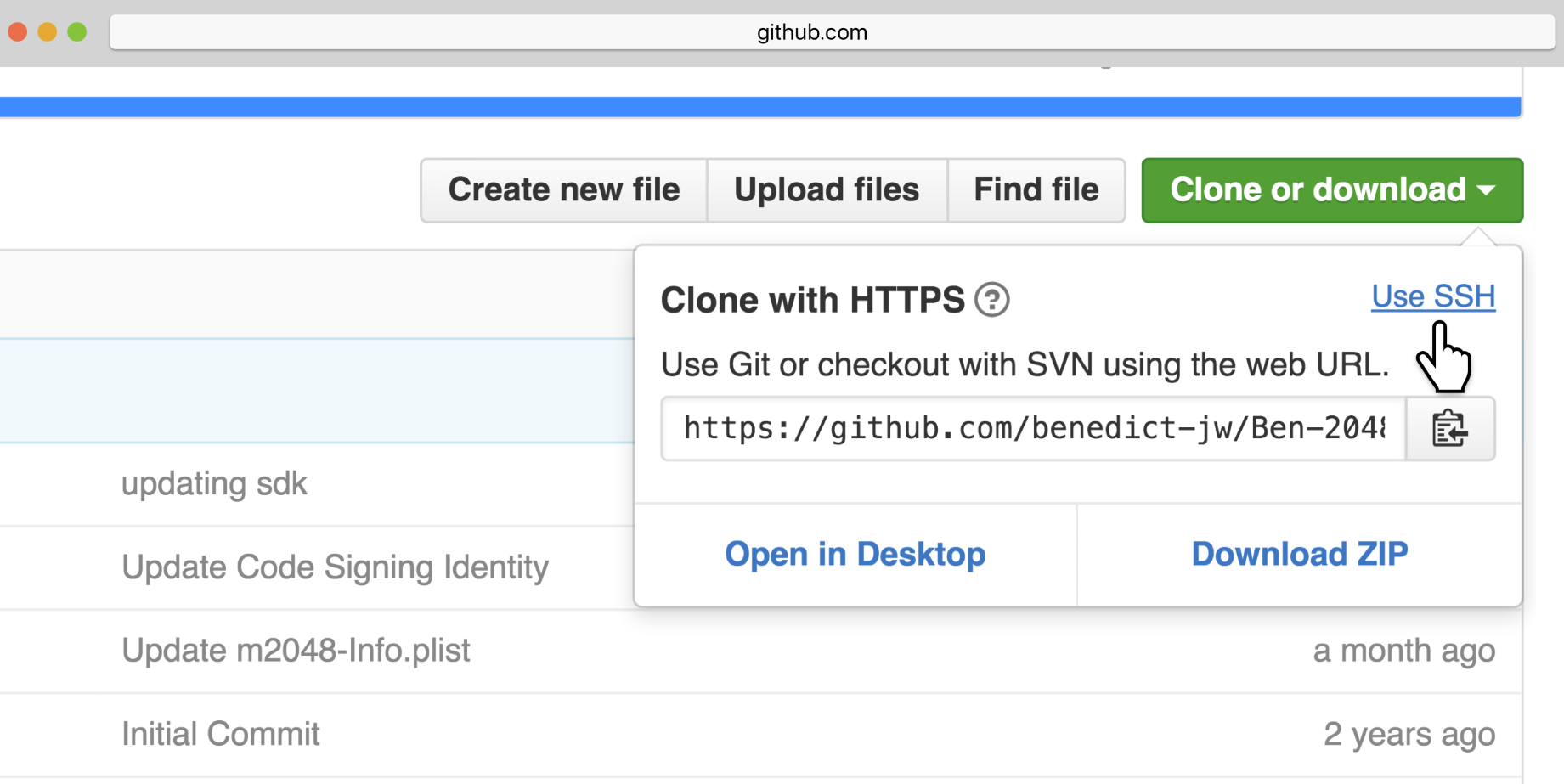
Before we move any further, let's go through a number of specifications regarding how to set up the necessary tools that you will be using throughout this book. In particular, we will discuss the process of obtaining a Python distribution for your system and an appropriate development environment, as well as how to download the code used in the examples included in the chapters of this book.
-
Book Overview & Buying
-
Table Of Contents

Mastering Concurrency in Python
By :


Mastering Concurrency in Python
By:
Overview of this book
Python is one of the most popular programming languages, with numerous libraries and frameworks that facilitate high-performance computing. Concurrency and parallelism in Python are essential when it comes to multiprocessing and multithreading; they behave differently, but their common aim is to reduce the execution time. This book serves as a comprehensive introduction to various advanced concepts in concurrent engineering and programming.
Mastering Concurrency in Python starts by introducing the concepts and principles in concurrency, right from Amdahl's Law to multithreading programming, followed by elucidating multiprocessing programming, web scraping, and asynchronous I/O, together with common problems that engineers and programmers face in concurrent programming. Next, the book covers a number of advanced concepts in Python concurrency and how they interact with the Python ecosystem, including the Global Interpreter Lock (GIL). Finally, you'll learn how to solve real-world concurrency problems through examples.
By the end of the book, you will have gained extensive theoretical knowledge of concurrency and the ways in which concurrency is supported by the Python language
Table of Contents (22 chapters)
Preface

 Free Chapter
Advanced Introduction to Concurrent and Parallel Programming

Amdahl's Law
Working with Threads in Python
Using the with Statement in Threads
Concurrent Web Requests
Working with Processes in Python
Reduction Operators in Processes
Concurrent Image Processing
Introduction to Asynchronous Programming
Implementing Asynchronous Programming in Python
Building Communication Channels with asyncio
Deadlocks
Starvation
Race Conditions
The Global Interpreter Lock
Designing Lock-Based and Mutex-Free Concurrent Data Structures
Memory Models and Operations on Atomic Types
Building a Server from Scratch
Testing, Debugging, and Scheduling Concurrent Applications
Assessments
Other Books You May Enjoy