
Sign In Start Free Trial
Account

Add to playlist

Create a Playlist

Modal Close icon
You need to login to use this feature.
  • Book Overview & Buying Hands-On Application Development with PyCharm
  • Table Of Contents Toc
  • Feedback & Rating feedback
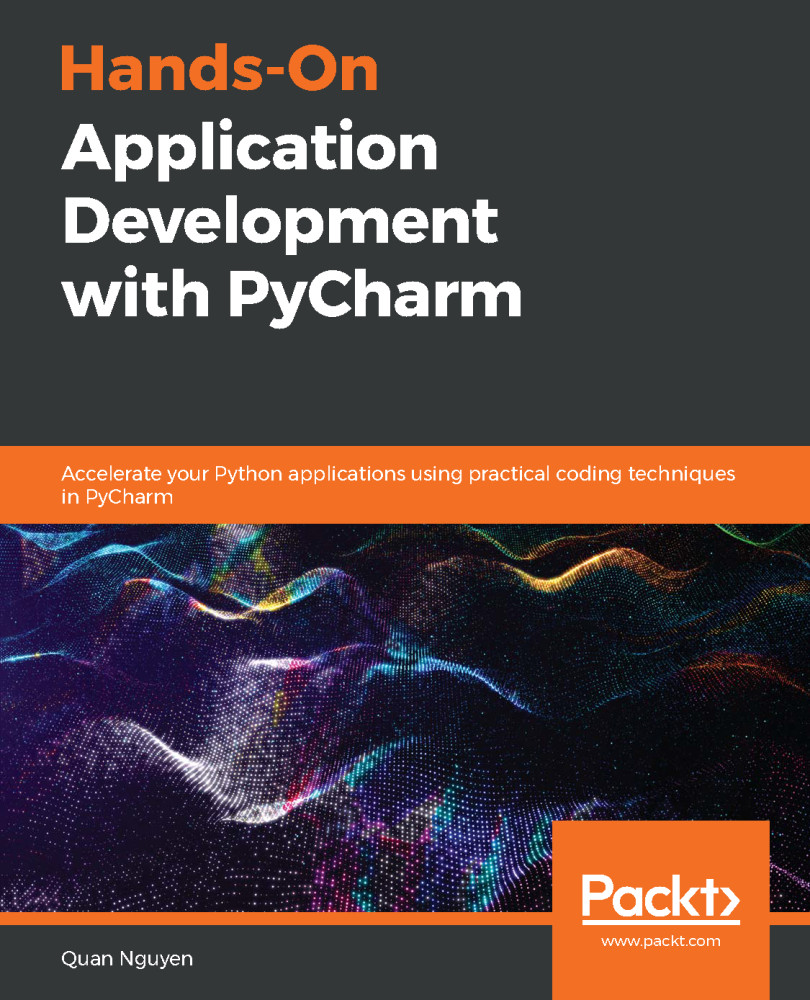
Hands-On Application Development with PyCharm

Hands-On Application Development with PyCharm

By : Quan Nguyen
5 (3)
close
close
Hands-On Application Development with PyCharm

Hands-On Application Development with PyCharm

5 (3)
By: Quan Nguyen

Overview of this book

JetBrain’s PyCharm is the most popular Integrated Development Environment (IDE) used by the Python community thanks to its numerous features that facilitate faster, more accurate, and more productive programming practices. However, the abundance of options and customizations can make PyCharm seem quite intimidating. Hands-on Application Development with PyCharm starts with PyCharm’s installation and configuration process, and systematically takes you through a number of its powerful features that can greatly improve your productivity. You’ll explore code automation, version control, graphical debugging/testing, management of virtual environments, and much more. Finally, you’ll delve into specific PyCharm features that support web development and data science, two of the fastest growing applications in Python programming. These include the integration of the Django framework as well as the extensive support for IPython and Jupyter Notebook. By the end of this PyCharm book, you will have gained extensive knowledge of the tool and be able to implement its features and make the most of its support for your projects.
Table of Contents (23 chapters)
close
close
Lock Free Chapter
1
Section 1: The Basics of PyCharm
4
Section 2: Improving Your Productivity
9
Section 3: Web Development in PyCharm
14
Section 4: Data Science with PyCharm
18
Section 5: Plugins and Conclusion

Seamless Testing, Debugging, and Profiling

esting, debugging, and profiling are three of the more advanced practices in programming. They are generally difficult to implement, and there can be significant confusion regarding how to facilitate them.

This chapter goes through a myriad of PyCharm tools that can streamline these three processes, and make them as seamless as possible. PyCharm users who take advantage of these features can greatly improve their productivity.

The following topics will be covered in this chapter:

  • Testing in general and specifically unit testing
  • How to facilitate debugging in PyCharm
  • Code optimization in PyCharm with performance survey and profiling
Visually different images
CONTINUE READING
83
Tech Concepts
36
Programming languages
73
Tech Tools
Icon Unlimited access to the largest independent learning library in tech of over 8,000 expert-authored tech books and videos.
Icon Innovative learning tools, including AI book assistants, code context explainers, and text-to-speech.
Icon 50+ new titles added per month and exclusive early access to books as they are being written.
Hands-On Application Development with PyCharm
notes
bookmark Notes and Bookmarks search Search in title playlist Add to playlist download Download options font-size Font size

Change the font size

margin-width Margin width

Change margin width

day-mode Day/Sepia/Night Modes

Change background colour

Close icon Search
Country selected

Close icon Your notes and bookmarks

Confirmation

Modal Close icon
claim successful

Buy this book with your credits?

Modal Close icon
Are you sure you want to buy this book with one of your credits?
Close
YES, BUY

Submit Your Feedback

Modal Close icon
Modal Close icon
Modal Close icon