


-
Book Overview & Buying
-
Table Of Contents

Go Programming - From Beginner to Professional - Second Edition
By :


Go Programming - From Beginner to Professional
By:
Overview of this book
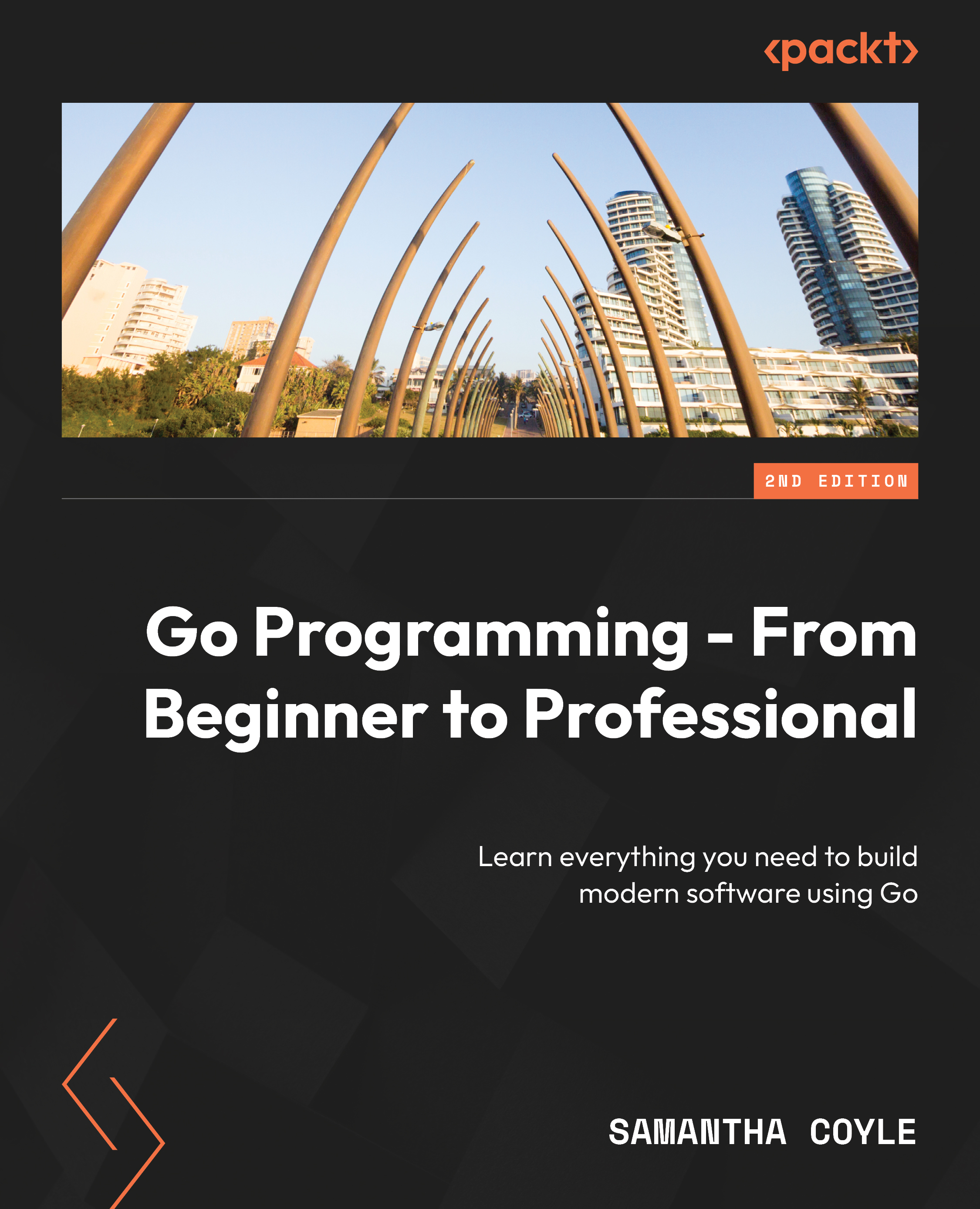
Go Programming – From Beginner to Professional is a comprehensive guide that takes your proficiency in the Go programming language from novice to expert. Starting with fundamental concepts, this book covers variables, command-line tools, and working with data before delving into advanced concepts, including error handling, interfaces, and generics, harnessing Go’s latest features through hands-on exercises. Along the way, you’ll learn to structure projects using Go modules, manage packages effectively, and master debugging techniques.
As you progress, you’ll get to grips with practical application-centric aspects such as command-line programming, file manipulation, and working with SQL databases. Additionally, the book explores web server development, RESTful APIs, and utilizing the Go HTTP client to interact with web applications. Further enhancing your Go skills, you’ll learn concurrent programming, testing methodologies, Go tools, and how to deploy applications in the cloud. Throughout the book, you’ll uncover Go’s hidden gems and gain insights into time manipulation, best practices, and more.
By the end of this book, you’ll have worked through practical exercises and activities that’ll equip you with the knowledge and skills needed to excel as a proficient Go developer, primed for success in real-world projects.
Table of Contents (30 chapters)
Preface


Part 1: Scripts
 Free Chapter
Chapter 1: Variables and Operators
Chapter 2: Command and Control
Chapter 3: Core Types
Chapter 4: Complex Types
Part 2: Components
Chapter 5: Functions – Reduce, Reuse, and Recycle
Chapter 6: Don’t Panic! Handle Your Errors
Chapter 7: Interfaces
Chapter 8: Generic Algorithm Superpowers
Part 3: Modules
Chapter 9: Using Go Modules to Define a Project
Chapter 10: Packages Keep Projects Manageable
Chapter 11: Bug-Busting Debugging Skills

Chapter 12: About Time
Part 4: Applications
Chapter 13: Programming from the Command Line
Chapter 14: File and Systems
Chapter 15: SQL and Databases
Part 5: Building For The Web
Chapter 16: Web Servers
Chapter 17: Using the Go HTTP Client
Part 6: Professional
Chapter 18: Concurrent Work
Chapter 19: Testing
Chapter 20: Using Go Tools
Chapter 21: Go in the Cloud
Index


