Sign In Start Free Trial
Account

Add to playlist

Create a Playlist

Modal Close icon
You need to login to use this feature.
  • Book Overview & Buying Angular Projects
  • Table Of Contents Toc
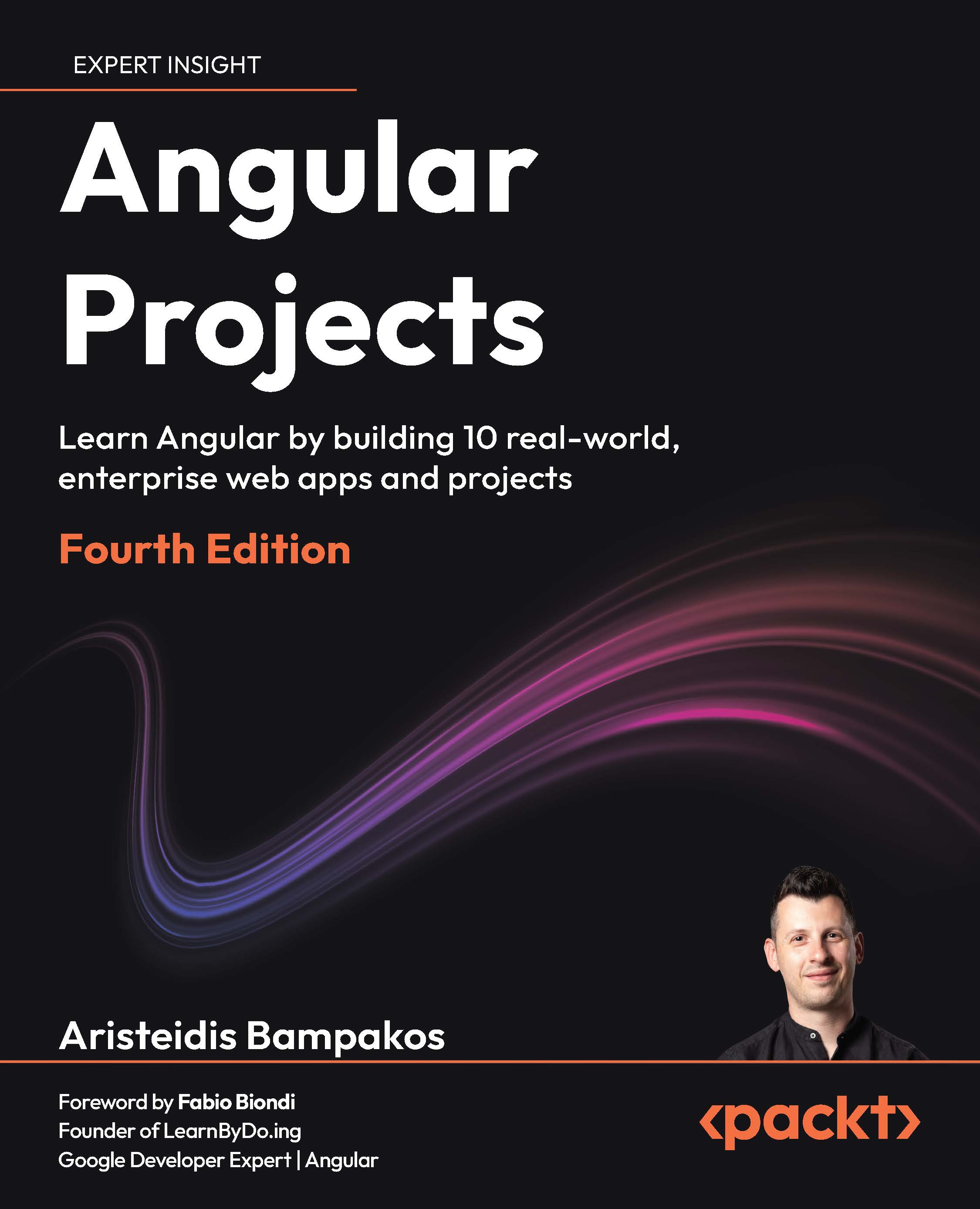
Angular Projects

Angular Projects - Fourth Edition

By : Aristeidis Bampakos
close
close
Angular Projects

Angular Projects

By: Aristeidis Bampakos

Overview of this book

Angular has evolved toward faster delivery, server rendering, and an enhanced developer experience. This book shows what that looks like in practice. Each project reflects how real teams work: forms, routing, data, and the small choices that make an app feel finished. You will build with just enough tech to matter: signals, template-driven and reactive forms; PrimeNG, Angular Material, and Telerik UI; Google Maps; drag-and-drop; and desktop features. You will also wire up backend NestJS with MongoDB, Firebase services, and email notifications, then improve delivery with SSR and SSG and focused Core Web Vitals improvements. Guided by Aristeidis Bampakos, a Google Developer Expert for Angular and an experienced team lead, you will learn practical patterns you can apply right from the get-go. By the end, you will not just “know” Angular. You will think like a front-end engineer who can deliver, portfolio in hand, job-ready and confident to level up in your current role.
Table of Contents (14 chapters)
close
close
12
Other Books You May Enjoy
13
Index

Angular tooling in VS Code

One of the most popular tools for developing with Angular is Visual Studio Code (VS Code). It contains a rich collection of extensions that we can install to enhance the developer experience with the Angular framework. We can find and install Angular extensions from the Extensions menu in the VS Code toolbar. In this section, we will use Profiles to install a curated collection of Angular extensions.

We add profiles from the Manage menu:

  1. Click on the button with the gear icon to access the Manage menu.
  2. Select the Profiles option from the pop-up menu.
  3. Click the down arrow in the New Profile button and select the From Template | Angular option. VS Code adds a new profile that contains settings and extensions useful for Angular development.
  4. Click the Create button to start the installation of the Angular profile. Depending on your VS Code configuration, you may be asked to allow the installation of third-party extensions.

The process will install extensions and configure VS Code according to the Angular profile. The profile can be enabled in the following ways:

  • Automatically: Check the Use this profile as the default for new windows to enable it for all VS Code windows by default
  • Manually: Use the Manage menu to switch to the Angular profile

It is recommended to use the manual approach if you are using VS Code to develop with other technology stacks in addition to Angular.

VS Code activates installed extensions when you enable the Angular profile. The projects that we will build in the following chapters do not use all of them. The most common ones are as follows:

  • Angular Language Service: This is developed and maintained by the Angular team, offering features such as code completion, navigation, and effective error diagnosis within Angular templates and classes.
  • Angular Schematics: This provides a way to create different parts of an Angular application through an intuitive user interface.
  • EditorConfig for VS Code: This can override VS Code settings such as indentation and spacing using a local configuration file.
  • Material Icon Theme: This extends the default VS Code icons by adding new ones that are based on Material Design Icons and the Angular framework.

VSCode uses the remaining extensions of the Angular profile according to the specific needs of an Angular application. For example, the Jest extension is helpful if you use the Jest test runner for unit testing. Similarly, the ESLint extension provides linting capabilities to an application when the ESLint library is installed.

We now have a basic configuration of VS Code that will help us develop Angular projects with confidence. In the following section, we will learn how to apply best practices in Angular development using AI assistive technology.

CONTINUE READING
83
Tech Concepts
36
Programming languages
73
Tech Tools
Icon Unlimited access to the largest independent learning library in tech of over 8,000 expert-authored tech books and videos.
Icon Innovative learning tools, including AI book assistants, code context explainers, and text-to-speech.
Icon 50+ new titles added per month and exclusive early access to books as they are being written.
Angular Projects
notes
bookmark Notes and Bookmarks search Search in title playlist Add to playlist download Download options font-size Font size

Change the font size

margin-width Margin width

Change margin width

day-mode Day/Sepia/Night Modes

Change background colour

Close icon Search
Country selected

Close icon Your notes and bookmarks

Confirmation

Modal Close icon
claim successful

Buy this book with your credits?

Modal Close icon
Are you sure you want to buy this book with one of your credits?
Close
YES, BUY

Submit Your Feedback

Modal Close icon
Modal Close icon
Modal Close icon