Sign In Start Free Trial
Account

Add to playlist

Create a Playlist

Modal Close icon
You need to login to use this feature.
  • Book Overview & Buying Python Automation Cookbook
  • Table Of Contents Toc
Python Automation Cookbook

Python Automation Cookbook - Third Edition

By : Jaime Buelta
close
close
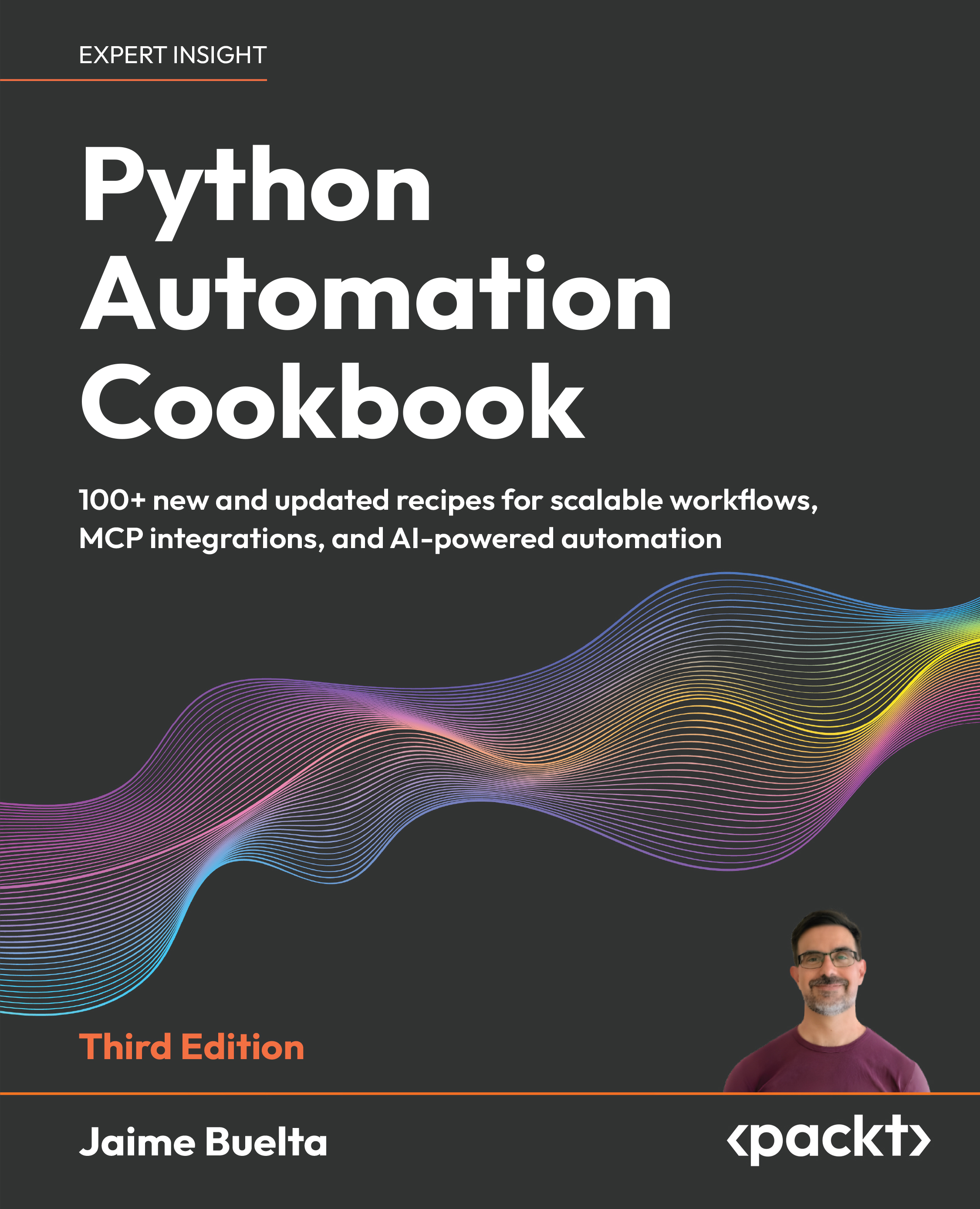
Python Automation Cookbook

Python Automation Cookbook

By: Jaime Buelta

Overview of this book

Automating repetitive tasks and integrating systems efficiently becomes increasingly complex as workflows scale. This book helps you solve that problem with practical Python recipes that guide you from foundational automation to advanced, AI-powered workflows. You start by building a strong base in Python automation, exploring tested solutions for file handling, web scraping, APIs, testing, and system operations, and learning how to design reliable automation workflows. The cookbook approach enables you to quickly apply solutions to real problems while building a deeper understanding through hands-on practice. This third edition expands the scope of automation by introducing AI-powered capabilities. You learn how to call AI models within your scripts, use and implement the Model Context Protocol (MCP) for system integration, and design intelligent agents that automate decision-making processes. New chapters provide real-world examples of AI agents in business automation, helping you move beyond scripts to adaptive systems. This book combines practical knowledge with modern techniques to ensure you stay current with evolving automation practices. By the end of this book, you will be able to design, build, and extend Python automation workflows, including AI-driven solutions, to handle complex real-world tasks with confidence.
Table of Contents (20 chapters)
close
close
18
Other Books You May Enjoy
19
Index

Extracting data from structured strings

In a lot of automated tasks, we'll need to treat input text structured in a known format and extract the relevant information. For example, a spreadsheet may mention a percentage in a piece of text (such as 37.4%) and we want to retrieve it in a numerical format to apply it later (0.374, as a float).

In this recipe, we'll learn how to process sale logs that contain inline information about a product, such as whether it has been sold, its price, profit made, and other information.

Getting ready

Imagine that we need to parse information stored in sales logs. We'll use a sales log with the following structure:

[<Timestamp in iso format>] - SALE - PRODUCT: <product id> - PRICE: $<price of the sale>

For example, a specific log may look like this:

[2018-05-05T10:58:41.504054] - SALE - PRODUCT: 1345 - PRICE: $09.99

Note that the price has a leading zero. All prices will have two digits for the dollars and two for the cents.

The standard ISO 8601 defines standard ways of representing the time and date. It is widely used in the computing world and can be parsed and generated by virtually any computer language.

How to do it…

  1. In the Python interpreter, make the following imports. Remember to run uv run python, which will use your virtualenv, as described in the section Working with multiple Python versions and virtual environments with uv:
    >>> import pendulum
    >>> from decimal import Decimal

    We will use Decimal type to keep precision at all times. More information later in the recipe

  2. Enter the log to parse:
    >>> log = '[2025-05-05T11:07:12.267897] - SALE - PRODUCT: 1345 - PRICE: $09.99'
  3. Split the log into its parts, which are divided by - (note the space before and after the dash). We ignore the SALE part as it doesn't add any relevant information:
    >>> divide_it = log.split(' - ')
    >>> timestamp_string, _, product_string, price_string = divide_it
  4. Parse the timestamp into a datetime object:
    >>> timestamp = pendulum.parse(timestamp_string.strip('[]'))
  5. Parse the product_id into an integer:
    >>> product_id = int(product_string.split(':')[-1])
  6. Parse the price into a Decimal type:
    >>> price = Decimal(price_string.split('$')[-1])
  7. Now you have all of the values in native Python format:
    >>> timestamp, product_id, price
    (DateTime(2025, 5, 5, 11, 7, 12, 267897, tzinfo=Timezone('UTC')), 1345, Decimal('9.99'))

How it works…

The basic working of this is to isolate each of the elements and then parse them into the proper type. The first step is to split the full log into smaller parts. The (dash) string is a good divider, as it splits it into four parts—a timestamp one, one with just the word SALE, the product, and the price.

In the case of the timestamp, we need to isolate the ISO format, which is in brackets in the log. That's why the timestamp has the brackets stripped from it. We use the pendulum module (introduced earlier) to parse it into a DateTime object.

The word SALE is ignored. There's no relevant information there.

To isolate the product ID, we split the product part at the colon. Then we parse the last element as an integer:

>>> product_string.split(':')
['PRODUCT', ' 1345']
>>> int(' 1345')
1345

To divide the price, we use the dollar sign as a separator, and parse it as a Decimal character:

>>> price_string.split('$')
['PRICE: ', '09.99']
>>> Decimal('09.99')
Decimal('9.99')

As described in the next section, do not parse this value into a float type, as it will change the precision.

There's more…

These log elements can be combined together into a single object, helping to parse and aggregate them. For example, we could define a class in Python code in the following way:

class PriceLog(object):
  def __init__(self, timestamp, product_id, price):
    self.timestamp = timestamp
    self.product_id = product_id
    self.price = price
  def __repr__(self):
    return '<PriceLog ({}, {}, {})>'.format(self.timestamp,
                                            self.product_id,
                                            self.price)
  @classmethod
  def parse(cls, text_log):
    '''
    Parse from a text log with the format
    [<Timestamp>] - SALE - PRODUCT: <product id> - PRICE: $<price>
    to a PriceLog object
    '''
    divide_it = text_log.split(' - ')
    tmp_string, _, product_string, price_string = divide_it
    timestamp = pendulum.parse(tmp_string.strip('[]'))
    product_id = int(product_string.split(':')[-1])
    price = Decimal(price_string.split('$')[-1])
    return cls(timestamp=timestamp, product_id=product_id, price=price)

So, the parsing can be done as follows:

>>> log = '[2018-05-05T12:58:59.998903] - SALE - PRODUCT: 897 - PRICE: $17.99'
>>> PriceLog.parse(log)
<PriceLog (2018-05-05 12:58:59.998903+00:00, 897, 17.99)>

Avoid using float types for prices. Floats have precision problems that may produce strange errors when aggregating multiple prices, for example:

>>> 0.1 + 0.1 + 0.1
0.30000000000000004

Try these two options to avoid any problems:

  • Use integer cents as the base unit: This means multiplying currency inputs by 100 and transforming them into Integers (or whatever fractional unit is correct for the currency used). You may still want to change the base when displaying them.
  • Parse into the decimal type: The Decimal type keeps the fixed precision and works as you'd expect. You can find further information about the Decimal type in the Python documentation at https://docs.python.org/3.8/library/decimal.html.

If you use the Decimal type, parse the results directly into Decimal from the string. If transforming it first into a float, you can carry the precision errors to the new type.

Parsing data is also something where GenAI can help, but be sure to confirm that the results are as expected. In my experience GenAI tools will try to use regular expressions and not convert the types into the proper ones (e.g. not transforming prices into Decimal, but instead keeping them as strings or transforming them into float values)

See also

  • The Creating a virtual environment recipe, covered earlier in the chapter, to learn how to start a virtual environment with installed modules.
  • The next recipe, Using a third-party tool—parse, to further your knowledge of how to use third-party tools to deal with text.
  • The Introducing regular expressions recipe, later in the chapter, to learn how to detect and extract patterns from text.
  • The Going deeper into regular expressions recipe, later in the chapter, to further your knowledge of regular expressions.
CONTINUE READING
83
Tech Concepts
36
Programming languages
73
Tech Tools
Icon Unlimited access to the largest independent learning library in tech of over 8,000 expert-authored tech books and videos.
Icon Innovative learning tools, including AI book assistants, code context explainers, and text-to-speech.
Icon 50+ new titles added per month and exclusive early access to books as they are being written.
Python Automation Cookbook
notes
bookmark Notes and Bookmarks search Search in title playlist Add to playlist download Download options font-size Font size

Change the font size

margin-width Margin width

Change margin width

day-mode Day/Sepia/Night Modes

Change background colour

Close icon Search
Country selected

Close icon Your notes and bookmarks

Confirmation

Modal Close icon
claim successful

Buy this book with your credits?

Modal Close icon
Are you sure you want to buy this book with one of your credits?
Close
YES, BUY

Submit Your Feedback

Modal Close icon
Modal Close icon
Modal Close icon