


-
Book Overview & Buying
-
Table Of Contents

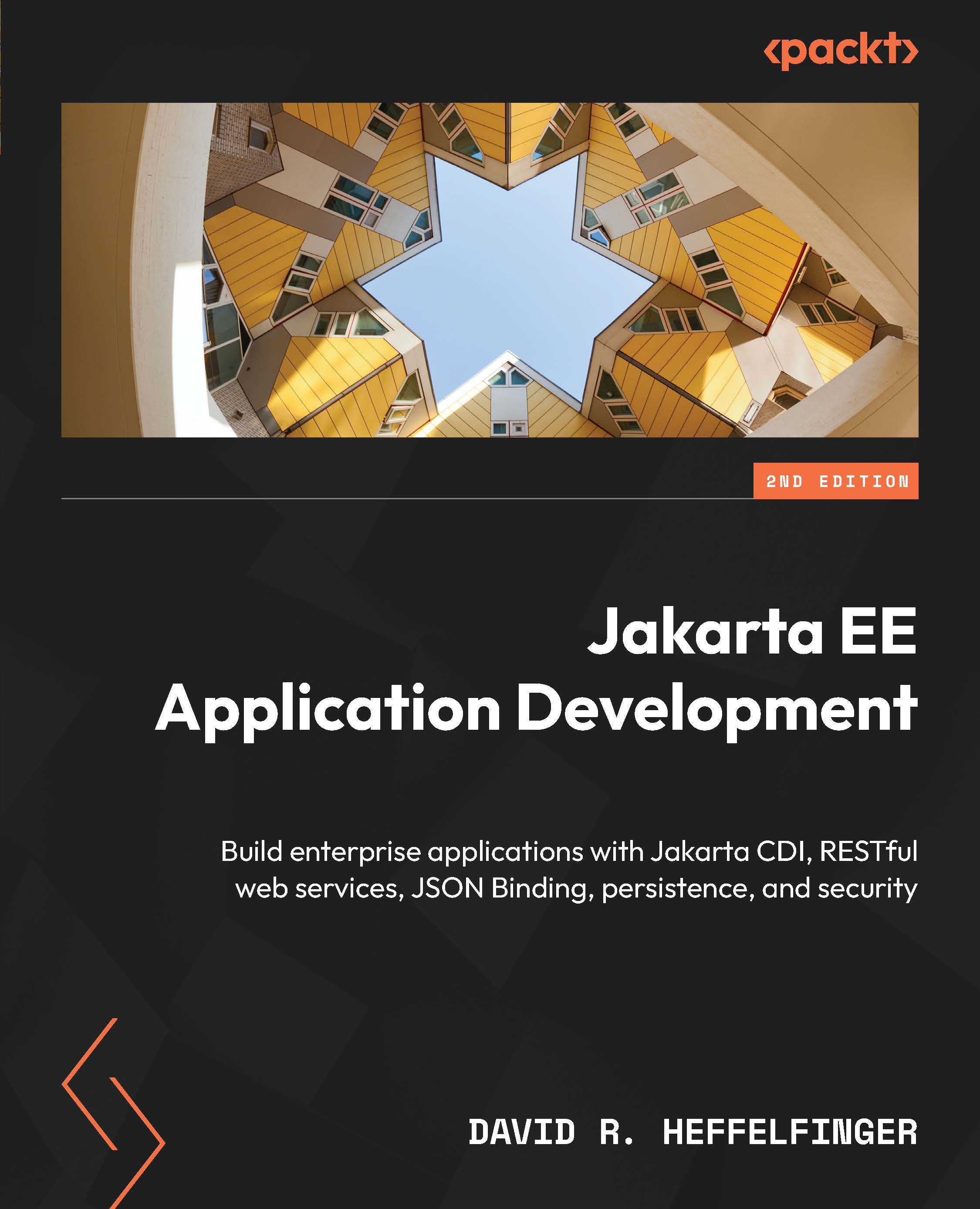
Jakarta EE Application Development - Second Edition
By :


Jakarta EE Application Development
By:
Overview of this book
Jakarta EE stands as a robust standard with multiple implementations, presenting developers with a versatile toolkit for building enterprise applications. However, despite the advantages of enterprise application development, vendor lock-in remains a concern for many developers, limiting flexibility and interoperability across diverse environments.
This Jakarta EE application development guide addresses the challenge of vendor lock-in by offering comprehensive coverage of the major Jakarta EE APIs and goes beyond the basics to help you develop applications deployable on any Jakarta EE compliant runtime.
This book introduces you to JSON Processing and JSON Binding and shows you how the Model API and the Streaming API are used to process JSON data. You’ll then explore additional Jakarta EE APIs, such as WebSocket and Messaging, for loosely coupled, asynchronous communication and discover ways to secure applications with the Jakarta EE Security API. Finally, you'll learn about Jakarta RESTful web service development and techniques to develop cloud-ready microservices in Jakarta EE.
By the end of this book, you'll have developed the skills to craft secure, scalable, and cloud-native microservices that solve modern enterprise challenges.
Table of Contents (18 chapters)
Preface


 Free Chapter
Chapter 1: Introduction to Jakarta EE

Chapter 2: Contexts and Dependency Injection
Chapter 3: Jakarta RESTful Web Services
Chapter 4: JSON Processing and JSON Binding
Chapter 5: Microservices Development with Jakarta EE
Chapter 6: Jakarta Faces
Chapter 7: Additional Jakarta Faces Features
Chapter 8: Object Relational Mapping with Jakarta Persistence
Chapter 9: WebSockets
Chapter 10: Securing Jakarta EE Applications
Chapter 11: Servlet Development and Deployment
Chapter 12: Jakarta Enterprise Beans
Chapter 13: Jakarta Messaging
Chapter 14: Web Services with Jakarta XML Web Services
Chapter 15: Putting it All Together
Index


