


-
Book Overview & Buying
-
Table Of Contents

Go Recipes for Developers
By :


Go Recipes for Developers
By:
Overview of this book
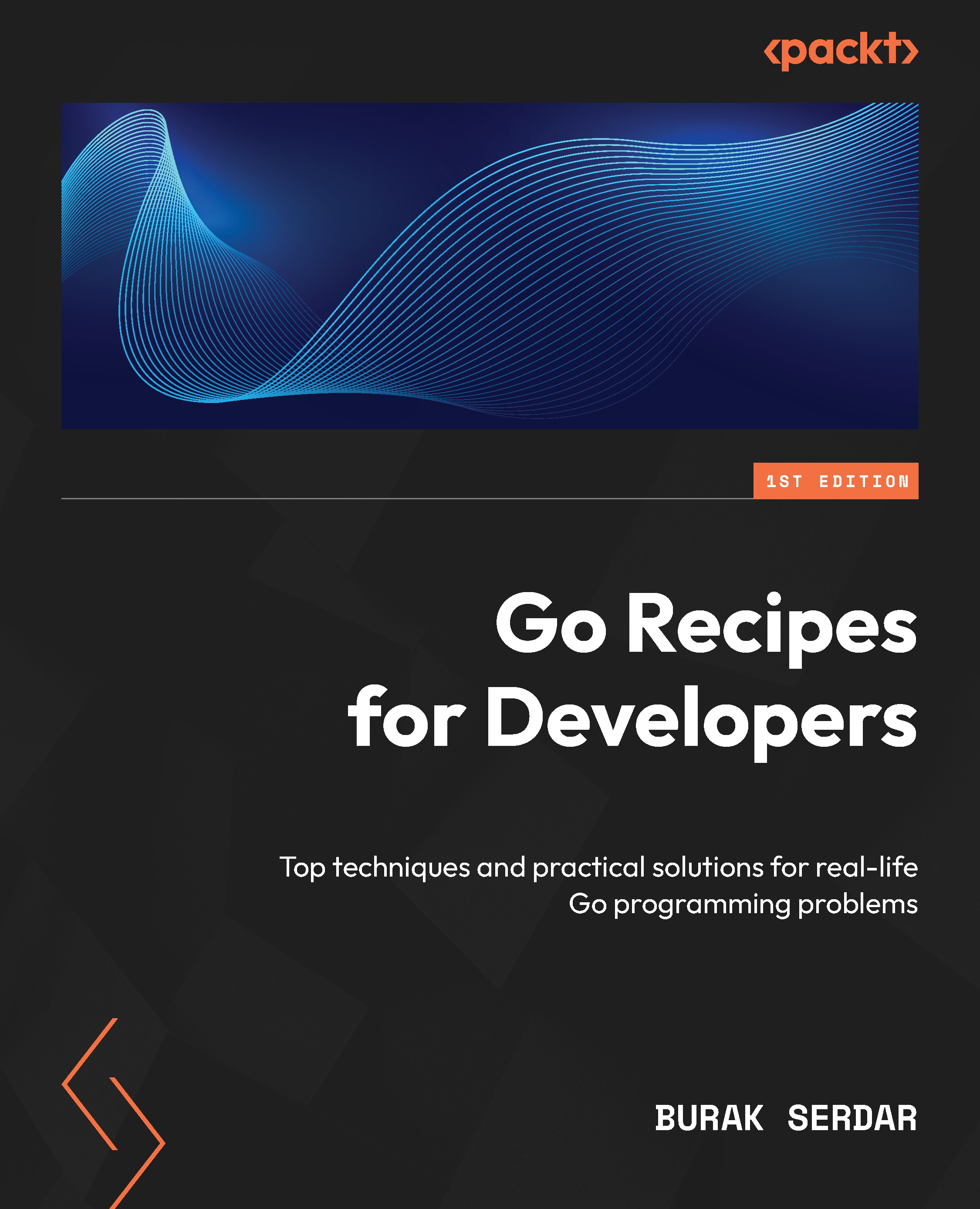
With its simple syntax and sensible conventions, Go has emerged as the language of choice for developers in network programming, web services, data processing, and other settings. This practical guide helps engineers leverage Go through up-to-date recipes that solve common problems in day-to-day programming. Drawing from three decades of distributed systems engineering and technical leadership at companies like Red Hat, Burak Serdar brings battle-tested expertise in building robust, scalable applications.
He starts by covering basics of code structure, describing different approaches to organizing packages for different types of projects. You’ll discover practical solutions to engineering challenges in network programming, dealing with processes, databases, data processing pipelines, and testing. Each chapter provides working solutions and production-ready code snippets that you can seamlessly incorporate into your programs while working in sequential and concurrent settings. The solutions leverage the more recent additions to the Go language, such as generics and structured logging. Most of the examples are developed using the Go standard library without any third-party packages.
By the end of this book, you’ll have worked through a collection of proven recipes that will equip you accelerate your Go development journey.
Table of Contents (20 chapters)
Preface


 Free Chapter
Chapter 1: Project Organization

Chapter 2: Working with Strings
Chapter 3: Working with Date and Time
Chapter 4: Working with Arrays, Slices, and Maps
Chapter 5: Working with Types, Structs, and Interfaces
Chapter 6: Working with Generics
Chapter 7: Concurrency
Chapter 8: Errors and Panics
Chapter 9: The Context Package
Chapter 10: Working with Large Data
Chapter 11: Working with JSON
Chapter 12: Processes
Chapter 13: Network Programming
Chapter 14: Streaming Input/Output
Chapter 15: Databases
Chapter 16: Logging
Chapter 17: Testing, Benchmarking, and Profiling
Index


