
Sign In Start Free Trial
Account

Add to playlist

Create a Playlist

Modal Close icon
You need to login to use this feature.
  • Book Overview & Buying Mastering Go
  • Table Of Contents Toc
  • Feedback & Rating feedback
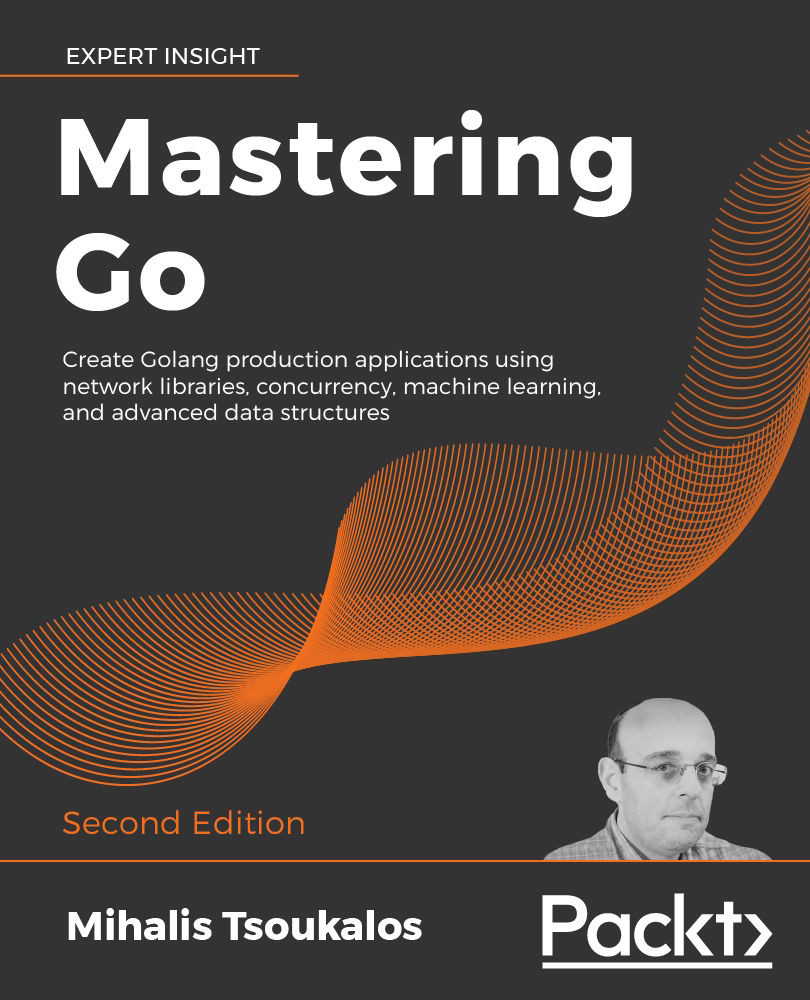
Mastering Go

Mastering Go - Second Edition

By : Mihalis Tsoukalos
4.1 (33)
close
close
Mastering Go

Mastering Go

4.1 (33)
By: Mihalis Tsoukalos

Overview of this book

Often referred to (incorrectly) as Golang, Go is the high-performance systems language of the future. Mastering Go, Second Edition helps you become a productive expert Go programmer, building and improving on the groundbreaking first edition. Mastering Go, Second Edition shows how to put Go to work on real production systems. For programmers who already know the Go language basics, this book provides examples, patterns, and clear explanations to help you deeply understand Go’s capabilities and apply them in your programming work. The book covers the nuances of Go, with in-depth guides on types and structures, packages, concurrency, network programming, compiler design, optimization, and more. Each chapter ends with exercises and resources to fully embed your new knowledge. This second edition includes a completely new chapter on machine learning in Go, guiding you from the foundation statistics techniques through simple regression and clustering to classification, neural networks, and anomaly detection. Other chapters are expanded to cover using Go with Docker and Kubernetes, Git, WebAssembly, JSON, and more. If you take the Go programming language seriously, the second edition of this book is an essential guide on expert techniques.
Table of Contents (15 chapters)
close
close

Running Go code

You now need to know how to execute hw.go or any other Go application. As will be explained in the two subsections that follow, there are two ways to execute Go code: as a compiled language, using go build, or by mimicking a scripting language, using go run. So let us find out more about these two ways of running Go code.

Compiling Go code

To compile Go code and create a binary executable file, we need to use the go build command. What go build does is create an executable file for us to distribute and execute manually. This means that when using go build, an extra step is required to run the executable file.

The generated executable is automatically named after the source code filename without the .go file extension. Therefore, because of the hw.go source filename, the executable will be called hw. If this is not what you want, go build supports the -o option, which allows you to change the filename and the path of the generated executable file. As an example, if you want to name the executable file a helloWorld, you should execute go build -o helloWorld hw.go instead. If no source files are provided, go build looks for a main package in the current directory.

After that, you need to execute the generated executable binary file on your own. In our case, this means executing either hw or helloWorld. This is shown in the following output:

$ go build hw.go
$ ./hw
Hello World!

Now that we know how to compile Go code, let us continue using Go as if it were a scripting language.

Using Go like a scripting language

The go run command builds the named Go package, which in this case is the main package implemented in a single file, creates a temporary executable file, executes that file, and deletes it once it is done—to our eyes, this looks like using a scripting language while the Go compiler still creates a binary executable. In our case, we can do the following:

$ go run hw.go
Hello World!

Using go run is a better choice when testing code. However, if you want to create and distribute an executable binary, then go build is the way to go.

Important formatting and coding rules

You should know that Go comes with some strict formatting and coding rules that help a developer avoid rookie mistakes and bugs—once you learn these few rules and Go idiosyncrasies as well as the implications they have on your code, you will be free to concentrate on the actual functionality of your code. Additionally, the Go compiler is here to help you follow these rules with its expressive error messages and warnings. Last, Go offers standard tooling (gofmt) that can format your code for you, so you never have to think about it.

The following is a list of important Go rules that will help you while reading this chapter:

  • Go code is delivered in packages, and you are free to use the functionality found in existing packages. There is a Go rule that says that if you import a package, you should use it in some way (call a function or use a datatype), or the compiler is going to complain. There exist exceptions to this rule that mainly have to do with packages that initialize connections with database and TCP/IP servers, but they are not important for now. Packages are covered in Chapter 6, Go Packages and Functions.
  • You either use a variable or you do not declare it at all. This rule helps you avoid errors such as misspelling an existing variable or function name.
  • There is only one way to format curly braces in Go.
  • Coding blocks in Go are embedded in curly braces, even if they contain just a single statement or no statements at all.
  • Go functions can return multiple values.
  • You cannot automatically convert between different data types, even if they are of the same kind. As an example, you cannot implicitly convert an integer to a floating point.

Go has more rules, but the preceding ones are the most important and will keep you going for most of the book. You are going to see all these rules in action in this chapter as well as in other chapters. For now, let’s consider the only way to format curly braces in Go because this rule applies everywhere.

Look at the following Go program named curly.go:

package main
import (
    "fmt"
)
func main() 
{
    fmt.Println("Go has strict rules for curly braces!")
}

Quick tip: Enhance your coding experience with the AI Code Explainer and Quick Copy features. Open this book in the next-gen Packt Reader. Click the Copy button (1) to quickly copy code into your coding environment, or click the Explain button (2) to get the AI assistant to explain a block of code to you.

The next-gen Packt Reader is included for free with the purchase of this book. Unlock it by scanning the QR code below or visiting https://www.packtpub.com/unlock/9781805127147.

Although it looks just fine, if you try to execute it, you will be disappointed because the code will not compile and, therefore, you will get the following syntax error message:

$ go run curly.go
# command-line-arguments
./curly.go:7:6: missing function body
./curly.go:8:1: syntax error: unexpected semicolon or newline before {

The official explanation for this error message is that Go requires the use of semicolons as statement terminators in many contexts, and the compiler implicitly inserts the required semicolons when it thinks that they are necessary. Therefore, putting the opening curly brace ({) in its own line will make the Go compiler insert a semicolon at the end of the previous line (func main()), which is the main cause of the error message.

The correct way to write the previous code is the following:

package main
import (
    "fmt"
)
func main() {
    fmt.Println("Go has strict rules for curly braces!")
}

After learning about this global rule, let us continue by presenting some important characteristics of Go.

Visually different images
CONTINUE READING
83
Tech Concepts
36
Programming languages
73
Tech Tools
Icon Unlimited access to the largest independent learning library in tech of over 8,000 expert-authored tech books and videos.
Icon Innovative learning tools, including AI book assistants, code context explainers, and text-to-speech.
Icon 50+ new titles added per month and exclusive early access to books as they are being written.
Mastering Go
notes
bookmark Notes and Bookmarks search Search in title playlist Add to playlist download Download options font-size Font size

Change the font size

margin-width Margin width

Change margin width

day-mode Day/Sepia/Night Modes

Change background colour

Close icon Search
Country selected

Close icon Your notes and bookmarks

Confirmation

Modal Close icon
claim successful

Buy this book with your credits?

Modal Close icon
Are you sure you want to buy this book with one of your credits?
Close
YES, BUY

Submit Your Feedback

Modal Close icon
Modal Close icon
Modal Close icon