
Sign In Start Free Trial
Account

Add to playlist

Create a Playlist

Modal Close icon
You need to login to use this feature.
  • Book Overview & Buying Mastering Windows Presentation Foundation
  • Table Of Contents Toc
Mastering Windows Presentation Foundation

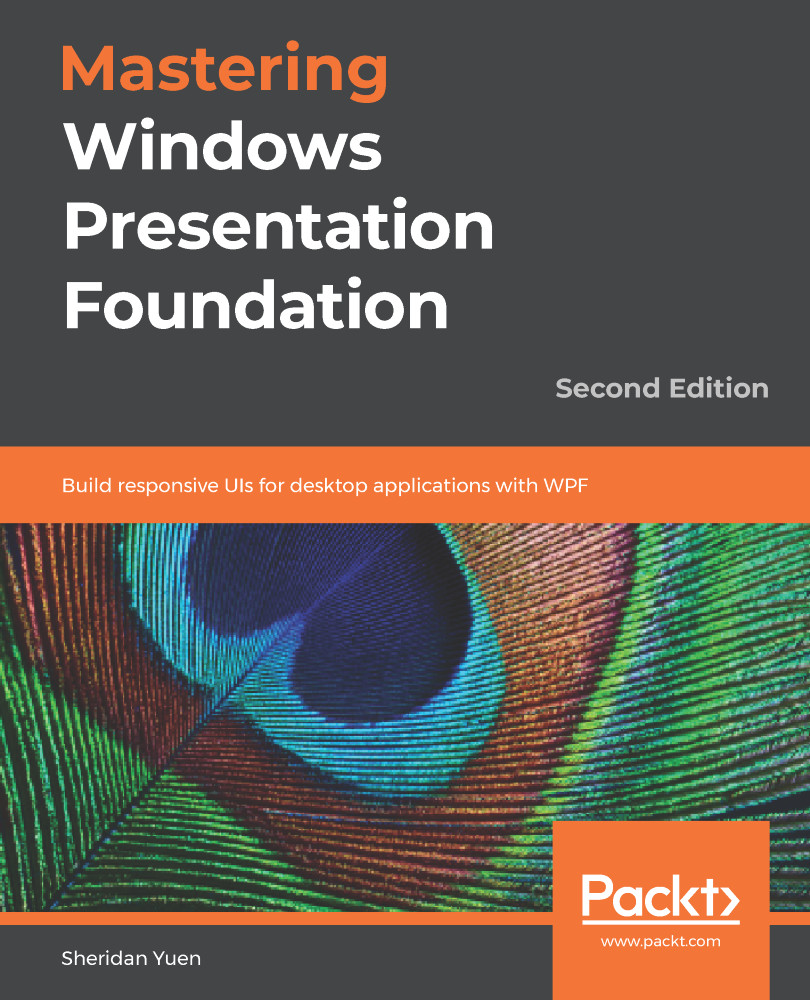
Mastering Windows Presentation Foundation - Second Edition

By : Yuen
2.8 (9)
close
close
Mastering Windows Presentation Foundation

Mastering Windows Presentation Foundation

2.8 (9)
By: Yuen

Overview of this book

Microsoft Windows Presentation Foundation (WPF) provides a rich set of libraries and APIs for developers to create engaging user experiences. This book features a wide range of examples, from simple to complex, to demonstrate how to develop enterprise-grade applications with WPF. This updated second edition of Mastering Windows Presentation Foundation starts by introducing the benefits of using the Model-View-View Model (MVVM) software architectural pattern with WPF, then moves on, to explain how best to debug our WPF applications. It explores application architecture, and we learn how to build the foundation layer of our applications. It then demonstrates data binding in detail, and examines the various built-in WPF controls and a variety of ways in which we can customize them to suit our requirements. We then investigate how to create custom controls, for when the built-in functionality in WPF cannot be adapted for our needs. The latter half of the book deals with polishing our applications, using practical animations, stunning visuals and responsive data validation. It then moves on, to look at improving application performance, and ends with tutorials on several methods of deploying our applications.
Table of Contents (15 chapters)
close
close
Adapting the Built-In Controls

The .NET Framework comes with a plethora of built-in controls that cover most real-world scenarios. And when we need something slightly different, we have seen that we can utilize the WPF styling and/or templating systems to adapt them to our requirements. However, there are also further ways of adjusting the built-in controls to suit our needs.

Each .NET control has a number of methods, each named with the prefix On, for example, OnInitialized or OnApplyTemplate. These are protected methods, that can be overridden in any custom class that extends a .NET control. They are called at certain points in the control's lifetime and enable us to change the default behavior of each control.

They enable us to do things as simple as starting a process as soon as a control has been initialized, or accessing a named control from a custom ControlTemplate...

Visually different images
CONTINUE READING
83
Tech Concepts
36
Programming languages
73
Tech Tools
Icon Unlimited access to the largest independent learning library in tech of over 8,000 expert-authored tech books and videos.
Icon Innovative learning tools, including AI book assistants, code context explainers, and text-to-speech.
Icon 50+ new titles added per month and exclusive early access to books as they are being written.
Mastering Windows Presentation Foundation
notes
bookmark Notes and Bookmarks search Search in title playlist Add to playlist download Download options font-size Font size

Change the font size

margin-width Margin width

Change margin width

day-mode Day/Sepia/Night Modes

Change background colour

Close icon Search
Country selected

Close icon Your notes and bookmarks

Confirmation

Modal Close icon
claim successful

Buy this book with your credits?

Modal Close icon
Are you sure you want to buy this book with one of your credits?
Close
YES, BUY

Submit Your Feedback

Modal Close icon
Modal Close icon
Modal Close icon